

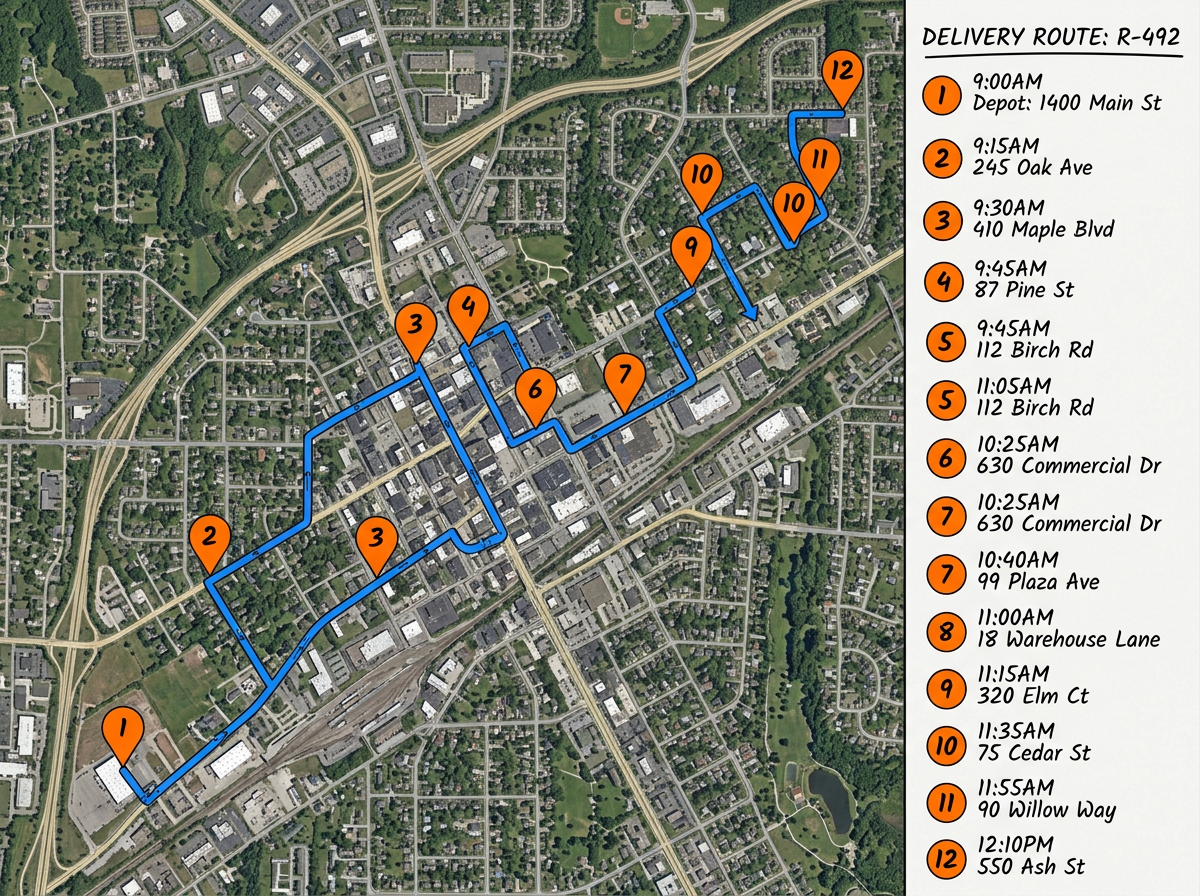
Multi-stop delivery routes
Drop every delivery address in one map. Reorder stops to cut backtracking and share the route with your driver before they leave the depot.

 English
 Español
 Français
 Deutsch
 Português
 日本語
 中文
 العربية
 한국어
 Italiano
 Русский
 Türkçe
 Nederlands
 Polski
 हिन्दी
 Dansk
 Čeština
 Română
 Ελληνικά
 Tiếng Việt
 Suomi
 Українська
 Indonesia
 Svenska
 Norsk bokmål
 Hrvatski
 Magyar
 Български
 中文(繁體)
 Slovenčina
 Srpski
 ไทย
 Eesti
 Català
 Lietuvių
 עברית
 Slovenščina
 فارسی
 Latviešu
 Azərbaycan
 Беларуская
 Melayu
 Bosanski
 ქართული
 Shqip
 Gaeilge
 Монгол
 ဗမာ
 O‘zbek
 اُردو
 Македонски
 ខ្មែរ
 Nynorsk
 বাংলা
 Galego
 Euskara
 Íslenska
 தமிழ்
 ລາວ
 ગુજરાતી
 Latina
 मराठी
 Қазақ тілі
 ਪੰਜਾਬੀ
 Afrikaans
 नेपाली
 አማርኛ
 తెలుగు
 ChiShona
 Cymraeg
 Føroyskt
 অসমীয়া
 Brezhoneg
 Esperanto
 Basa Jawa
 کٲشُر
 Ирон
 Sardu
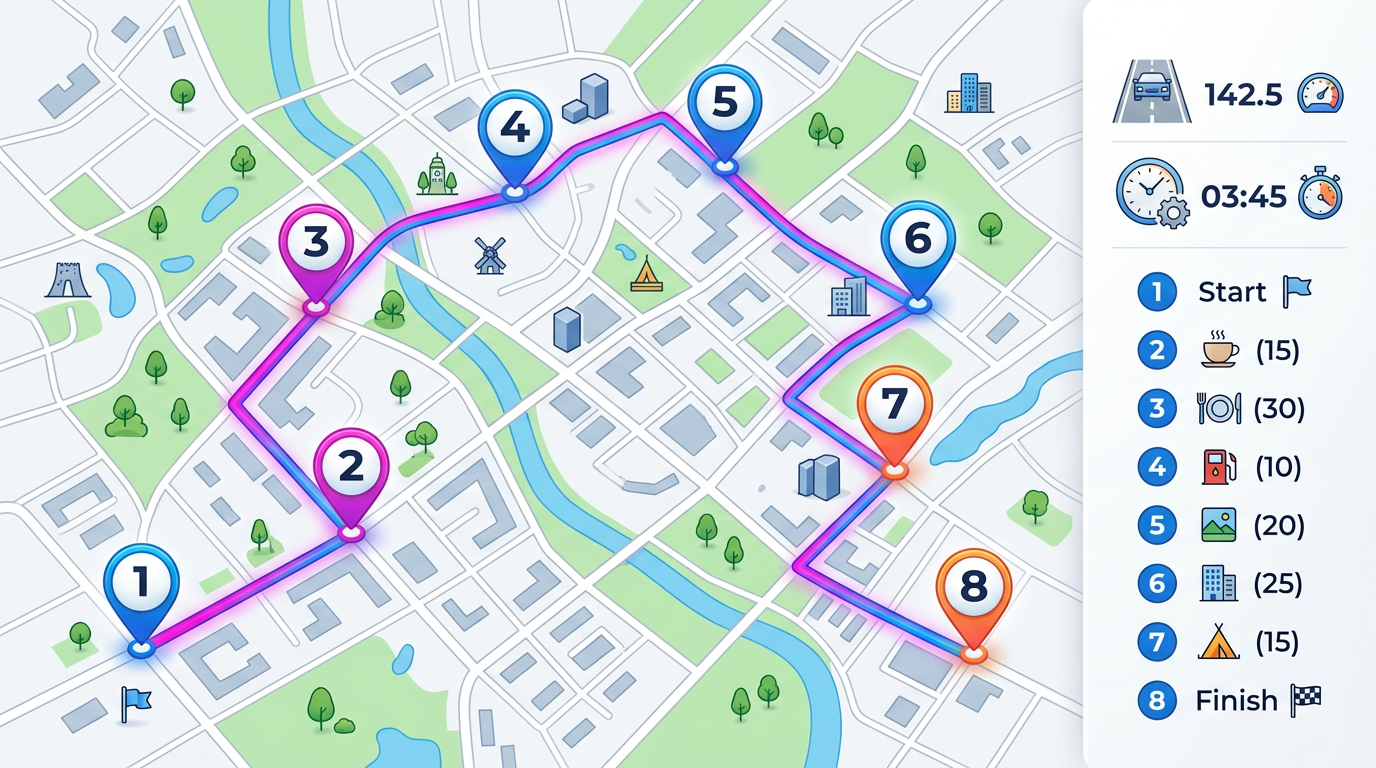
Drop addresses on a map, drag to reorder, and see the full route with distance and time. Share a single link with your driver or crew so they always have the latest plan in their pocket.
★ ★ ★ ★ ★“Route finding is beneficial for our couriers that need to establish the border line between each courier.”
Type or paste a list of stops. Drop them on the map, then drag pins to set the order. The route line and total distance update right away.
Send the route to your driver or crew with a single link. Open it on any phone or computer to see every stop and the full path.
Import a CSV or spreadsheet of addresses to skip manual entry. Update the file later and refresh the map without rebuilding the route.
Drop every delivery address in one map. Reorder stops to cut backtracking and share the route with your driver before they leave the depot.
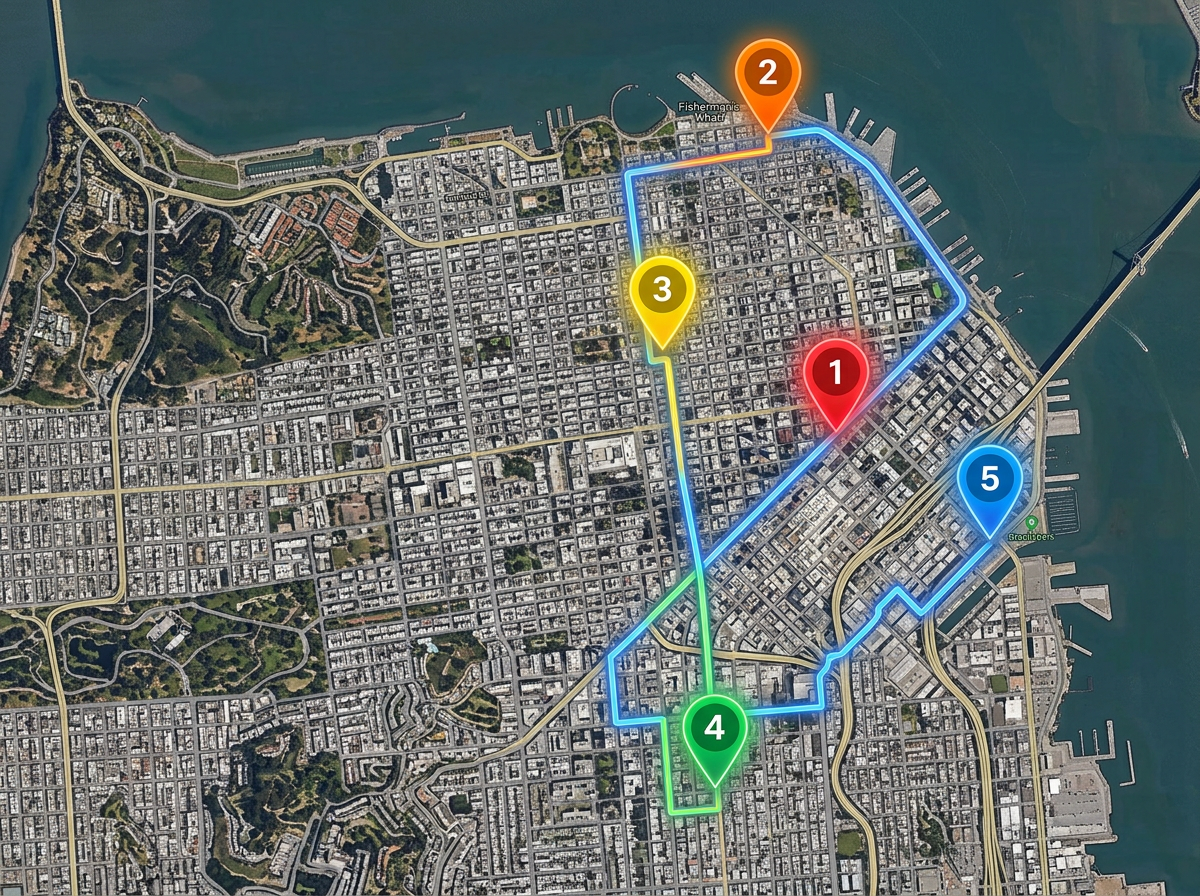
Plan a day of customer visits in the order that makes sense. Group nearby accounts so reps spend more time selling and less time driving.
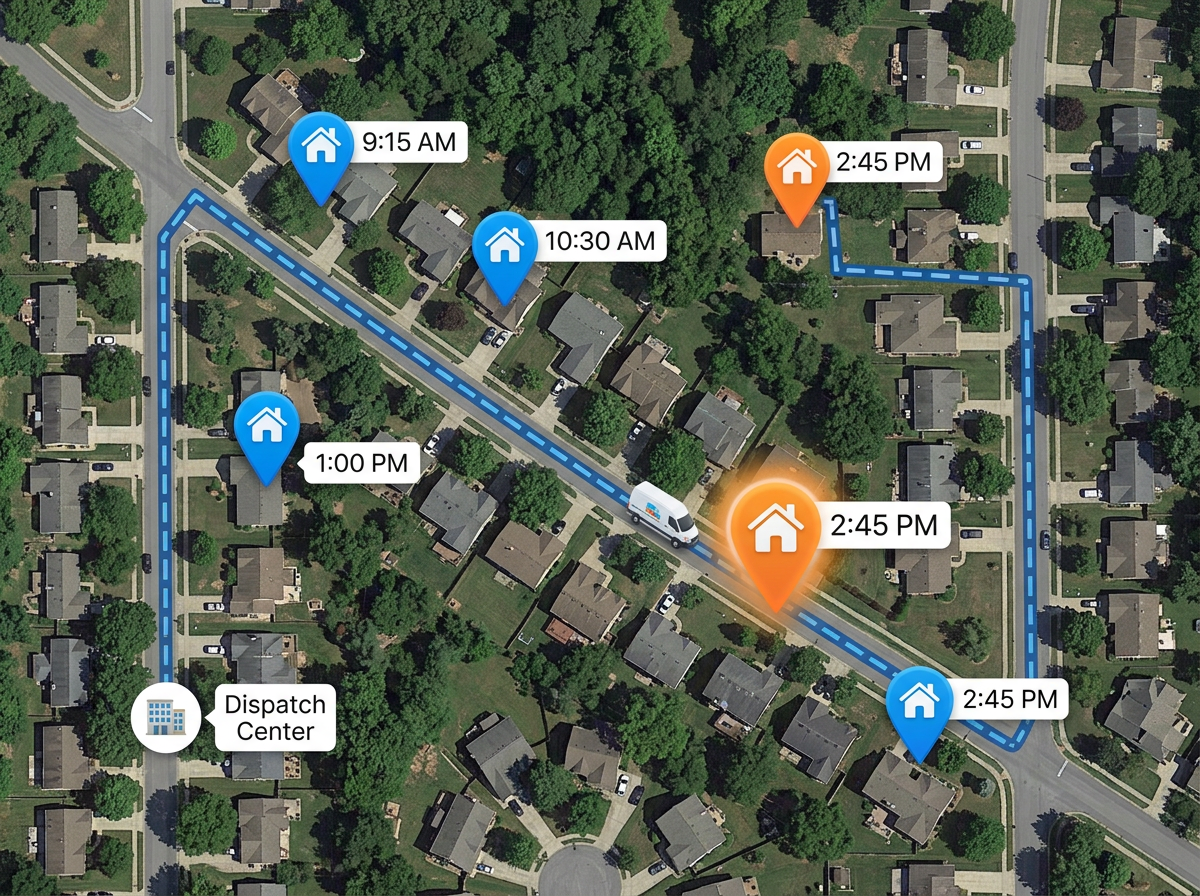
Build the day's job list on a map. Crews see every stop, the order, and the route path. Office staff can update the list and crews see it.
Scribble AI
告訴Scribble AI您需要什麼。試試「在每個地點周圍繪製500m緩衝區」、「匯入此CSV並依狀態著色」或「測量從倉庫到每個停靠點的路線」。幾秒鐘就能完成。無需GIS訓練,您的團隊也能取得同一張可直接分享的地圖。
試用Scribble AI →Route planning means picking the order of your stops and drawing the path between them on a map. You can see total distance, share the route, and update it any time.
Yes. Paste a list or import a CSV. Each row becomes a pin on the map. From there you can reorder the stops and share the route.
Click Share to copy a link. Open the link on any phone or laptop to see every stop and the route path. You can also send a private or password protected link.
Yes. Edit the route any time. The next time your driver opens the link they see the latest plan, so you do not need to send it again.