 English
 Español
 Français
 Deutsch
 Português
 日本語
日本語
 中文
中文
 العربية
 한국어
한국어
 Italiano
 Русский
 Türkçe
 Nederlands
 Polski
 हिन्दी
 Dansk
Dansk
 Čeština
 Română
 Ελληνικά
 Tiếng Việt
 Suomi
Suomi



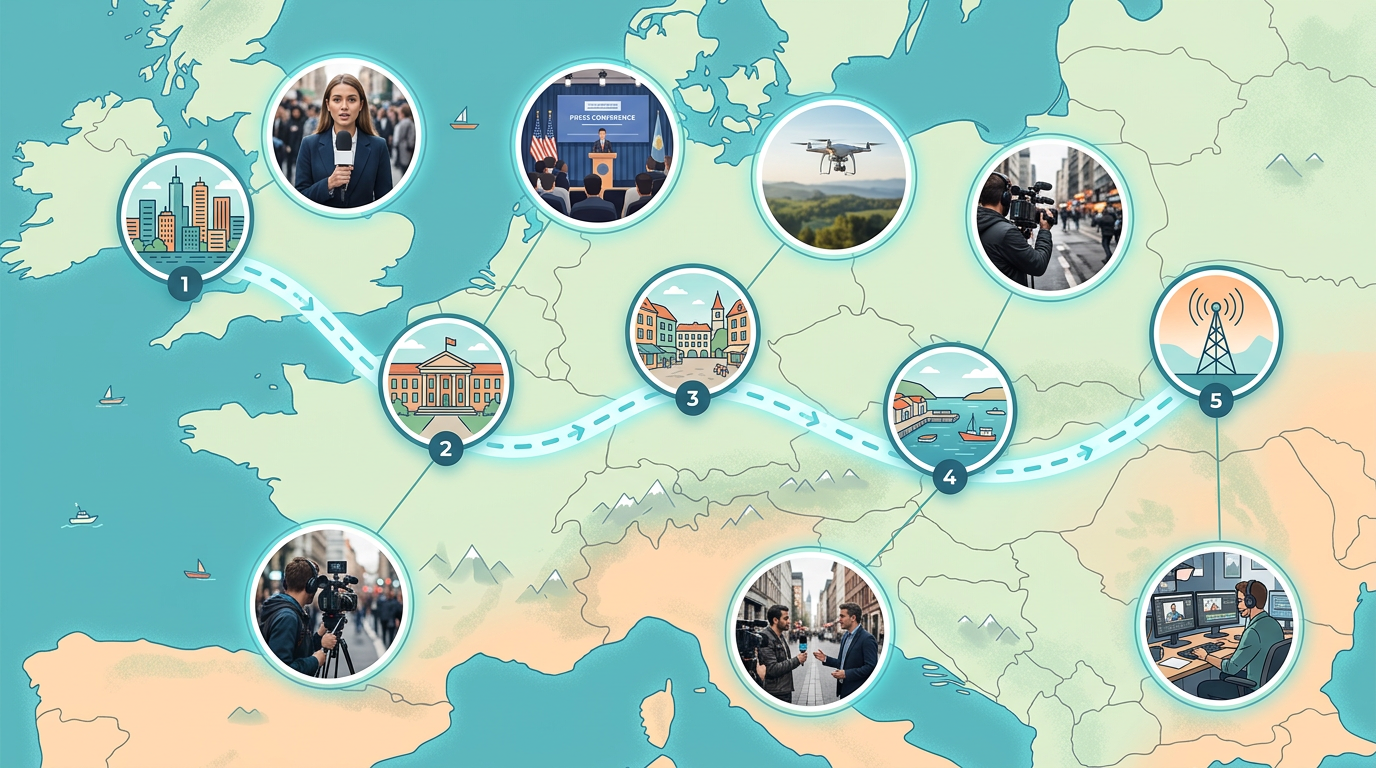
Breaking news location maps
Show readers where events are happening. Drop pins on key locations, label them clearly, and embed the map in your article within minutes.

Build maps for breaking news, feature stories, and data journalism. Drop pins on events, draw boundaries, and embed interactive maps in your articles.
 4.7 / 5 · 200 reviews on G2
★ ★ ★ ★ ★“Scribble Maps lets our newsroom create professional maps in minutes. We used to wait days for graphics. Now reporters can build their own maps while writing the story.”
Pin locations, draw routes, and mark areas on satellite or street maps. Show readers exactly where events happened.
Copy the embed code and paste it into WordPress, Medium, or any CMS. The map loads fast and works on mobile.
Edit your map and readers see changes right away. Perfect for breaking news and developing stories.
Show readers where events are happening. Drop pins on key locations, label them clearly, and embed the map in your article within minutes.
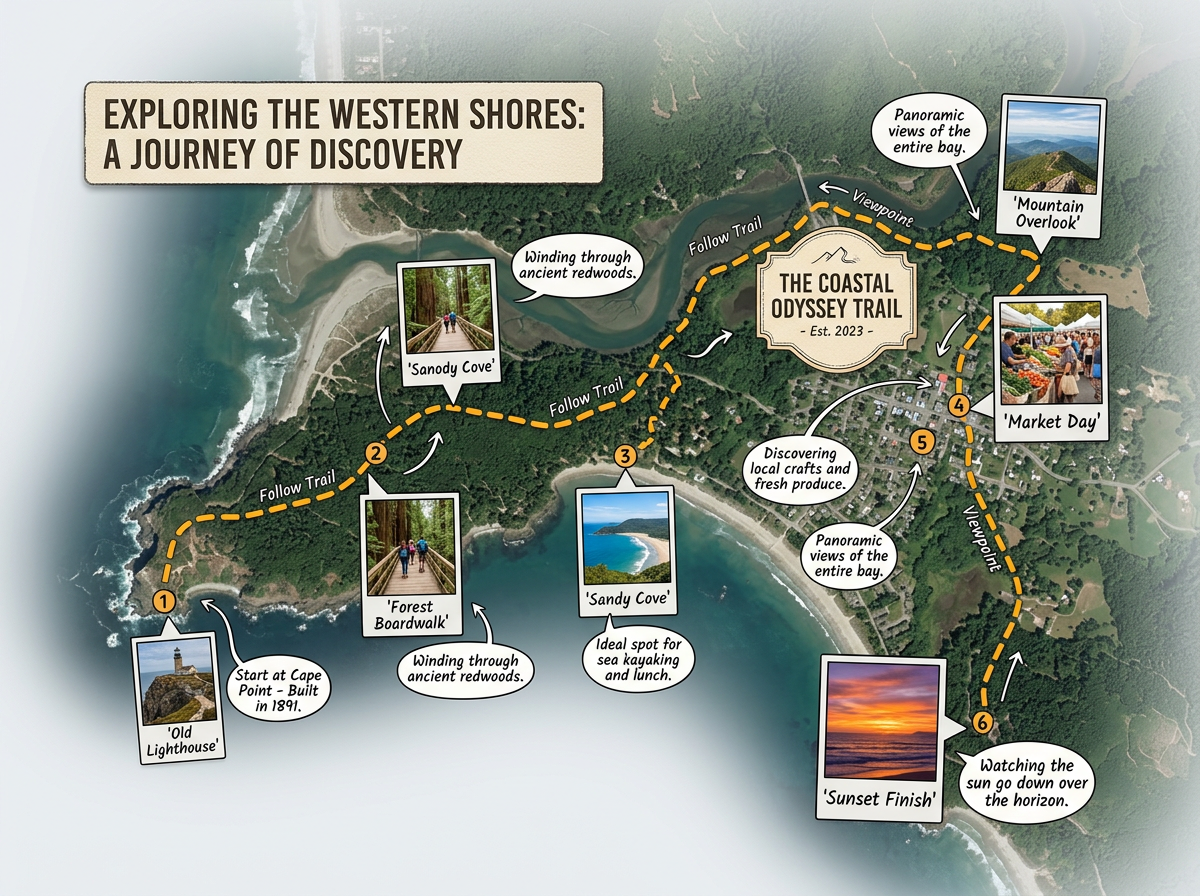
Build rich maps for long-form journalism. Add photos, draw routes, and layer data to help readers understand complex stories.
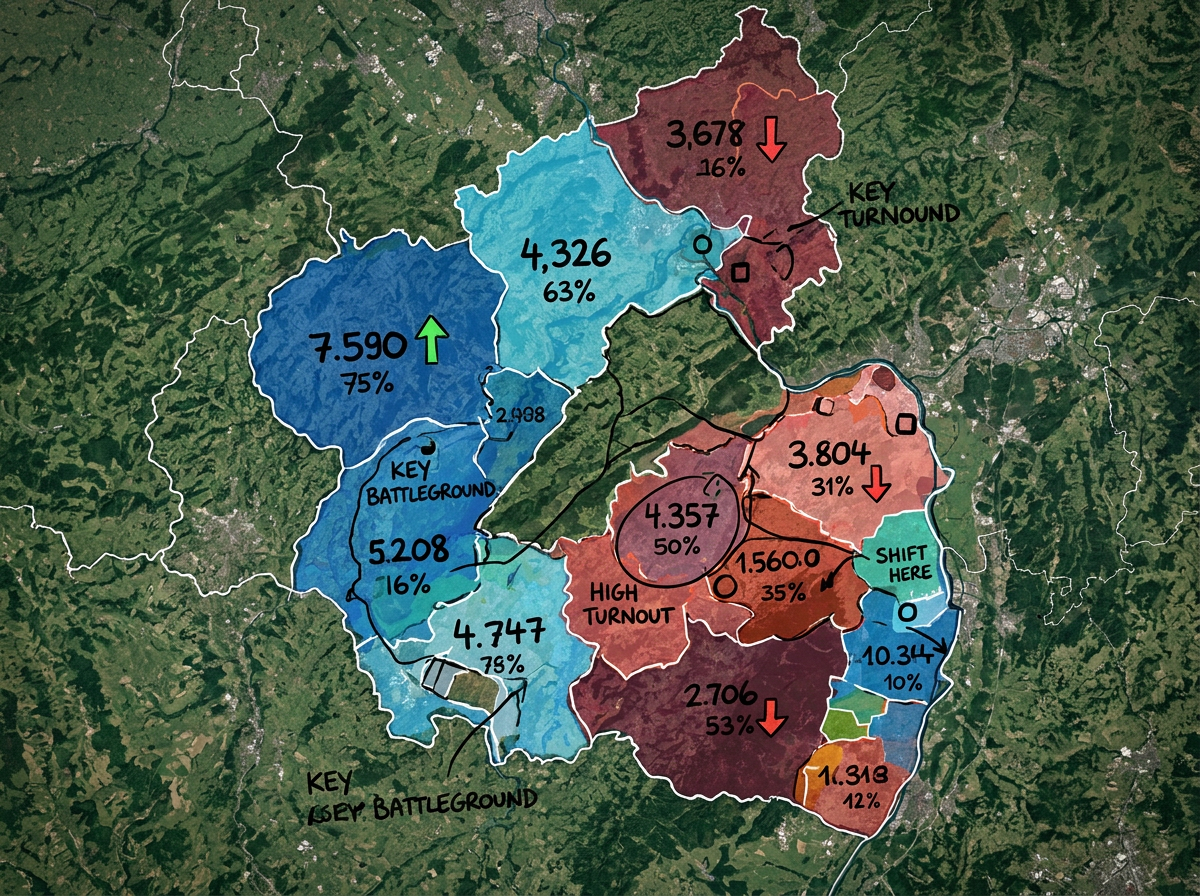
Color-code districts, show voting patterns, and map campaign events. Create clear graphics that explain election results.
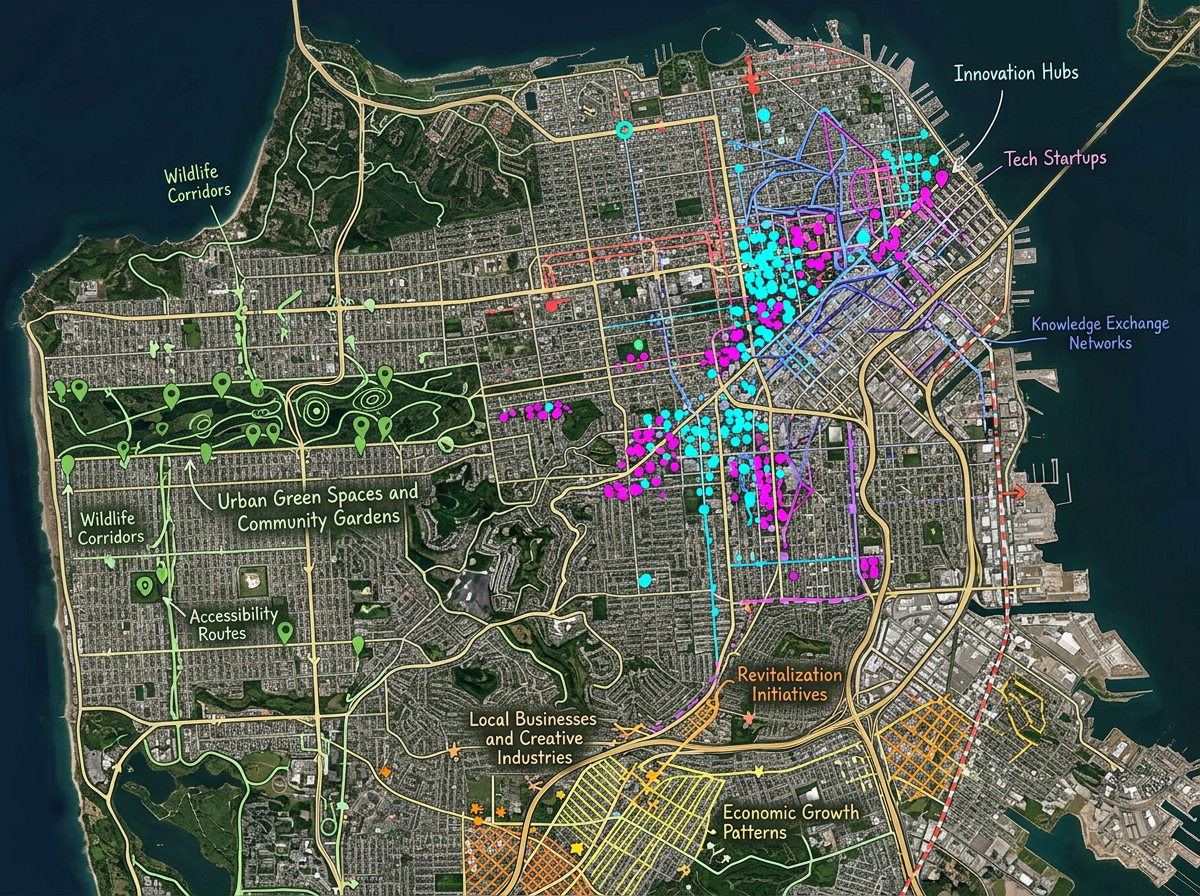
Map spreadsheet data to show patterns. Import CSV files, plot points by address, and reveal stories hidden in the numbers.
Scribble AI
Tell Scribble AI what you need. Try “draw a 500m buffer around every site,” “import this CSV and color by status,” or “measure the route from the depot to each stop.” It does it in seconds. No GIS training needed, and your team gets the same map, ready to share.
Try Scribble AI →★ ★ ★ ★ ★“Scribble Maps lets our newsroom create professional maps in minutes. We used to wait days for graphics.”
★ ★ ★ ★“Great for visualizing data stories. I can import a spreadsheet and have a map ready in an hour.”
Yes. Click Share, copy the embed code, and paste it into WordPress, Medium, or any website. The map loads fast and works on all devices.
Yes. Edit your map anytime and readers see the changes right away. Perfect for breaking news that develops over time.
Yes. Import CSV files with addresses or coordinates. Scribble Maps plots the points automatically so you can visualize patterns in your data.
Yes. Scribble Maps is free to start, with paid options for larger imports and advanced features. See the pricing page for details.