
 English
 Español
 Français
 Deutsch
 Português
 日本語
日本語
 中文
中文
 العربية
 한국어
한국어
 Italiano
 Русский
 Türkçe
 Nederlands
 Polski
 हिन्दी


Quoting from the office
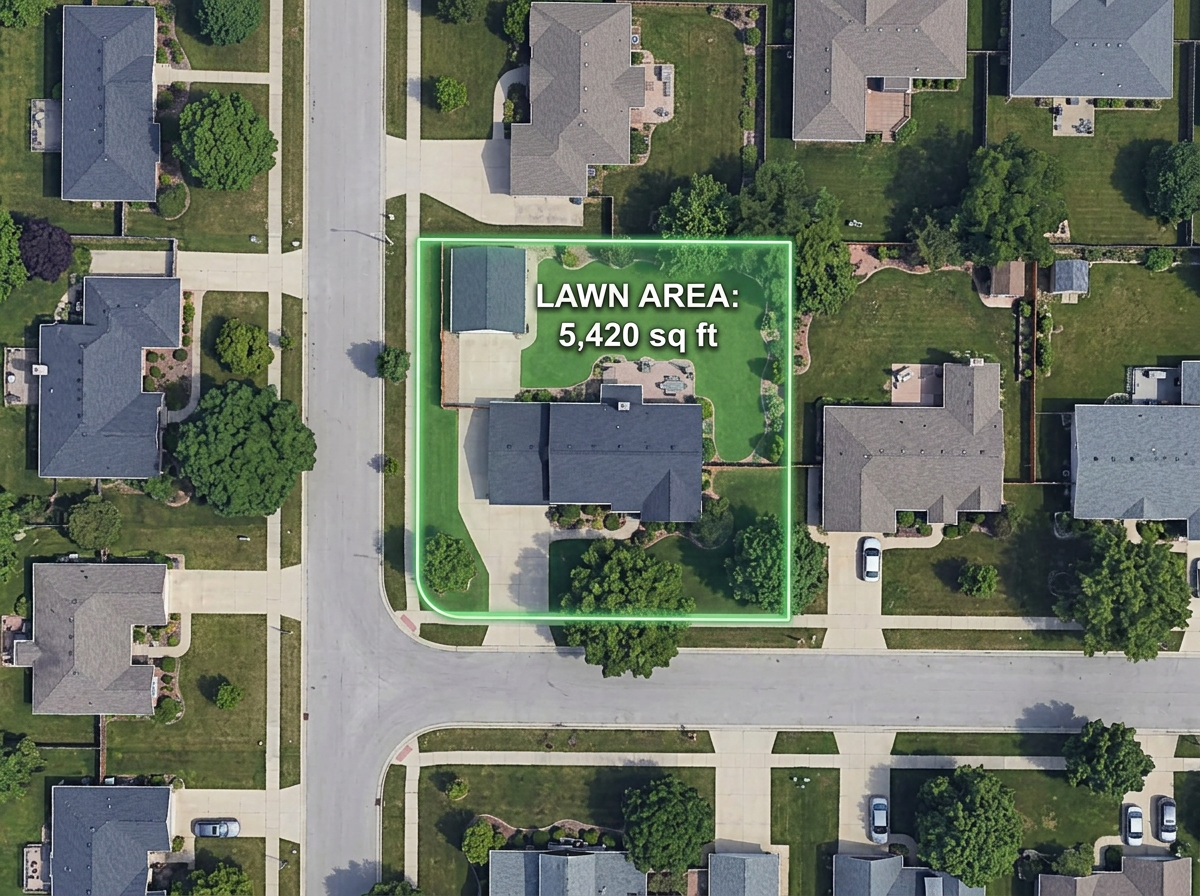
Measure a lawn or hardscape area from the satellite view in under a minute and send a quote without driving the property.
Measure square footage, draw mow zones, build optimized routes, and send a map to every truck.
 4.7 / 5 · 200 reviews on G2
★ ★ ★ ★ ★“Easy to use to plan field layouts for planting new orchards on slopes.”
Trace a lawn, garden bed or driveway directly on satellite imagery and read off square feet, acres or perimeter.
Build the day's stops, optimize the order, and send a clickable link the foreman opens on a phone.
Paste a customer spreadsheet and watch every address drop on the map. Color-code by service type, frequency or status.
Measure a lawn or hardscape area from the satellite view in under a minute and send a quote without driving the property.
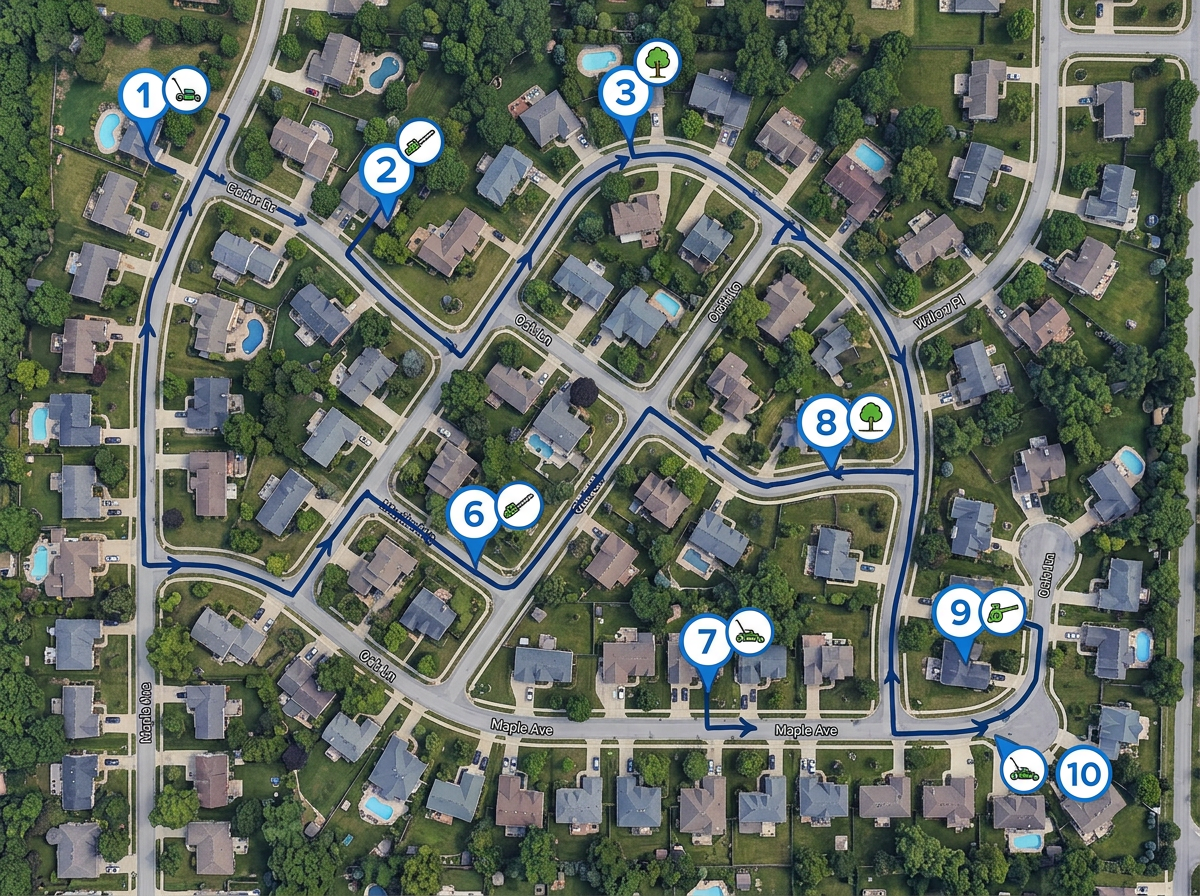
Drop the day's stops, run route optimization, and share a clickable map with the truck.
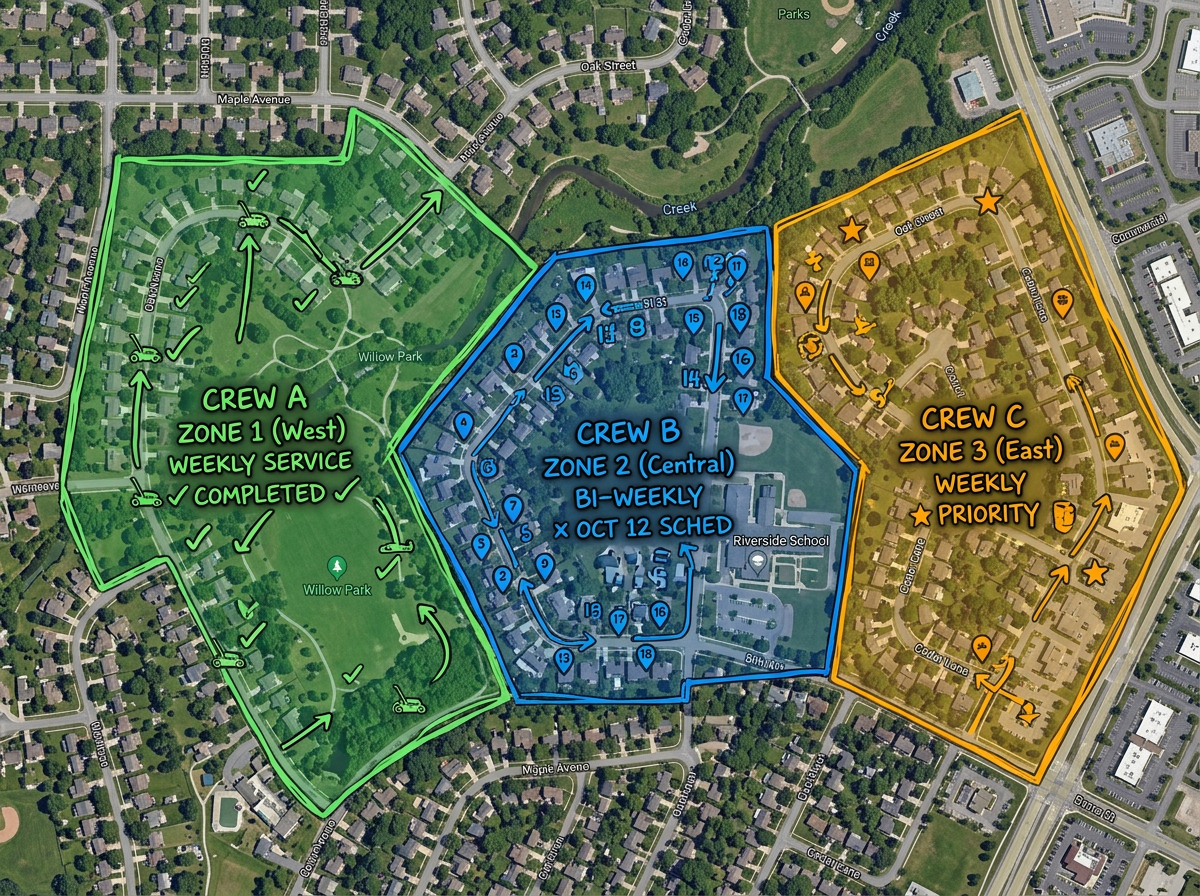
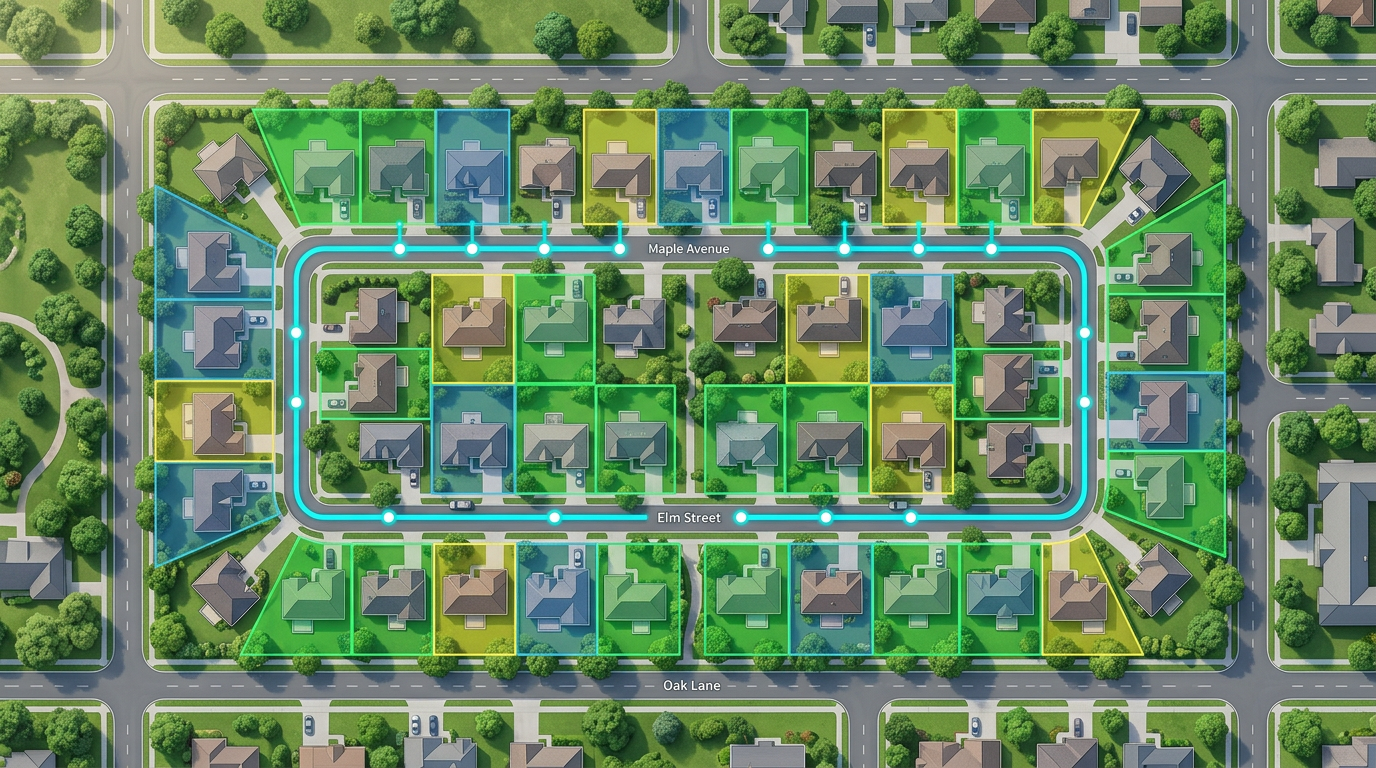
Color-code each crew's territory so two trucks never end up at the same property.
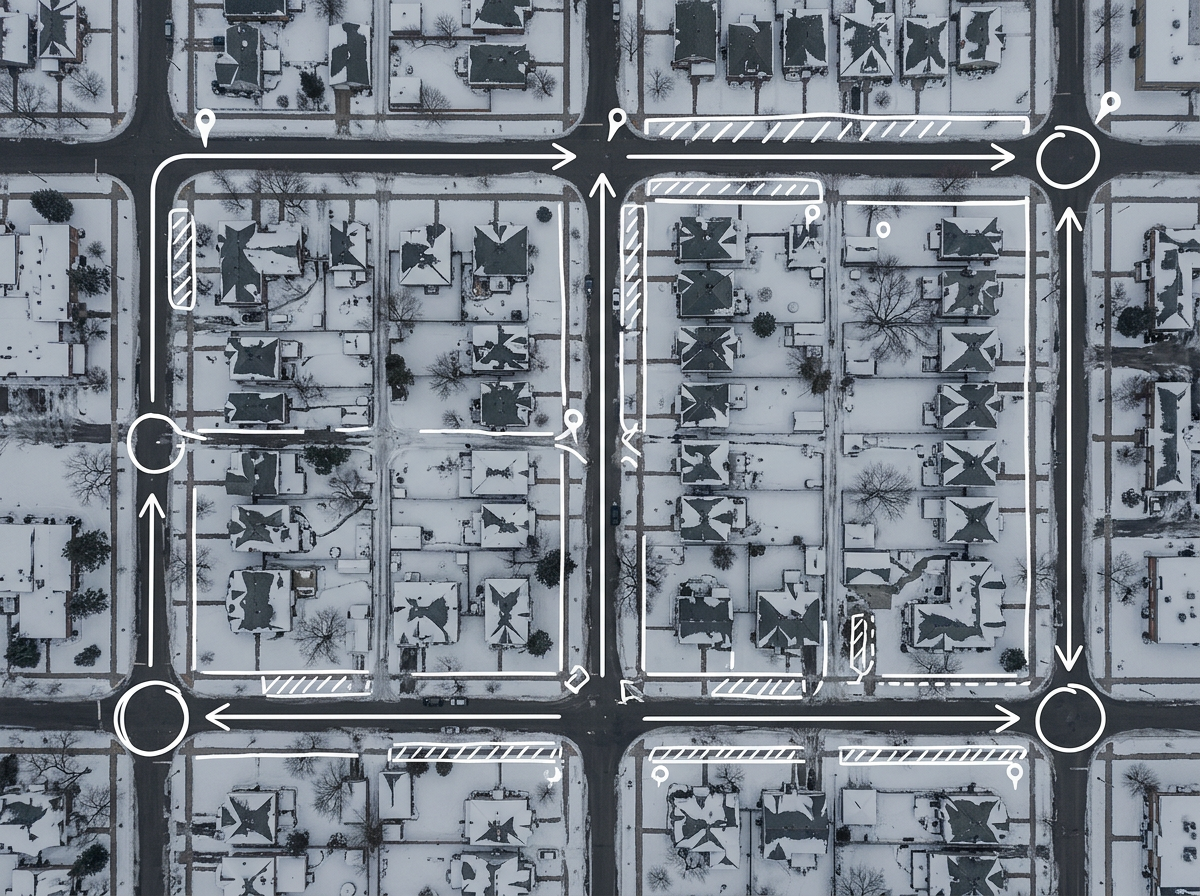
Switch between summer and winter route maps for the same customer base without rebuilding from scratch.
Scribble AI
Tell Scribble AI what you need. Try “draw a 500m buffer around every site,” “import this CSV and color by status,” or “measure the route from the depot to each stop.” It does it in seconds. No GIS training needed, and your team gets the same map, ready to share.
Try Scribble AI →★ ★ ★ ★ ★“Easy to use to plan field layouts for planting new orchards on slopes.”
★ ★ ★ ★ ★“I can highlight areas, buildings, etc and measure for jobs that may be out of town, or even out of state.”
Scribble Maps uses high-resolution satellite imagery and reports area in your chosen unit. For hard-to-see edges, switch to terrain or hybrid view to verify.
Yes. Click Share, copy the link and text it. The foreman opens it in any mobile browser. No app required.
Export it to CSV and import. Every address geocodes onto the map and you can style by any column.
Free to start. Paid options add unlimited maps, larger uploads and admin controls. See the pricing page for details.