
 English
 Español
 Français
 Deutsch
 Português
 日本語
日本語
 中文
中文
 العربية
 한국어
한국어
 Italiano
 Русский
 Türkçe
 Nederlands
 Polski
 हिन्दी


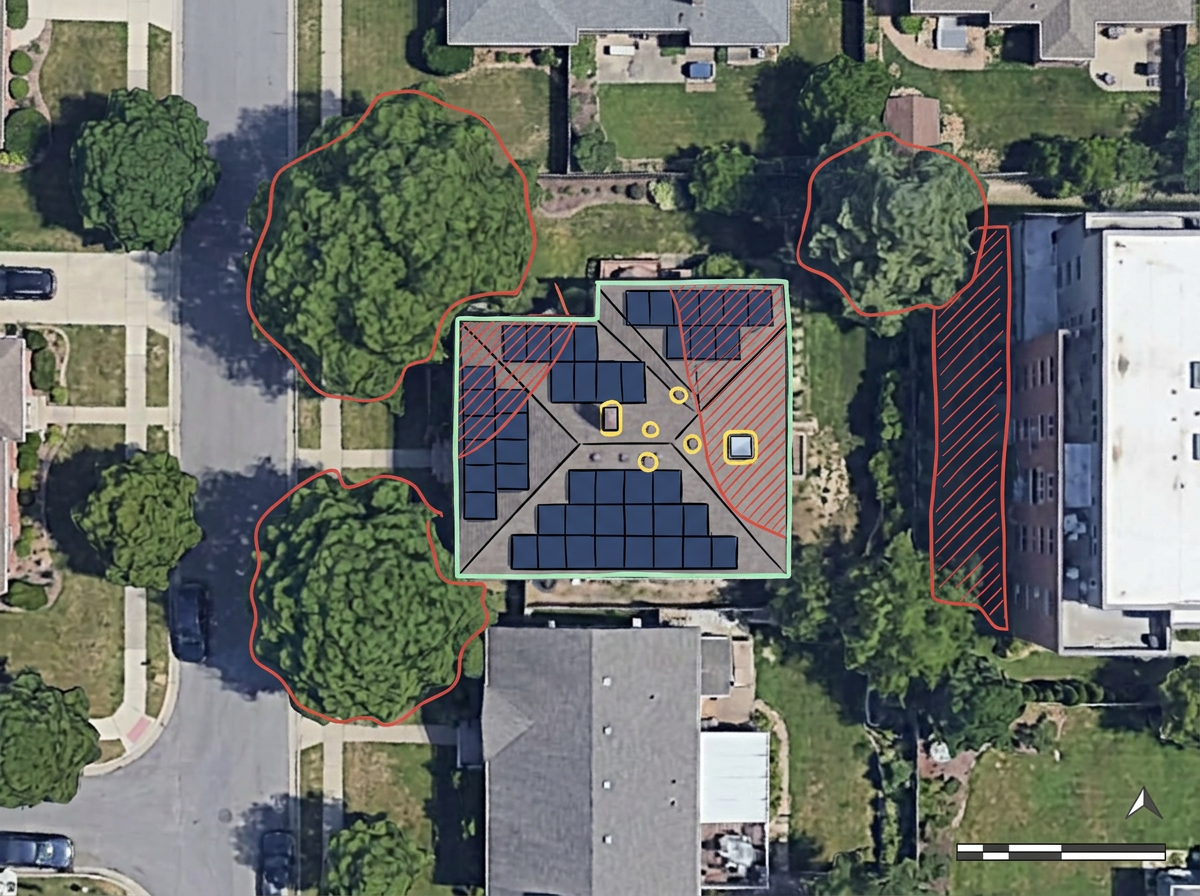
Residential and commercial site assessments
Sketch the array footprint on satellite imagery, mark obstructions and shading sources, and share with the homeowner before the install.
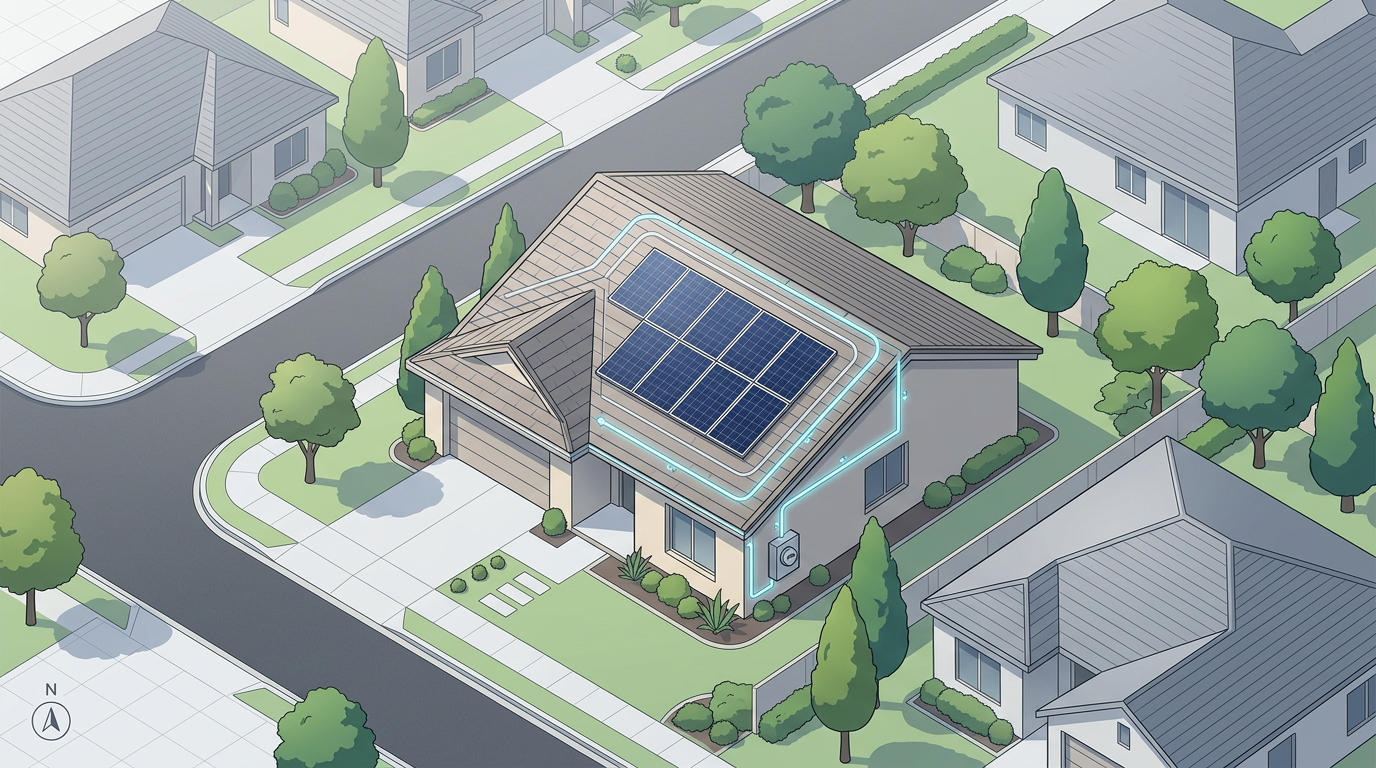
Sketch arrays on satellite imagery, mark setbacks, draw interconnection paths and share with crews and customers. Built for residential, commercial and community-solar teams.
 4.7 / 5 · 200 reviews on G2
★ ★ ★ ★ ★“Easy to use to plan field layouts for planting new orchards on slopes.”
Sketch array footprints, inverter pads and interconnection paths over satellite imagery. No CAD program required.
Send a clean site assessment to the install crew or the homeowner. They open it in a browser. No install, no account.
Import KML, Shapefile, GeoJSON or CSV of parcels, easements and existing arrays. Layer it all on one shared map.
Sketch the array footprint on satellite imagery, mark obstructions and shading sources, and share with the homeowner before the install.
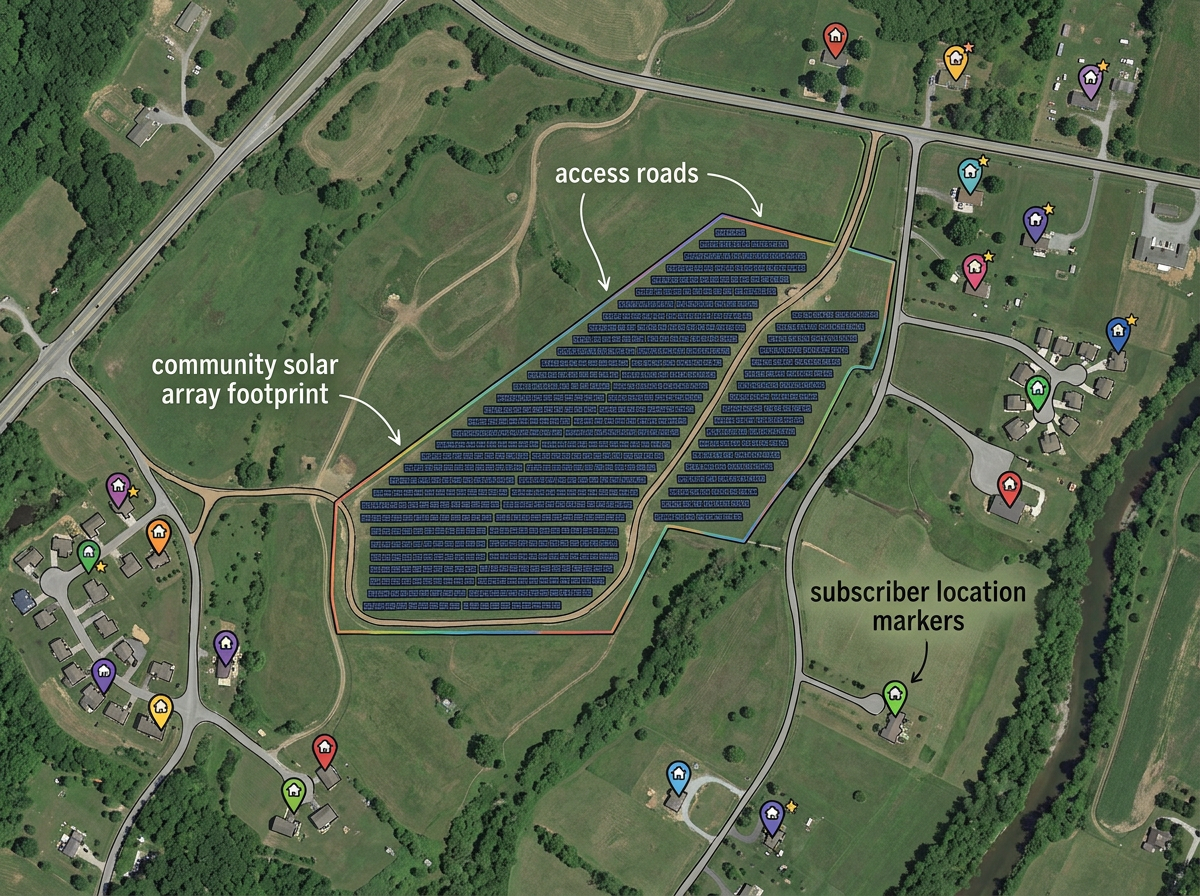
Draw the community-solar host parcel, lay out the array, mark access roads and share with subscribers and the utility.
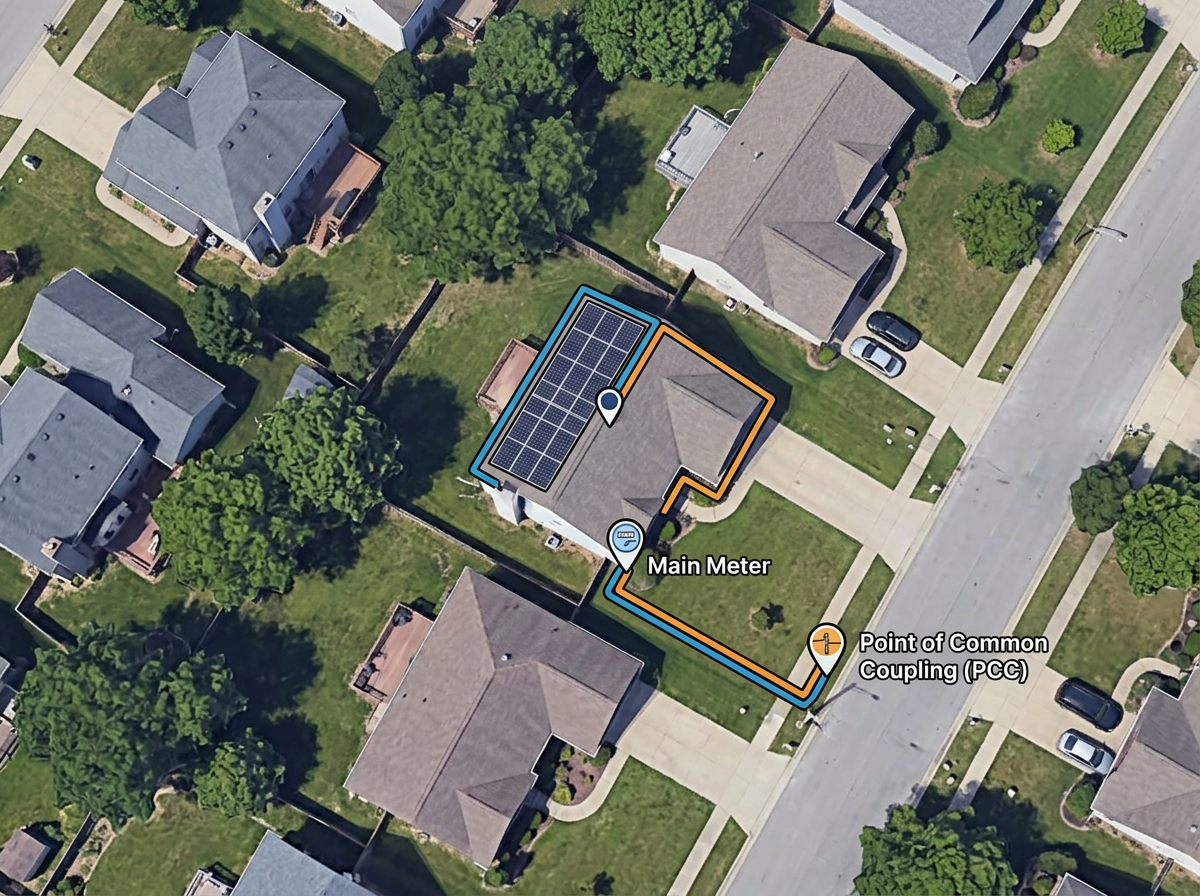
Sketch the interconnection path from the array to the meter and the point of common coupling for the utility application.
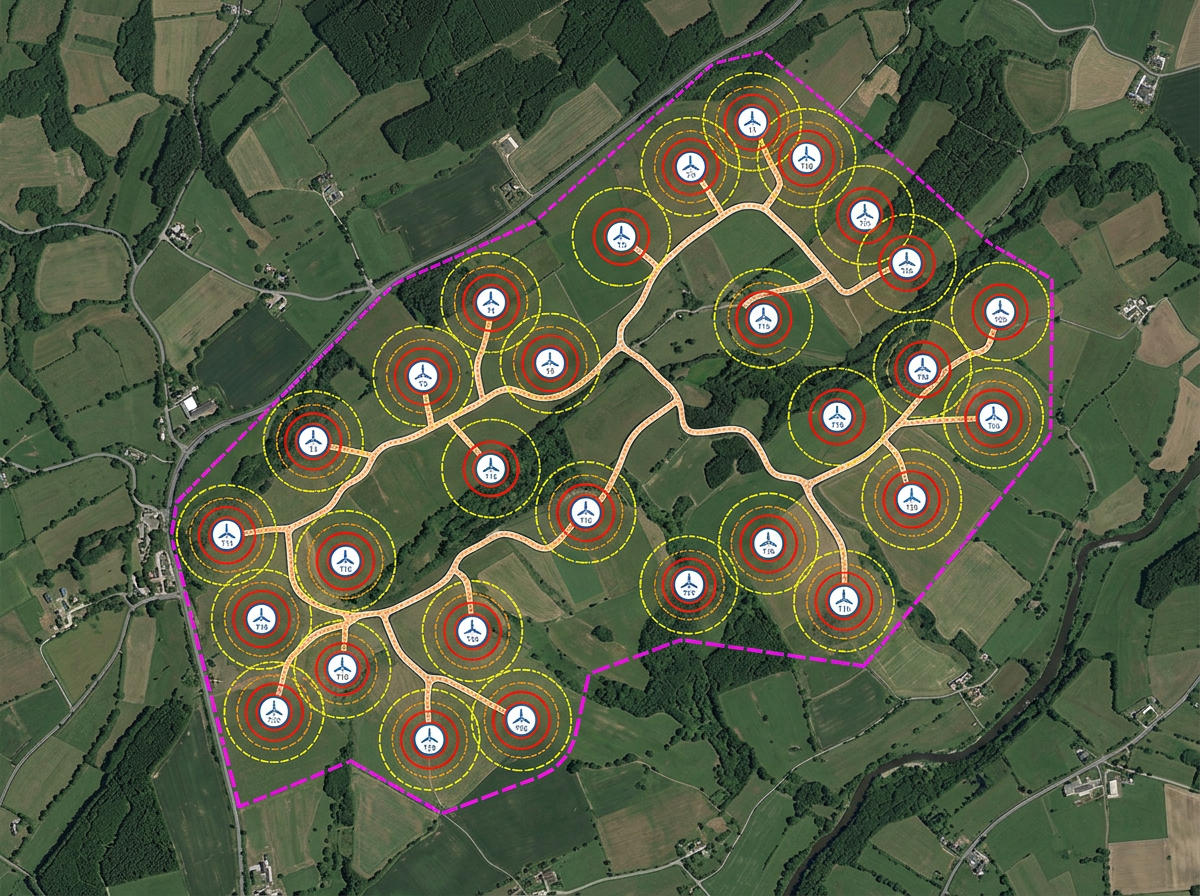
Sketch turbine layouts, micro-hydro intakes or other renewable site features and share with engineers and landowners.
Scribble AI
Tell Scribble AI what you need. Try “draw a 500m buffer around every site,” “import this CSV and color by status,” or “measure the route from the depot to each stop.” It does it in seconds. No GIS training needed, and your team gets the same map, ready to share.
Try Scribble AI →★ ★ ★ ★ ★“Easy to use to plan field layouts for planting new orchards on slopes.”
★ ★ ★ ★ ★“As a civil engineer Scribble maps helps me to reach more customers. It gave a wonderful output, it attracts more customers than previous and got lots of good comments for that map.”
Yes. Switch to satellite or hybrid view, zoom to the address and draw the array footprint as a polygon. Save and share with the customer in one click.
Yes. Click Share, copy the link and email it to the customer. They open it in any browser. No install, no account.
Yes. Import KML, Shapefile, GeoJSON or CSV. Layer parcels, easements and existing systems onto satellite imagery.
Yes. Export any map to PDF or PNG at any zoom level for the customer packet or installer file.