
 English
 Español
 Français
 Deutsch
 Português
 日本語
日本語
 中文
中文
 العربية
 한국어
한국어
 Italiano
 Русский
 Türkçe
 Nederlands
 Polski
 हिन्दी


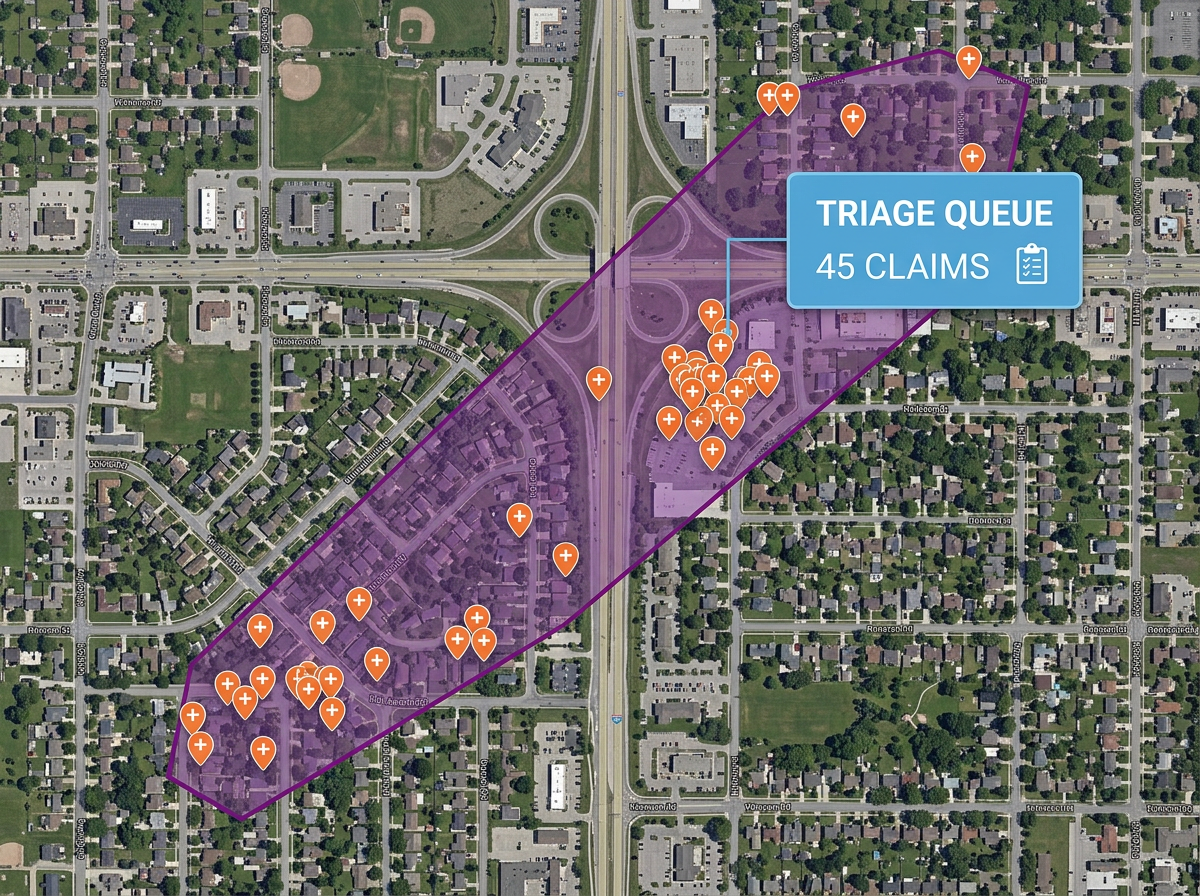
Catastrophe and storm response
Draw a hail swath, tornado track or wildfire perimeter on satellite imagery and overlay affected policies for triage and dispatch.
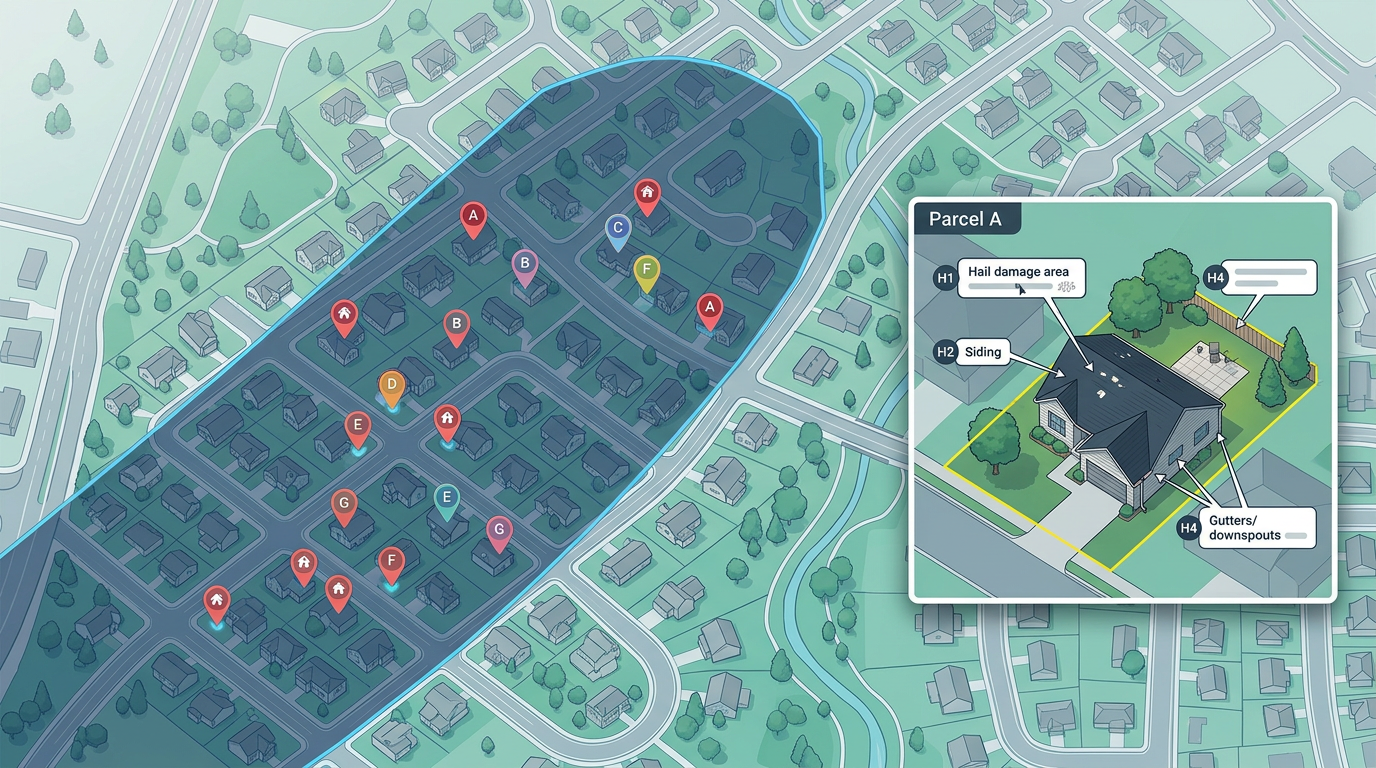
Sketch a hail swath, mark a flood line, draw a territory or annotate a property loss. Built for adjusters, agents and small carriers who need shareable maps fast.
 4.7 / 5 · 200 reviews on G2
★ ★ ★ ★ ★“What I appreciate most about Scribble Maps is its intuitive interface and versatility. It enables me to easily draw, label, and personalize maps without needing advanced GIS expertise. Being able to view distances between points and share this information with workers has made it an invaluable tool for planning and communicating on my job sites.”
Sketch a hail swath, draw a flood line or mark a property loss directly on satellite imagery. No GIS analyst required.
Send a clean claim map to the insured, the carrier or the public adjuster. They open it in a browser. No install, no account.
Import a CSV of policies, addresses or claims. Every row geocodes onto the map automatically.
Draw a hail swath, tornado track or wildfire perimeter on satellite imagery and overlay affected policies for triage and dispatch.
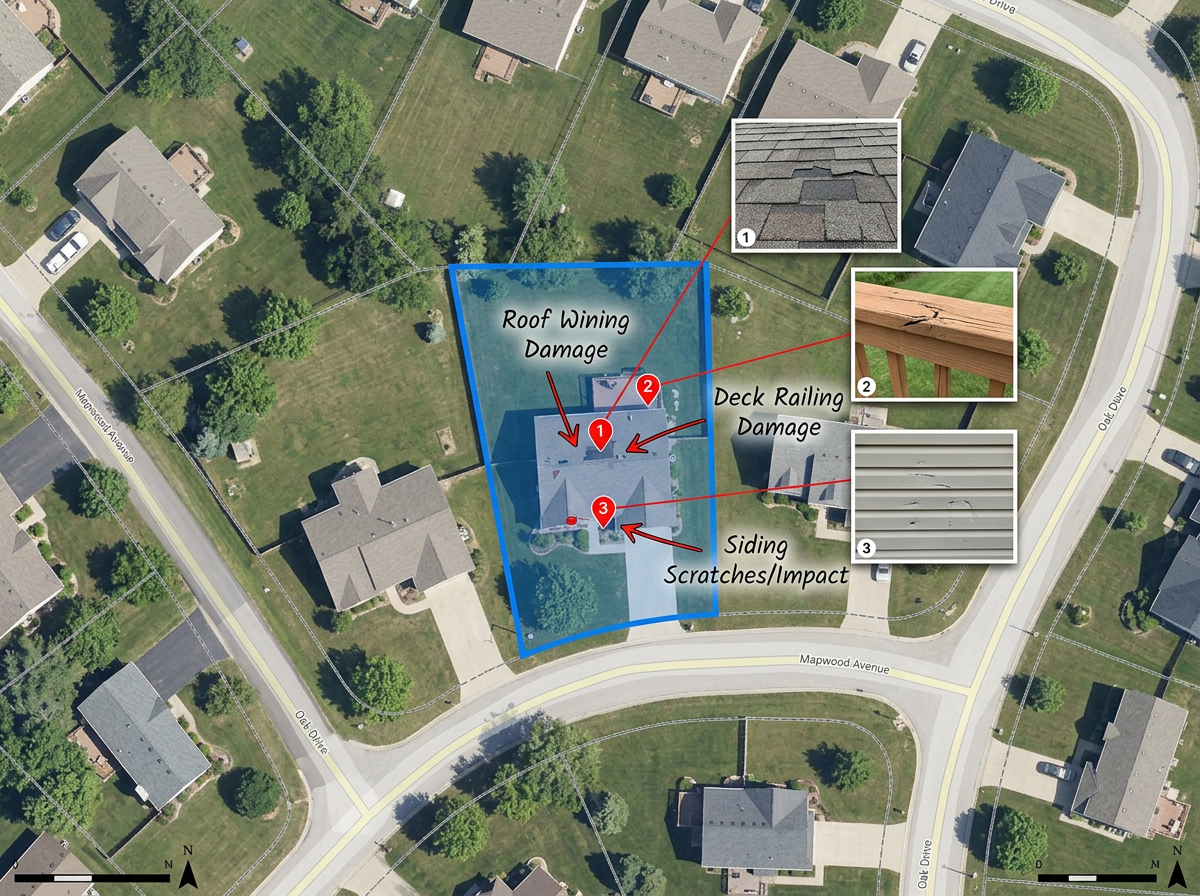
Mark the property, draw the area of loss and annotate damage features on a single-claim map for the file and the client.
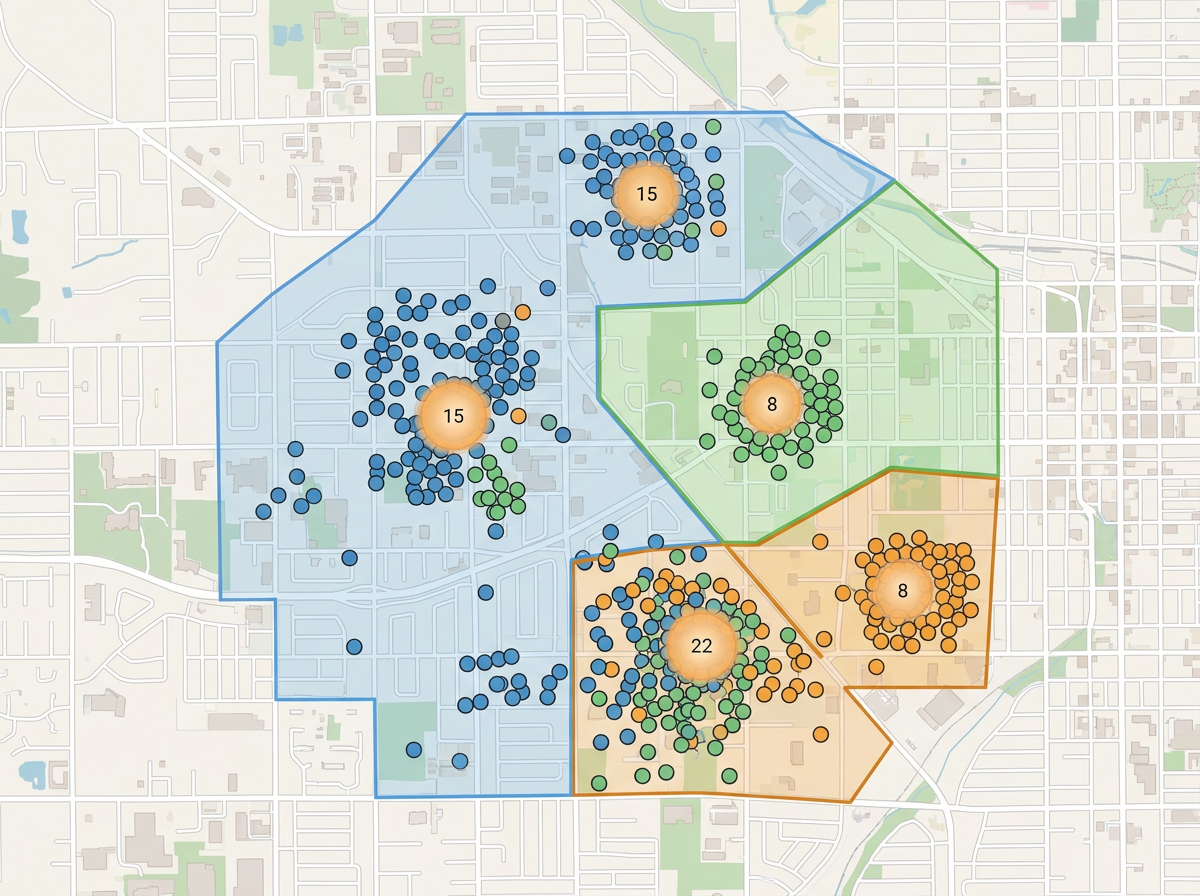
Map your book of business or agency territory to see concentration risk, gaps in coverage and prospecting opportunities.
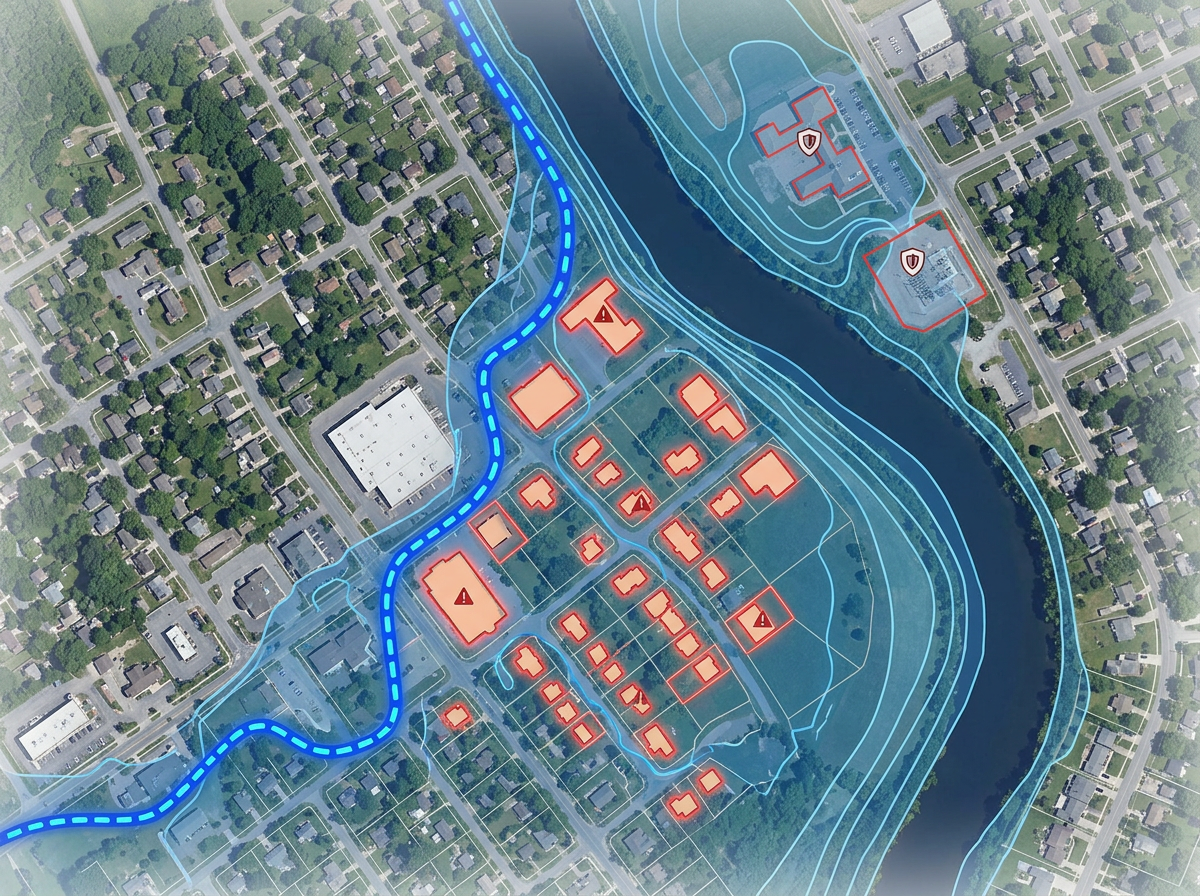
Draw flood lines, slope failures and risk zones for underwriting reviews and appraisals.
Scribble Sight
Find the best locations for insurance using Places, foot-traffic, Walkscore™, demographics, air quality, pollen and more. Compare candidates side by side and turn instinct into a data-backed decision.
Try Scribble Sight →Scribble AI
Tell Scribble AI what you need. Try “draw a 500m buffer around every site,” “import this CSV and color by status,” or “measure the route from the depot to each stop.” It does it in seconds. No GIS training needed, and your team gets the same map, ready to share.
Try Scribble AI →★ ★ ★ ★ ★“What I appreciate most about Scribble Maps is its intuitive interface and versatility. It enables me to easily draw, label, and personalize maps without needing advanced GIS expertise.”
★ ★ ★ ★ ★“Created travel maps for my guys very quick and with amazing details. Now I can print large sharp images of travel lines.”
No. Scribble Maps is for sketches, claim documentation, swath mapping and shareable client exhibits. It works alongside AIR, RMS and other CAT platforms for the everyday work that doesn't need a full CAT model.
Yes. Paste from a spreadsheet or import a CSV. Every address geocodes onto the map in one pass.
Yes. Scribble Maps supports private maps, password protection and AES-256 encryption.
Yes. Click Share, copy the link and email it. They open it in any browser. No install, no account.