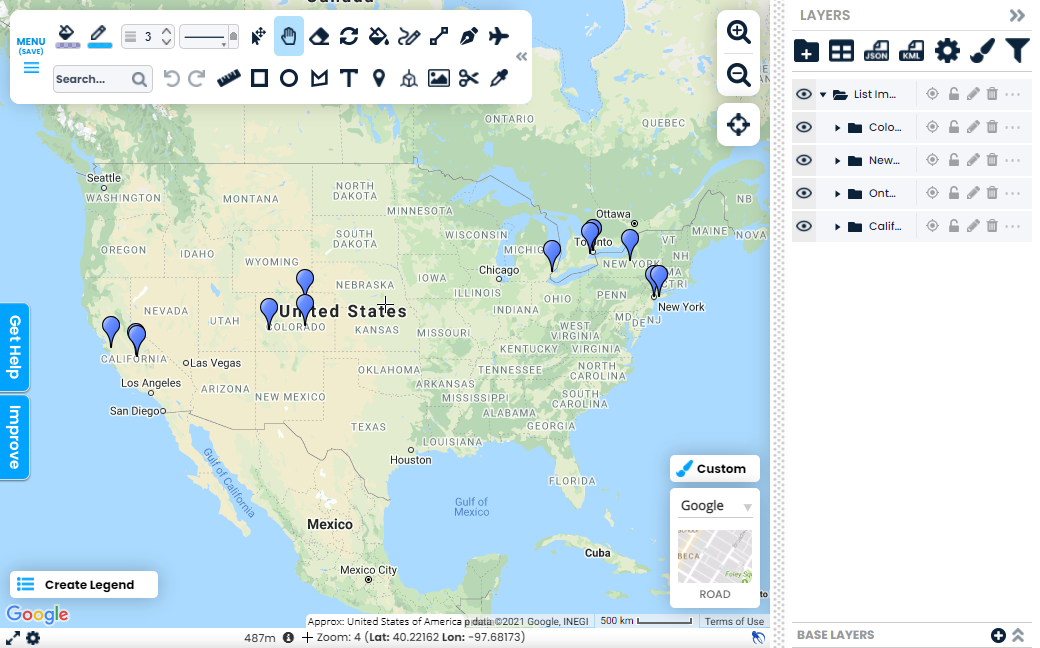









































Rapid Spreadsheet Mapping
With Scribble Maps Pro you can quickly create map your spreadsheets from Google Sheets, excel, etc...
Get Started
Mapping your spreadsheet can be done in three steps.-
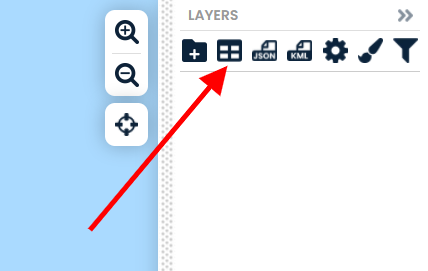
Step 1: Open Import List
Find the import list button in the top right.
-
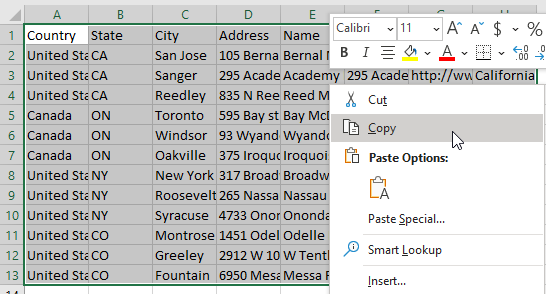
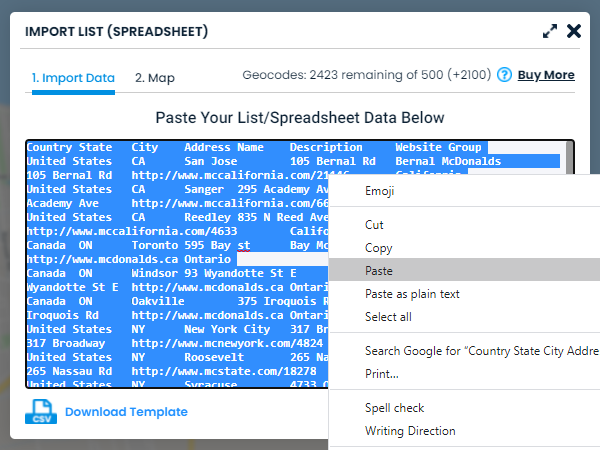
Step 2: Copy & Paste your list
Select your rows/columns and copy. Then paste into the import list box.
-
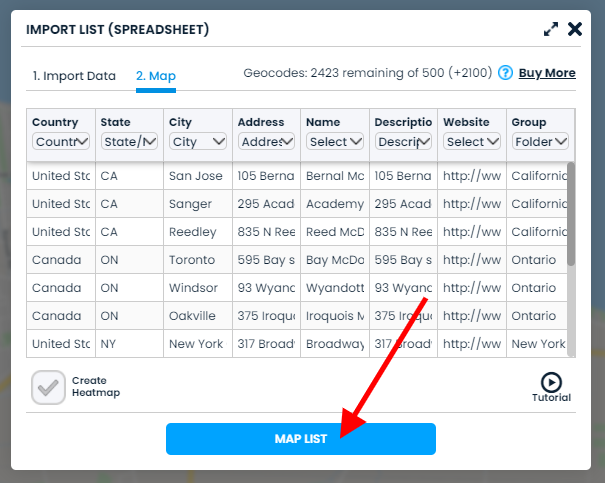
Step 3: Select Columns and Click "Map List"
Select the column types and then map the list to show the markers on the map. That's it! You can now customize and analyze!
-
Your Mapped Spreadsheet!