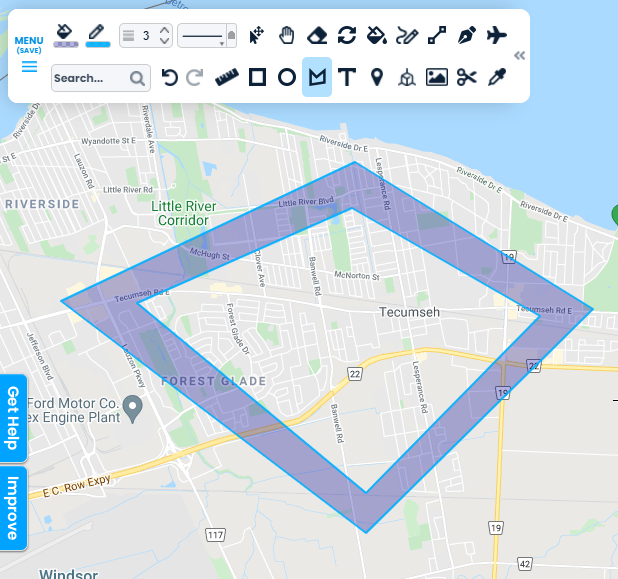








































Donut Holes & Island Polygons
Create holes in polygons.
Get Started
Creating a donut polygon in Scribble Maps is easy. It requires 3 steps.-
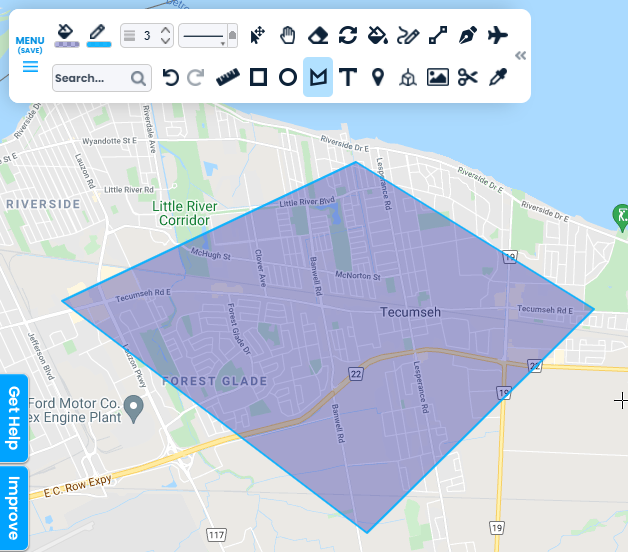
Step 1: Draw Your First Polygon
Select the polygon tool and draw your first polygon.
-
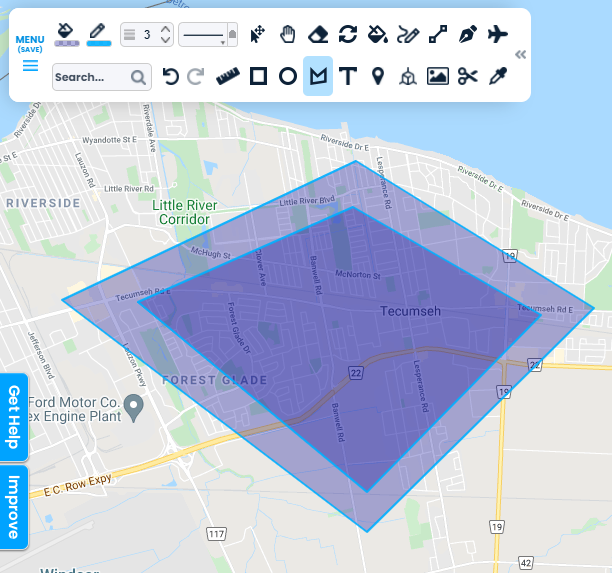
Step 2: Draw Your Hole
Draw another polygon over top representing your hole.
-
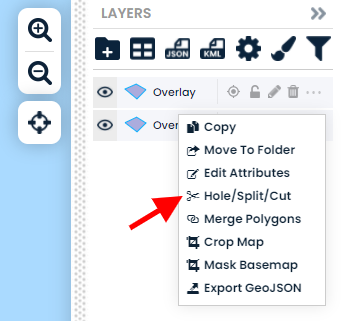
Step 3: Select Hole/Split/Cut
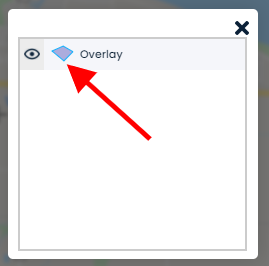
Click the "..." next to the first polygon and go to "Hole/Split/Cut" and select the second polygon.
-
Review Island Polygon
View your new polygon with hole!