








































Rapid GPX creation
With Scribble Maps Pro you can quickly create GPX files.
Quickly draw paths using our tools and the save as GPX.
Get Started
Creating GPX files in Scribble Maps is easy. It requires 3 steps.-
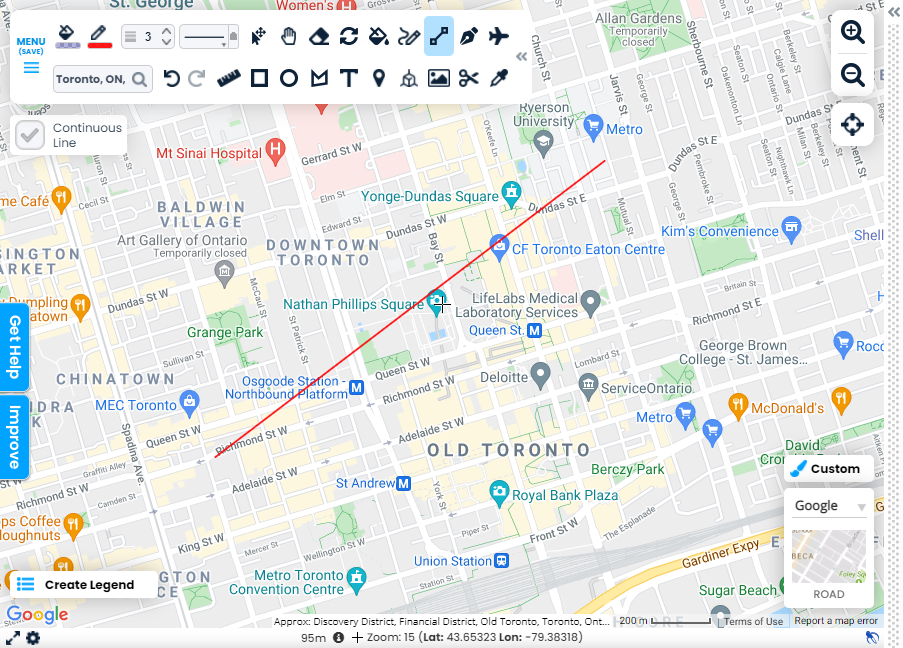
Step 1: Add Data to The Map
Use the drawing tools to add lines and shapes to the map.
-
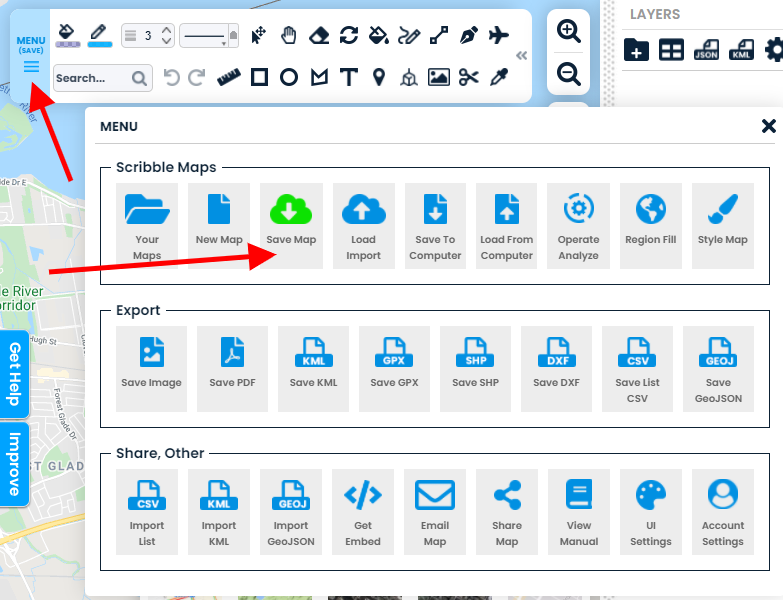
Step 2: Save The Map
Save the map by going to menu > Save map
-
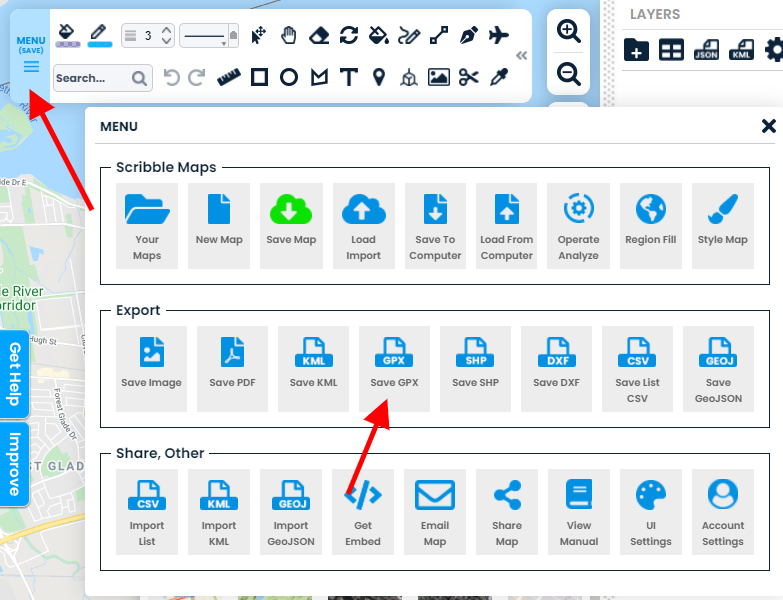
Step 3: Export to GPX
Save the map by going to menu > Save GPX