
 English
 Español
 Français
 Deutsch
 Português
 日本語
日本語
 中文
中文
 العربية
 한국어
한국어
 Italiano
 Русский
 Türkçe
 Nederlands
 Polski
 हिन्दी


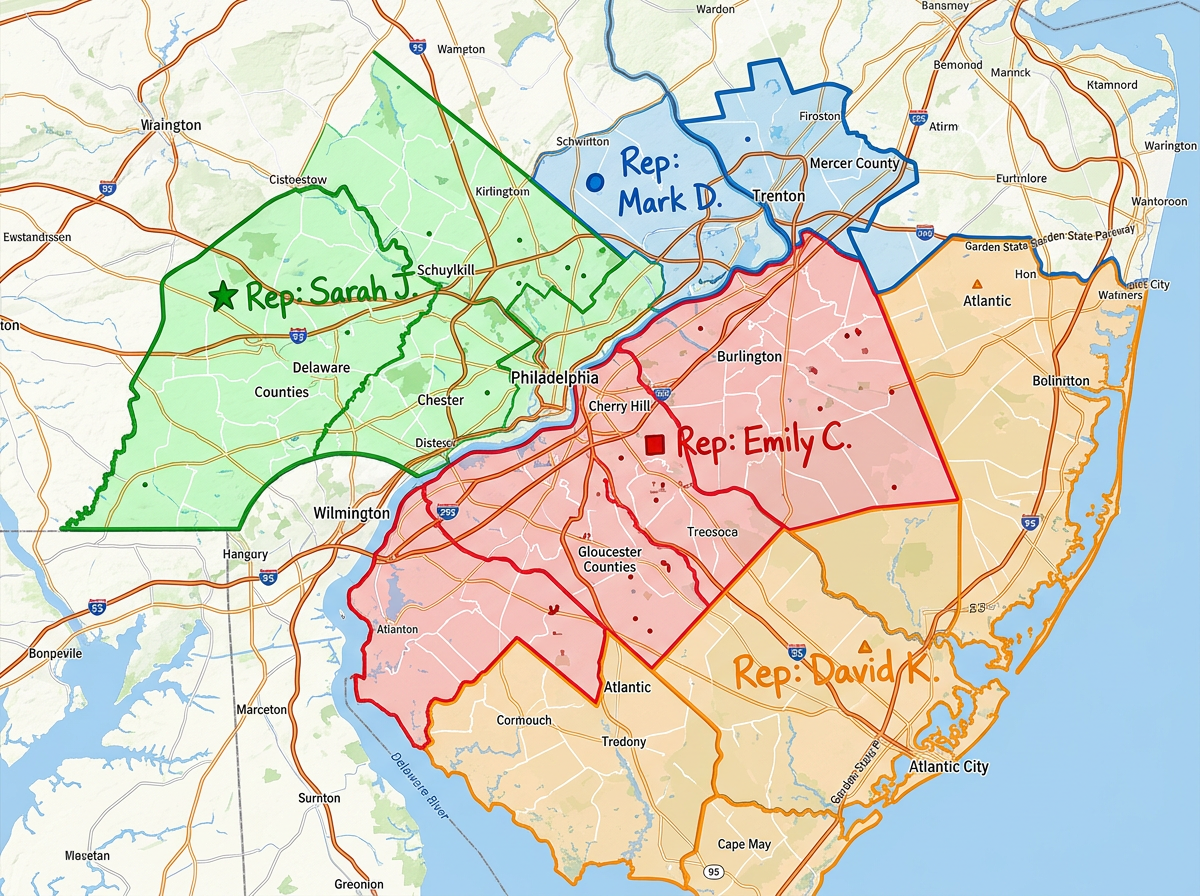
Split a region by zip code
Click zip codes to add them to a rep's zone. Color the map by owner so handoffs and overlaps are obvious before they cause friction.
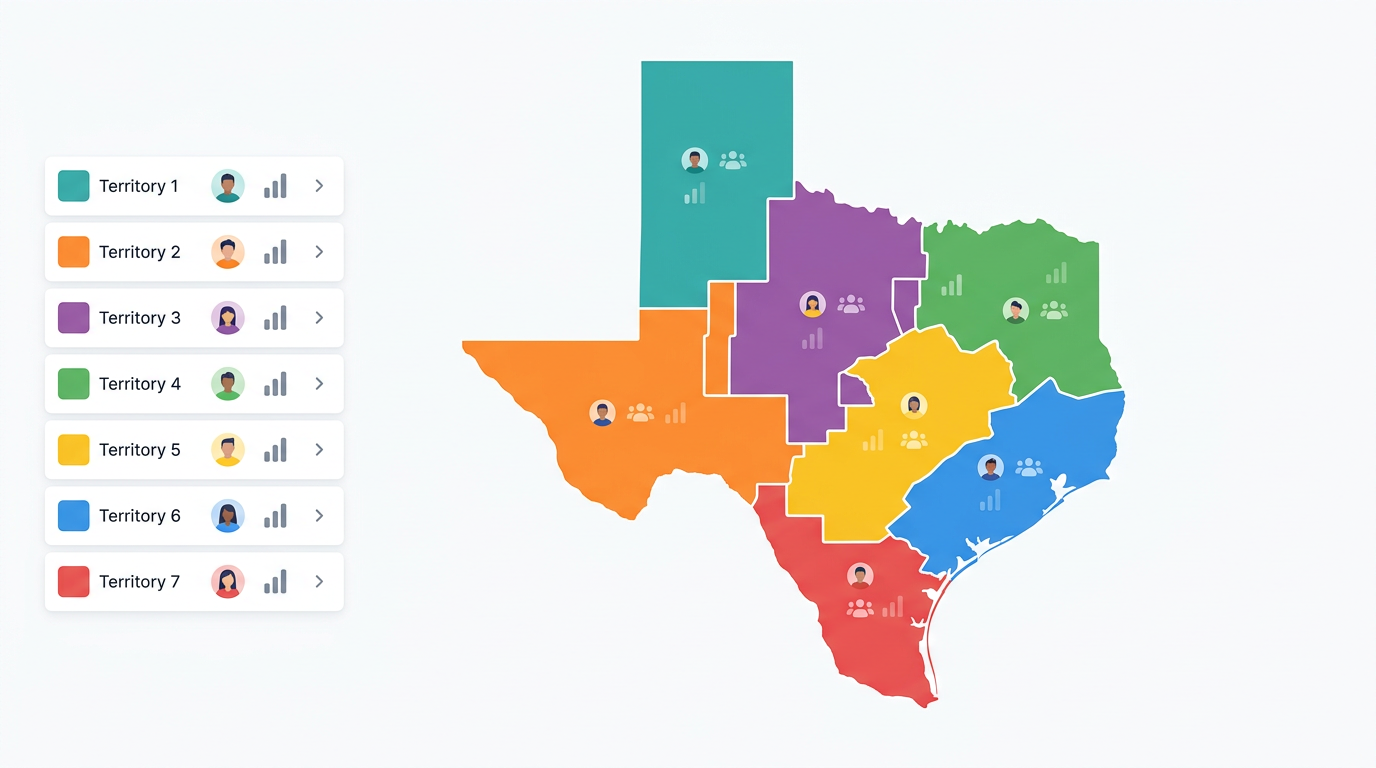
Draw zones by zip code, county, or by hand. Balance accounts across the team, spot coverage gaps, and share one live map that every rep and manager can open.
★ ★ ★ ★ ★“I work in territory strategies and this is helping me lay out visuals in my work.”
Use zip codes, counties, custom polygons, or all three. Color zones by rep, region, or status. Move boundaries any time without redrawing the whole map.
Drop your account list on the map and see how many fall in each zone. Reshape territories until the workload is fair, then save and share.
Send a single link to every rep and manager. Everyone sees the same live map. Update a territory and the next time they open it, they see it.
Click zip codes to add them to a rep's zone. Color the map by owner so handoffs and overlaps are obvious before they cause friction.
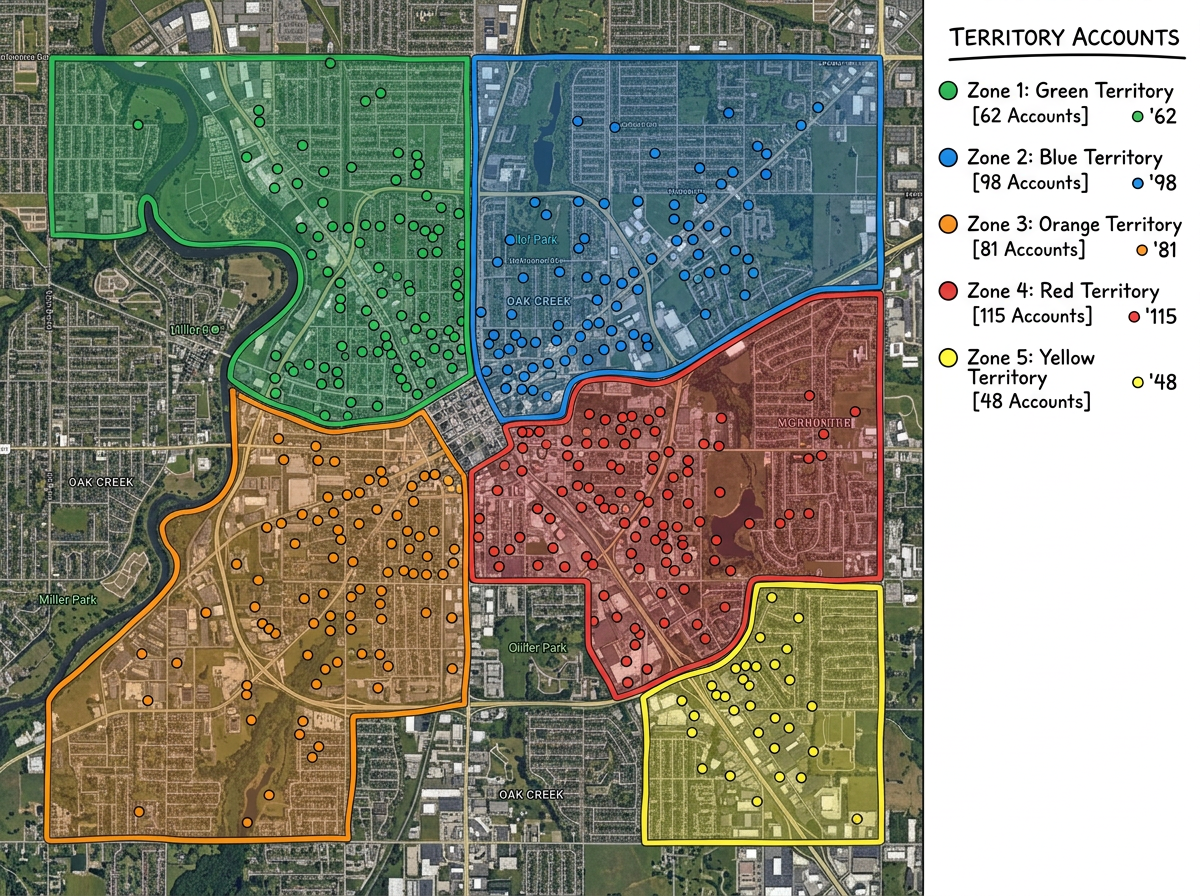
Plot every account on the map and read the count for each territory. Move boundaries until each rep gets a workload they can actually run.
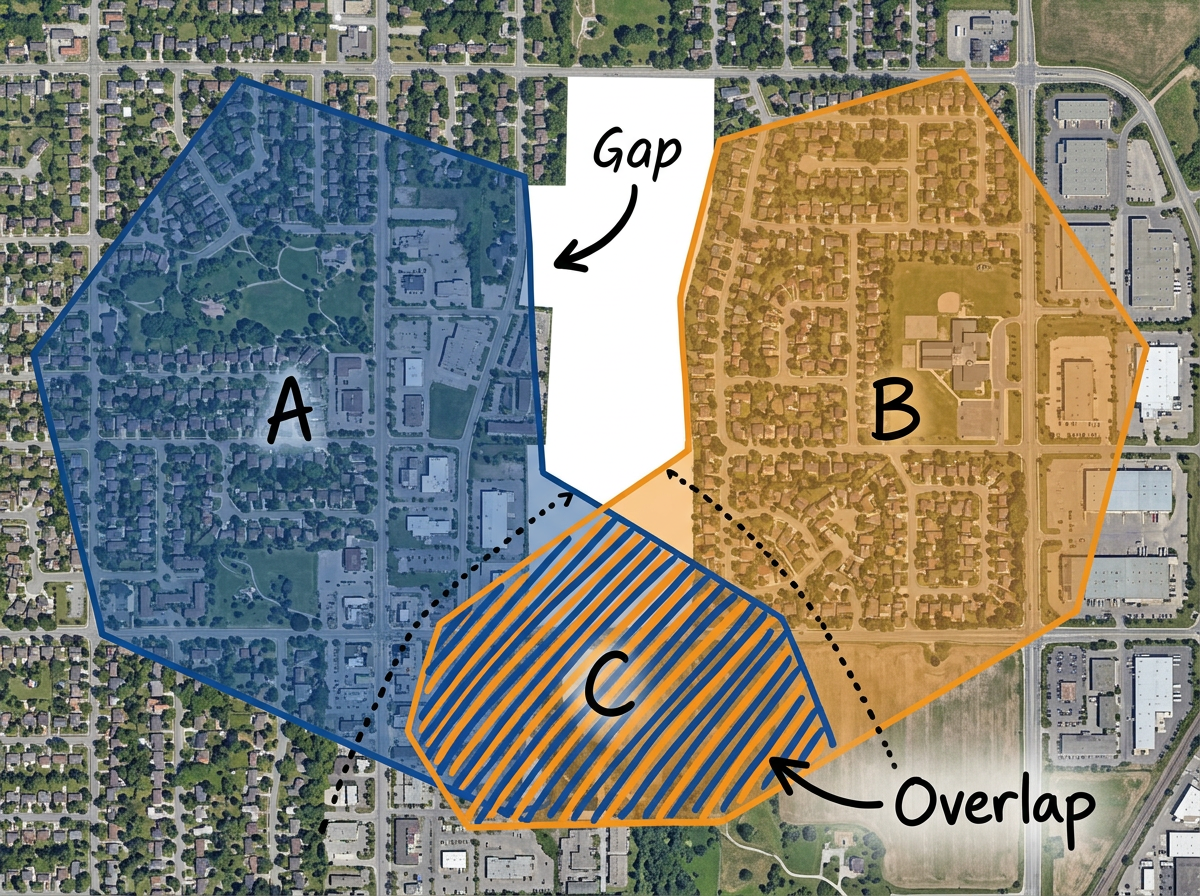
See where two reps work the same area or where no one is covering at all. Fix gaps before they cost you deals or cause internal conflict.
Scribble AI
Tell Scribble AI what you need. Try “draw a 500m buffer around every site,” “import this CSV and color by status,” or “measure the route from the depot to each stop.” It does it in seconds. No GIS training needed, and your team gets the same map, ready to share.
Try Scribble AI →Sales territory mapping means drawing the area each rep is responsible for on a map. You can build territories by zip code, county, or by hand, and share the map with your team.
Yes. Import your account list and the map shows how many fall in each zone. Reshape boundaries until the workload is balanced.
Yes. Send one link and every rep and manager opens the same live map. You can also send a private or password protected link.
Yes. Move boundaries, add zips, or reassign zones any time. The next time your team opens the link they see the new map.