
 English
 Español
 Français
 Deutsch
 Português
 日本語
日本語
 中文
中文
 العربية
 한국어
한국어
 Italiano
 Русский
 Türkçe
 Nederlands
 Polski
 हिन्दी


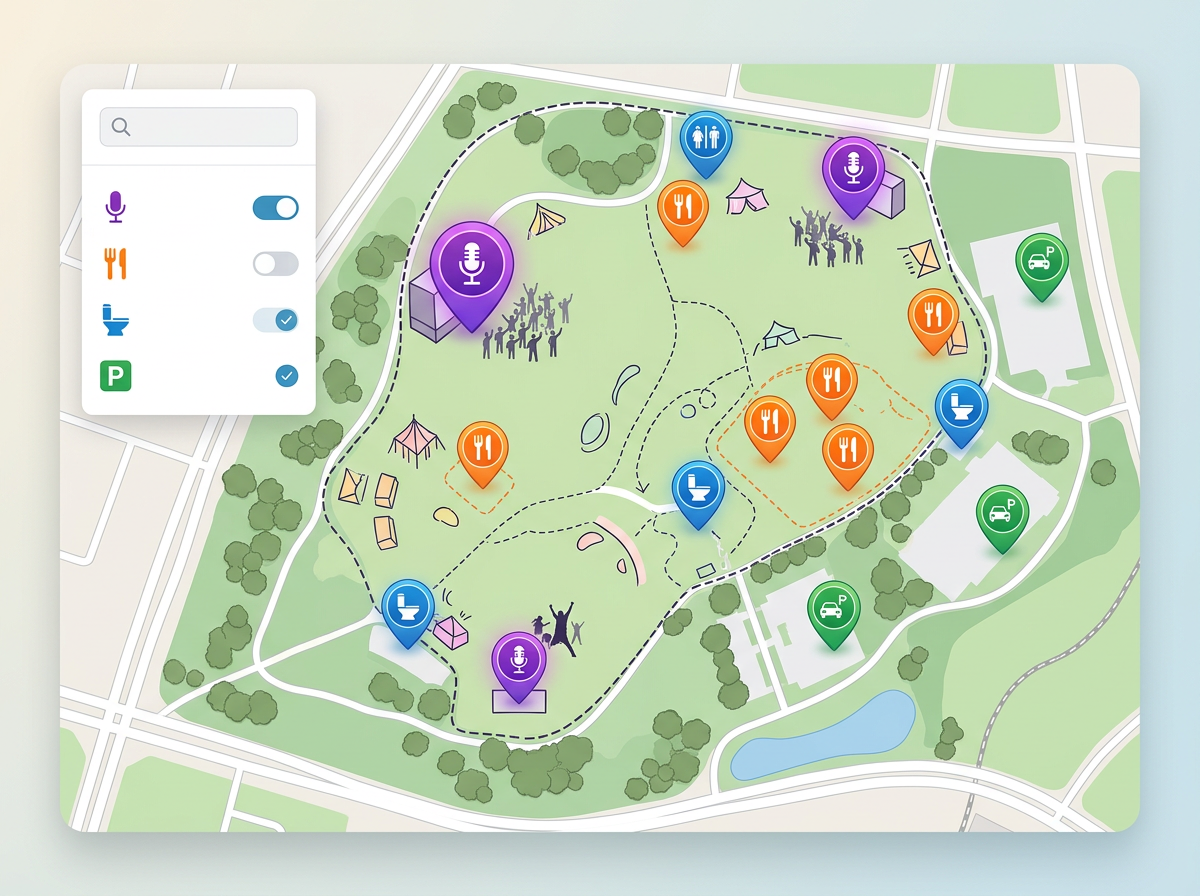
Festivals and outdoor events
Map stages, food vendors, parking, restrooms, first aid, and exits. Color by category so guests scan the map fast and find what they need.
Build a map of stages, parking, food, exits, and more. Add notes and times to every pin. Share a single link guests pull up on their phone, and update it the moment plans change.
★ ★ ★ ★ ★“It's helped with planning events, managing routes, and keeping everyone on the same page visually.”
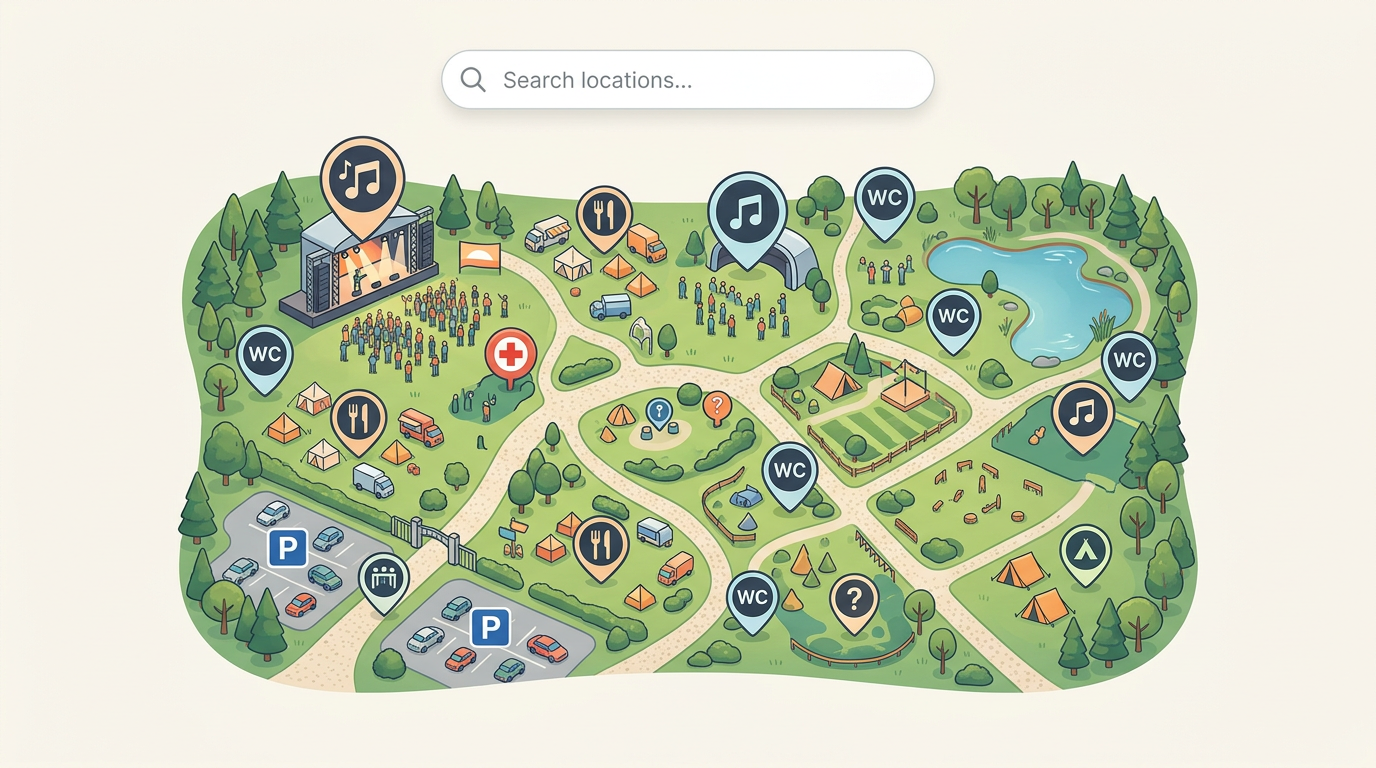
Drop pins for every stage, booth, food vendor, parking lot, and exit. Use custom icons and colors so guests find what they need at a glance.
Send the map by email, text, or post it on your event page. Guests open it in any phone browser, no app to install and no sign up needed.
Move a stage, add a food truck, or close a path on the day of the event. Anyone with the link sees the new map the next time they open it.
Map stages, food vendors, parking, restrooms, first aid, and exits. Color by category so guests scan the map fast and find what they need.
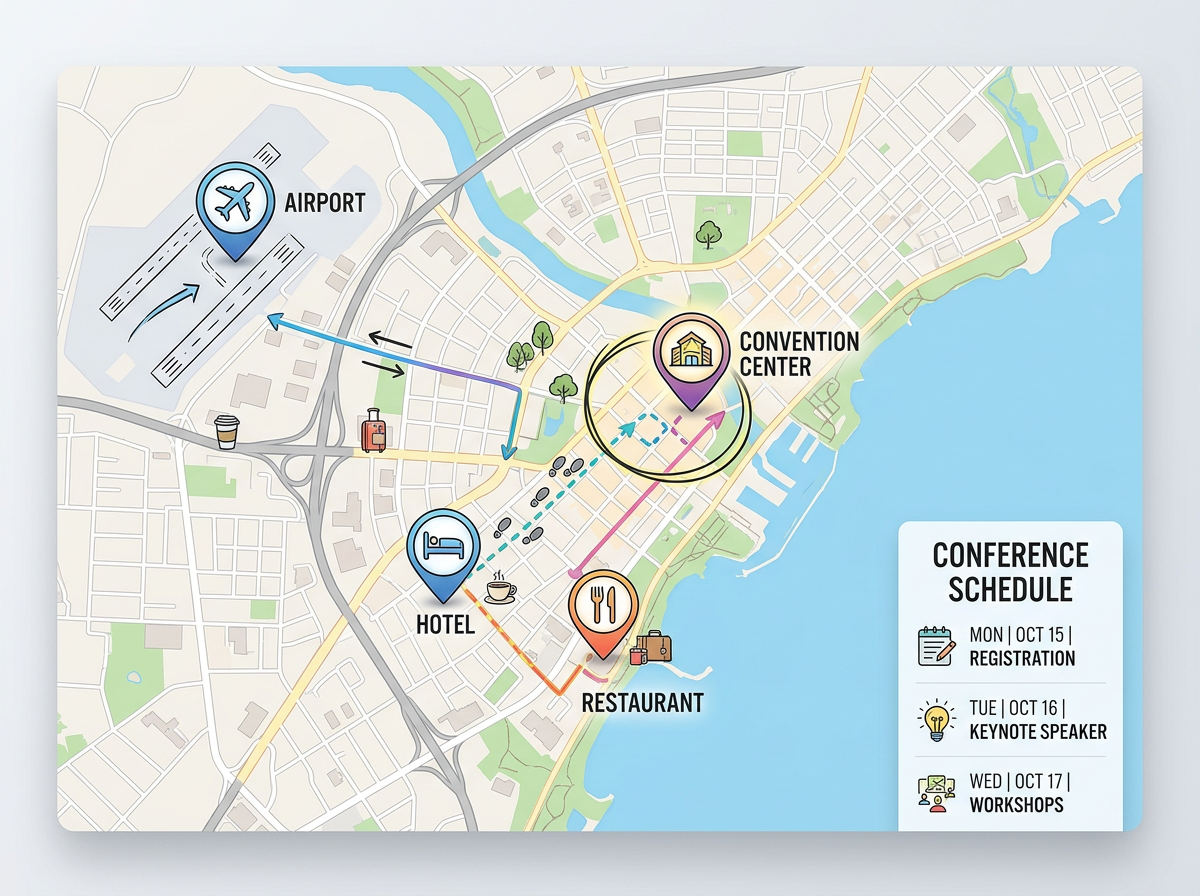
Map the venue, the hotel, the dinners, and every session room. Send one link to attendees and they see the full plan and any late changes.
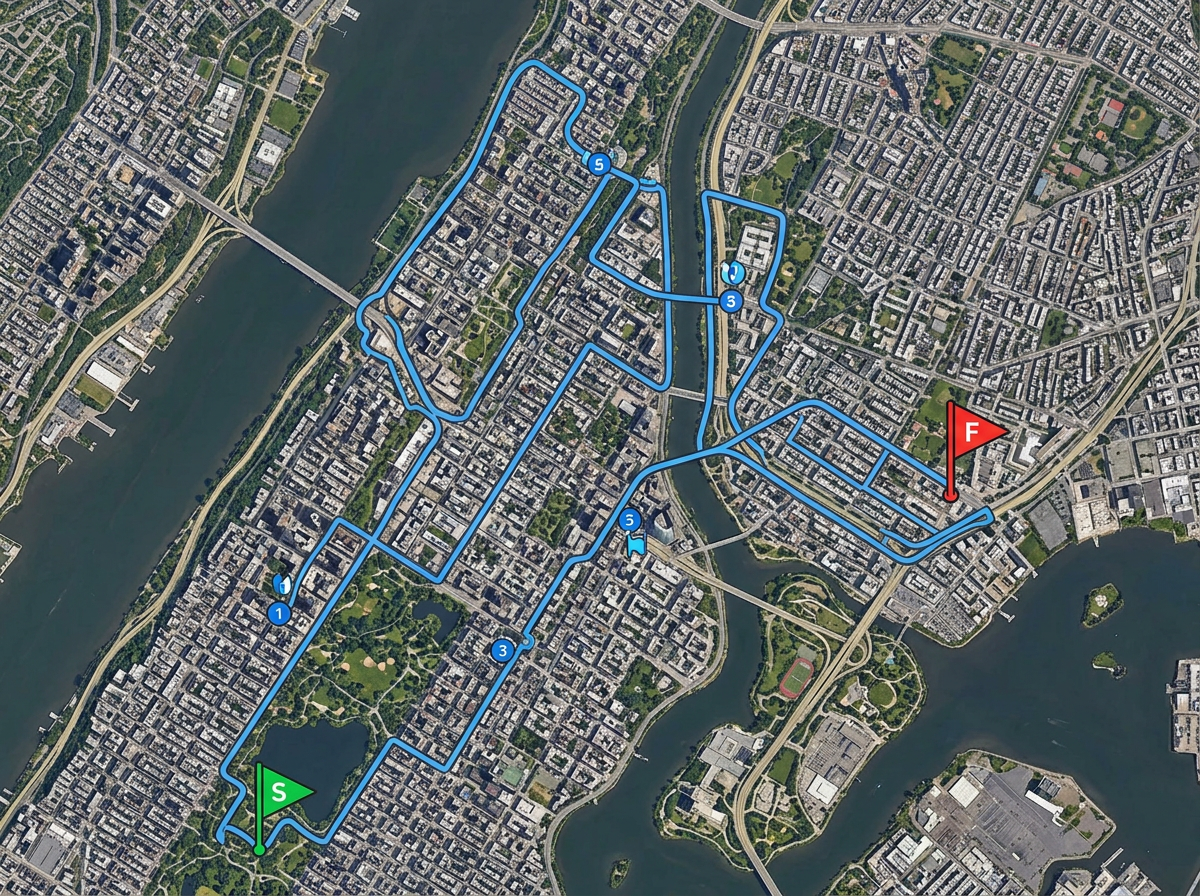
Draw the course, mark aid stations, parking, and start and finish lines. Volunteers and runners open the same map and stay on the same page.
Scribble AI
Tell Scribble AI what you need. Try “draw a 500m buffer around every site,” “import this CSV and color by status,” or “measure the route from the depot to each stop.” It does it in seconds. No GIS training needed, and your team gets the same map, ready to share.
Try Scribble AI →You drop pins for every stage, vendor, parking lot, and exit. Add notes and times. Share the map with a link or embed it on your event page. Guests open it in a browser on any phone.
Yes. Move a stage, add a food truck, or close a path any time. Anyone who has the link sees the new map the next time they open it.
No. The map opens in any modern browser. No app, no sign up, and no account needed.
Yes. Copy a short snippet and paste it into your site, ticket page, or program. The live map sits inside the page and updates show up right away.