
 English
 Español
 Français
 Deutsch
 Português
 日本語
日本語
 中文
中文
 العربية
 한국어
한국어
 Italiano
 Русский
 Türkçe
 Nederlands
 Polski
 हिन्दी


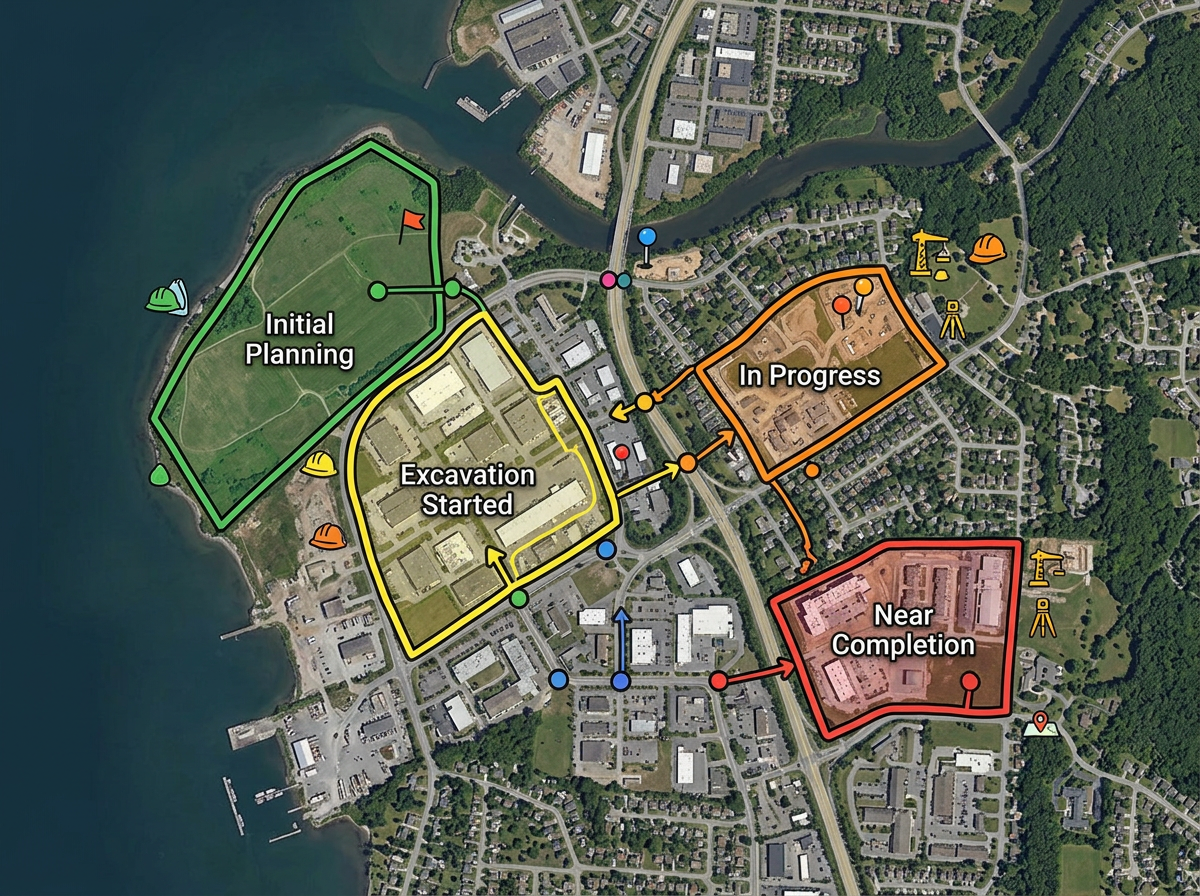
Project sites and work zones
Map every site you are working on. Draw the work zone, label the project owner and color by phase or status.
Plot project sites, draw work zones and brief stakeholders in one link. Track progress on the same map your team works in. Free to start.
 4.7 / 5 · 200 reviews on G2

★ ★ ★ ★ ★“It enables me to easily draw, label, and personalize maps without needing advanced GIS expertise. Being able to view distances between points and share this information with the team is great.”
Draw project zones, mark every site and label every milestone on a real satellite or street view. No GIS training needed.
Share a clickable map with your team, your client or your sponsor. They open it in any browser. No installs and no logins.
Drop in a CSV of sites, tasks or assets. Each row is geocoded and dropped on the map. Update the file when the project changes.
Map every site you are working on. Draw the work zone, label the project owner and color by phase or status.
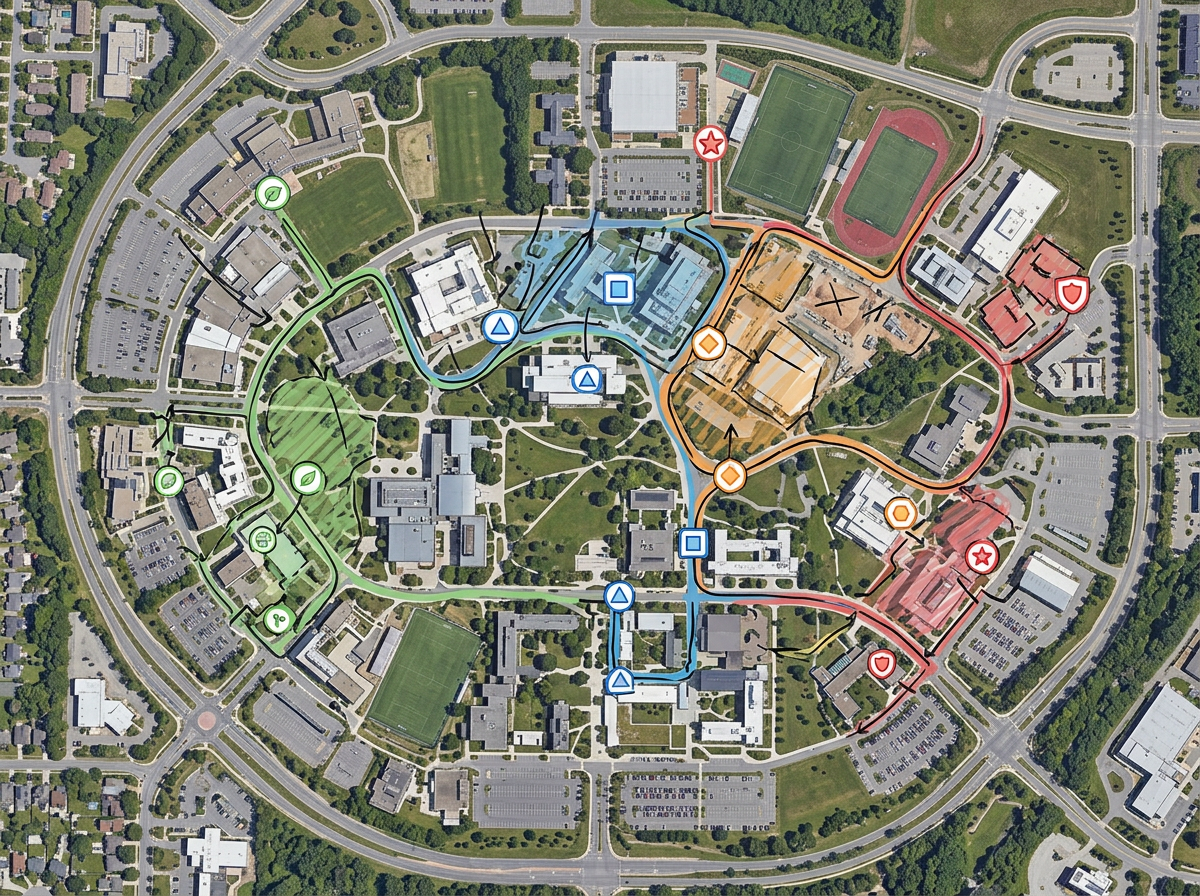
Drop a marker for each milestone. Update the color as the project moves through the phases. Share the map and let stakeholders click each pin for the latest status.
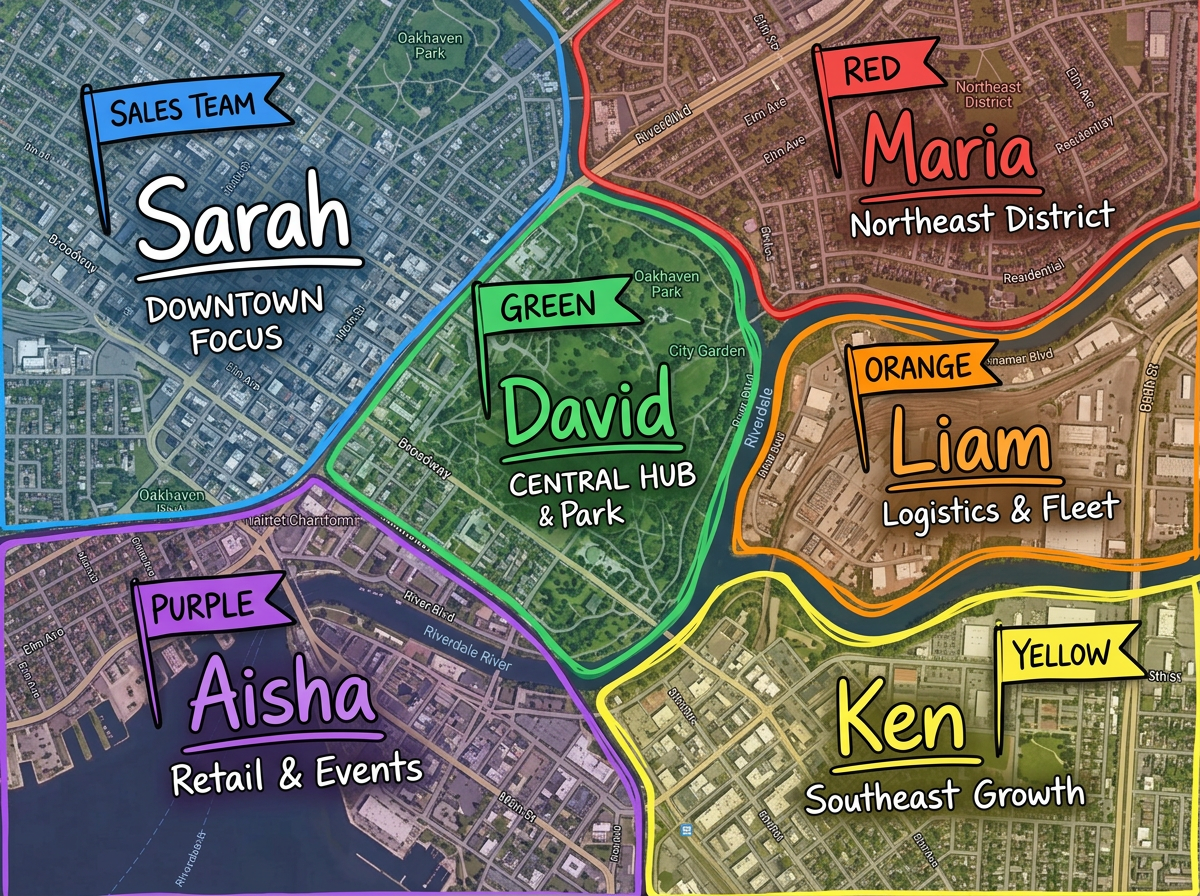
Split the project area between team leads. Send each lead a clickable map with their assigned zone. Use the Lite mobile web app at lite.scribblemaps.com so they can update the map from the field.
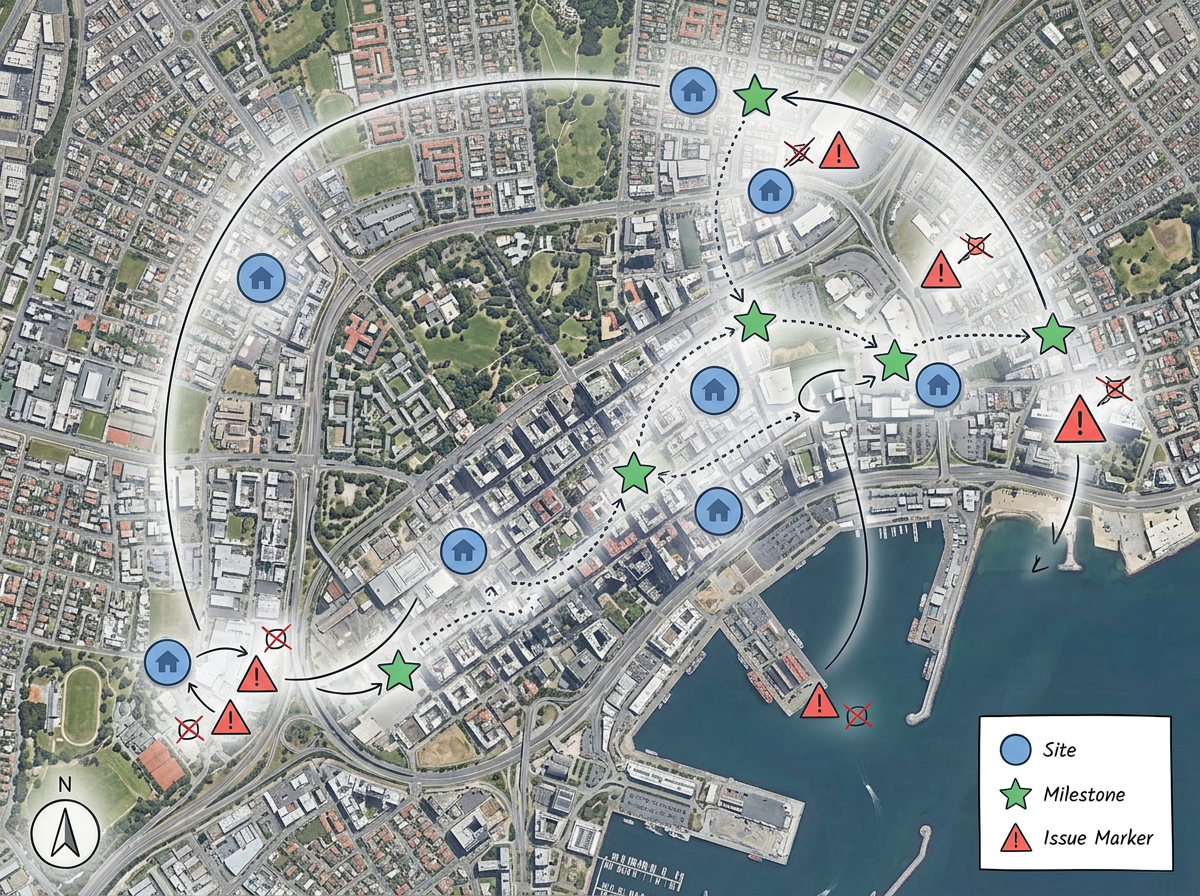
Build a project map for your next status meeting. Show every site, every milestone and every open issue on one view. Drop the link into a slide or send it as an email.
Scribble AI
Tell Scribble AI what you need. Try “draw a 500m buffer around every site,” “import this CSV and color by status,” or “measure the route from the depot to each stop.” It does it in seconds. No GIS training needed, and your team gets the same map, ready to share.
Try Scribble AI →★ ★ ★ ★ ★“It enables me to easily draw, label, and personalize maps without needing advanced GIS expertise.”
★ ★ ★ ★“Helps the user to import, overlay various data related to a location and draw it on the map and analyze it.”
★ ★ ★ ★ ★“One of the most commendable aspects of Scribble Maps is its range of map styles. The application caters to a multitude of use cases.”
Yes. Drop in a CSV with addresses or coordinates. Each site is geocoded and dropped on the map in one pass.
Yes. Click Share, copy the link and send it. They open it in any browser. No install and no account.
Yes. Use our Lite mobile web app at lite.scribblemaps.com. Field crews can drop pins, draw zones and check off tasks from their phone.
Yes. Scribble Maps is free for individuals and small teams. See the pricing page for larger projects, private maps and admin controls.
Yes. Export to PDF or PNG for slides, or to KML and GeoJSON for handing data off to another tool.