
 English
 Español
 Français
 Deutsch
 Português
 日本語
日本語
 中文
中文
 العربية
 한국어
한국어
 Italiano
 Русский
 Türkçe
 Nederlands
 Polski
 हिन्दी


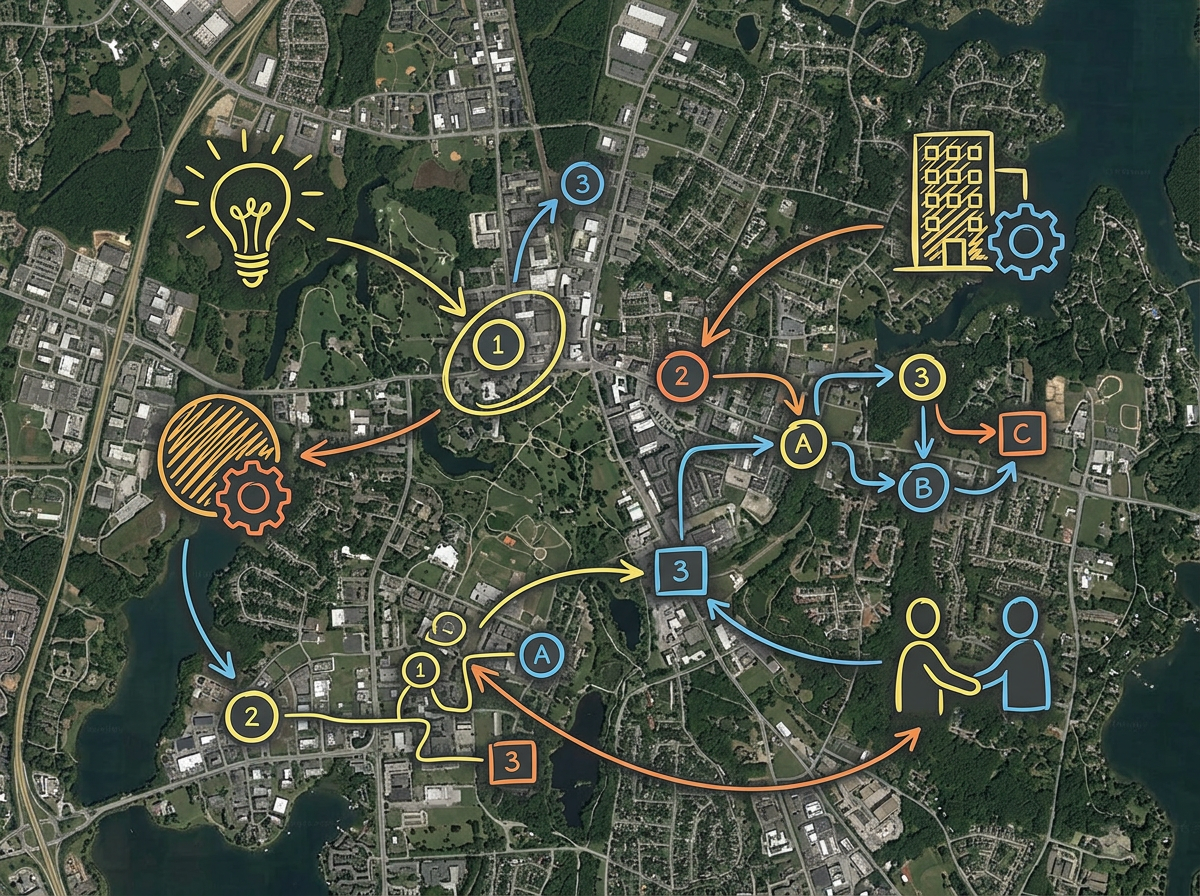
Quick concept maps
Sketch the first version of a concept map without firing up the full GIS. Draw, label and share in minutes.
Drop in your KML, Shapefile or GeoJSON. Mark it up in minutes and send a link to teammates who do not have a GIS license. Free to start.
 4.7 / 5 · 200 reviews on G2
★ ★ ★ ★ ★“I am the GIS Analyst for the city. Scribble Maps is a fantastic, easy-to-use, intuitive piece of software that has helped me share maps with departments that don't have GIS access.”
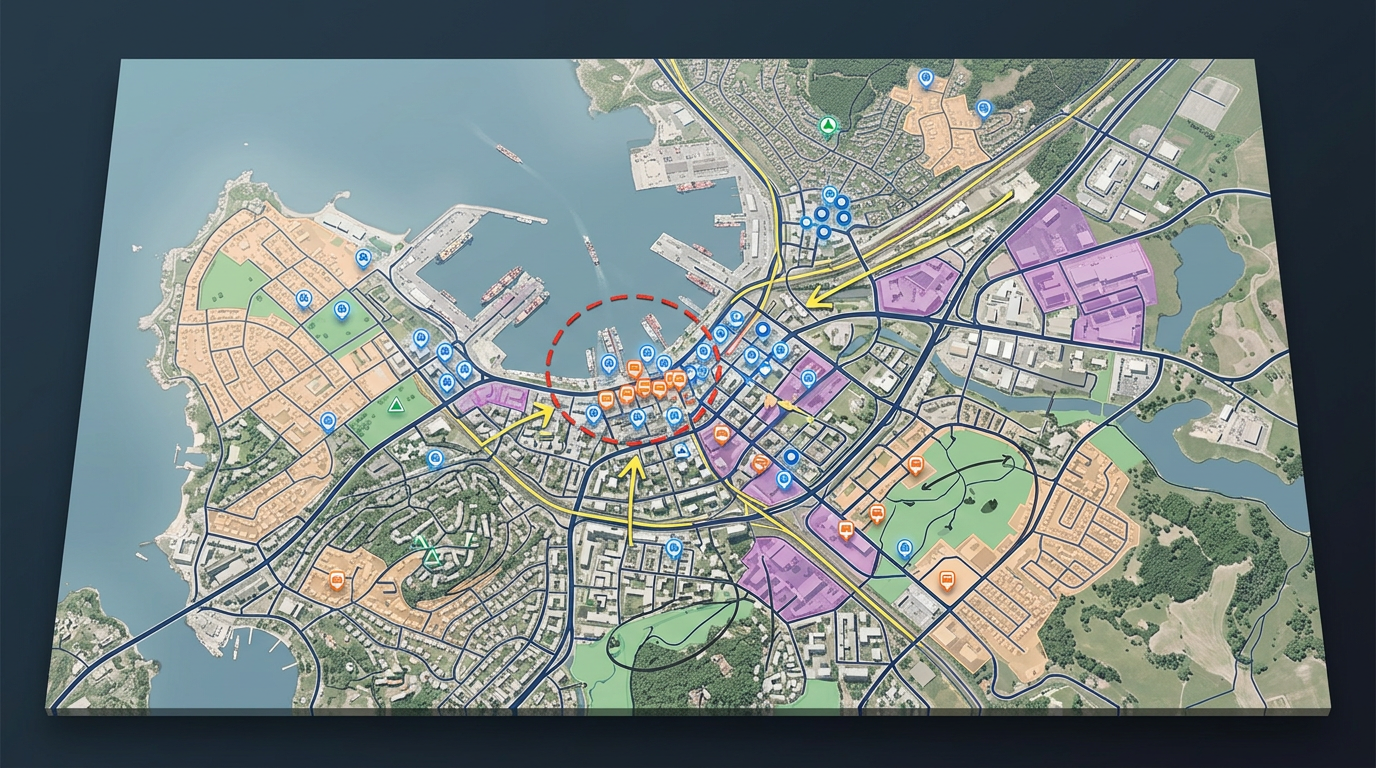
Drop in KML, Shapefile, GeoJSON, GPX or CSV. View your layers on a real basemap with the rest of the project.
Skip the heavy desktop tool for quick concept work. Draw, label and color code in a browser tab.
Send a link to a planner, a manager or a council member. They open it in any browser. No installs and no GIS license.
Sketch the first version of a concept map without firing up the full GIS. Draw, label and share in minutes.
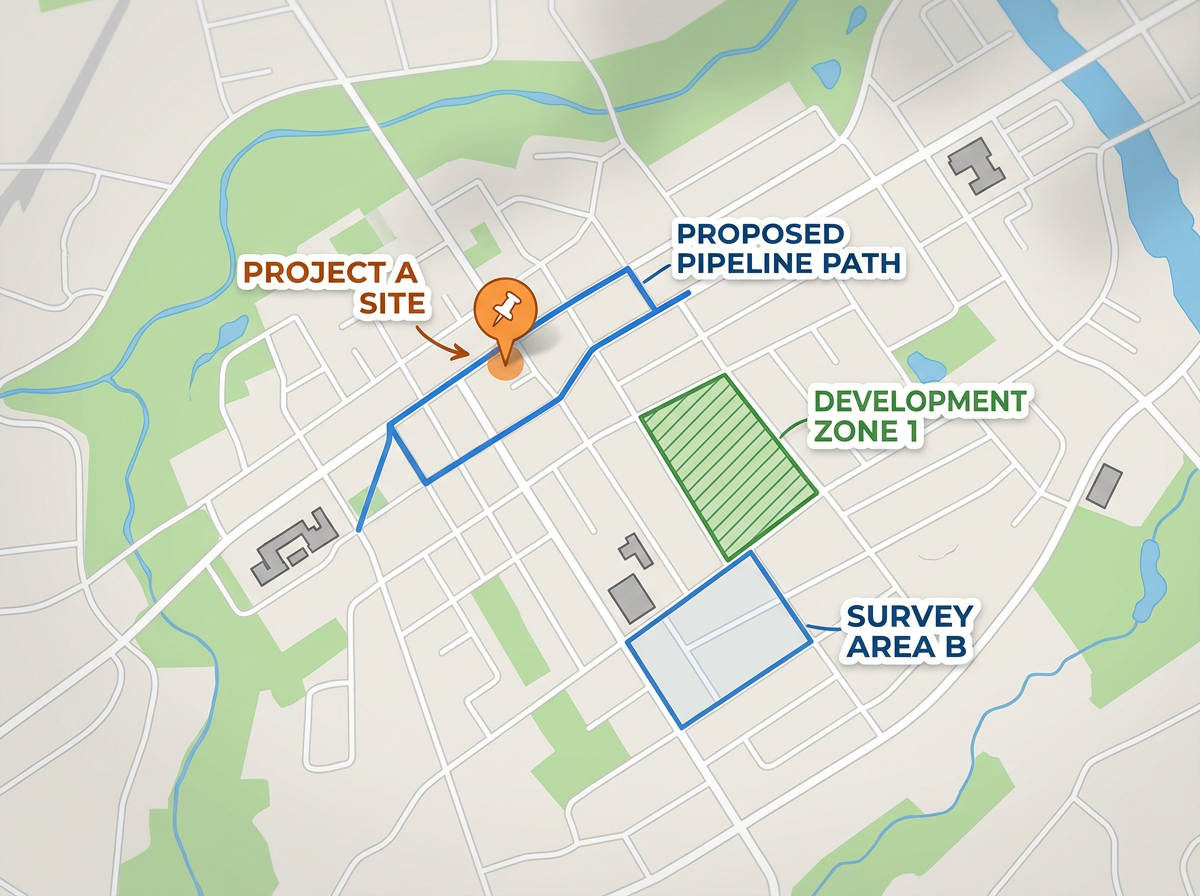
Build a map for a department that does not have GIS access. Send the link and let them click around the data without any training.
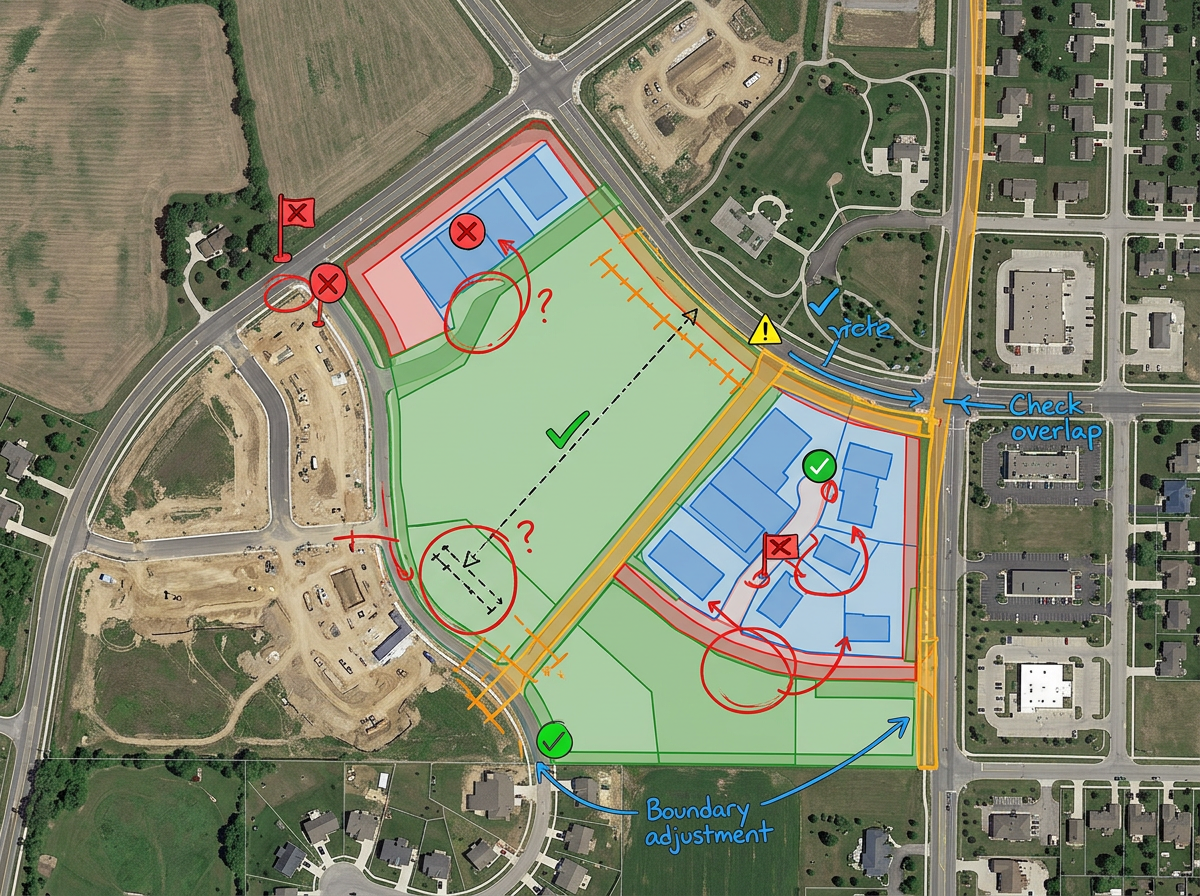
Drop in a Shapefile or GeoJSON to review the data on a real basemap. Spot the gaps before the layer goes into the official map.
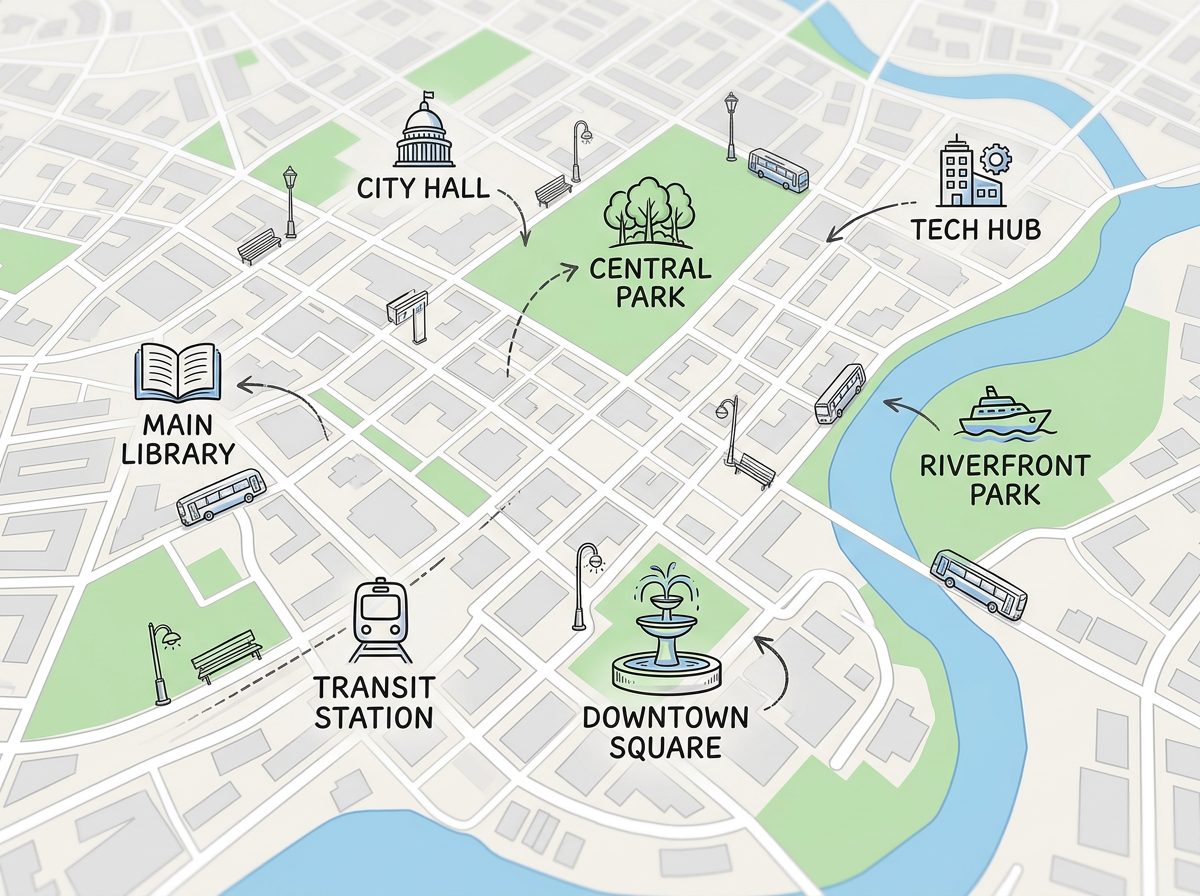
Embed a clean live map on a city site, a project page or a public dashboard. Update the source map and the embed shows the new view.
Scribble AI
Tell Scribble AI what you need. Try “draw a 500m buffer around every site,” “import this CSV and color by status,” or “measure the route from the depot to each stop.” It does it in seconds. No GIS training needed, and your team gets the same map, ready to share.
Try Scribble AI →★ ★ ★ ★ ★“I am the GIS Analyst for the city. Scribble Maps is a fantastic, easy-to-use, intuitive piece of software that has helped me share maps with departments that don't have GIS access.”
★ ★ ★ ★“Helps the user to import, overlay various data related to a location and draw it on the map and analyze it.”
Yes. Drop in KML, Shapefile, GeoJSON, GPX or CSV and view your layers on a real basemap.
Yes. Click Share, copy the link and send it. They open it in any browser. No install and no account.
Yes. Copy the embed code and drop it into your page. Update the source map and the embed shows the new view.
Yes. Scribble Maps is free for individuals and small teams. See the pricing page for larger imports, private maps and admin controls.
Yes. Export to KML or GeoJSON and bring the data back into ArcGIS, QGIS or any other tool.