 English
 Español
 Français
 Deutsch
 Português
 日本語
日本語
 中文
中文
 العربية
 한국어
한국어
 Italiano
 Русский
 Türkçe
 Nederlands
 Polski
 हिन्दी
 Dansk
Dansk
 Čeština
 Română
 Ελληνικά
 Tiếng Việt
 Suomi
Suomi
 Українська
 Indonesia
 Svenska
 Norsk bokmål
 Hrvatski
 Magyar
 Български


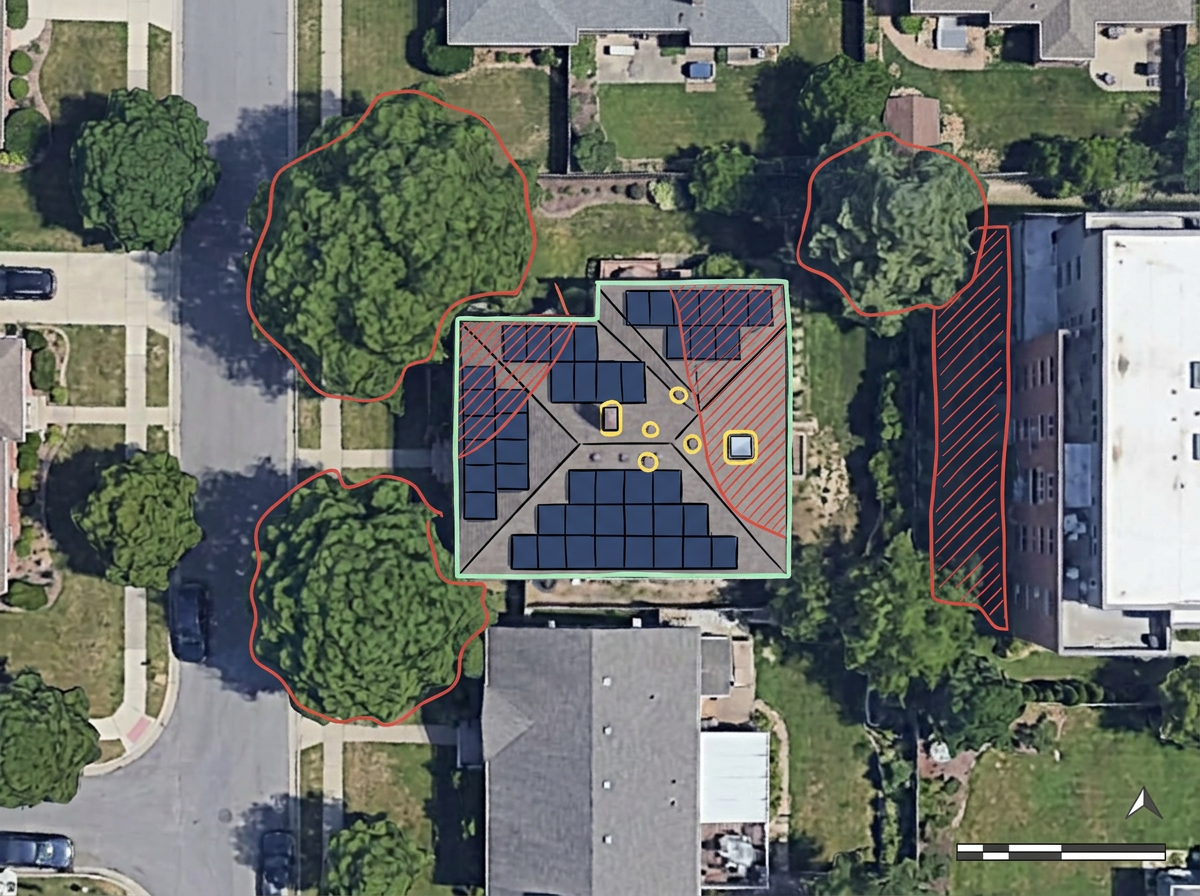
Rooftop solar reports and panel layouts
Point the crosshairs at a house, get the report, and share a map that shows every modeled panel on the real roof. The report stays on the map, so it prints and exports with it.

Center the map on a house or building and click Get Report Here. ScribbleMaps places the modeled solar panels on the roof, adds a full solar report beside it, and crops the map to the project. Built for installers, sales teams and community-solar developers.
 4.7 / 5 · 200 reviews on G2
★ ★ ★ ★ ★“Easy to use to plan field layouts for planting new orchards on slopes.”
Get yearly energy, panel count, roof faces, sun exposure and savings for a building. The panels are drawn on the roof for you.
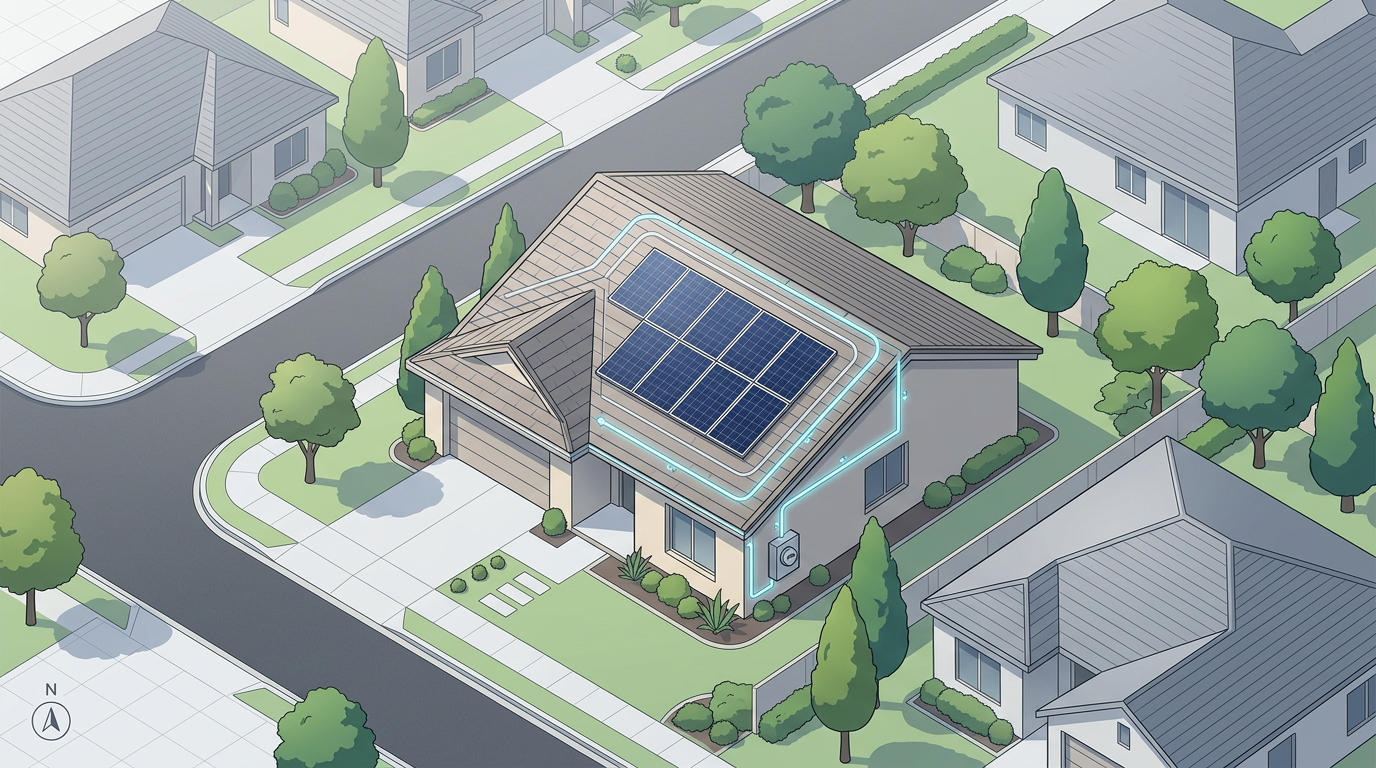
Sketch array footprints, inverter pads and interconnection paths over satellite imagery. No CAD program required.
Send a clean site assessment to the install crew or the homeowner. They open it in a browser. No install, no account.
Point the crosshairs at a house, get the report, and share a map that shows every modeled panel on the real roof. The report stays on the map, so it prints and exports with it.
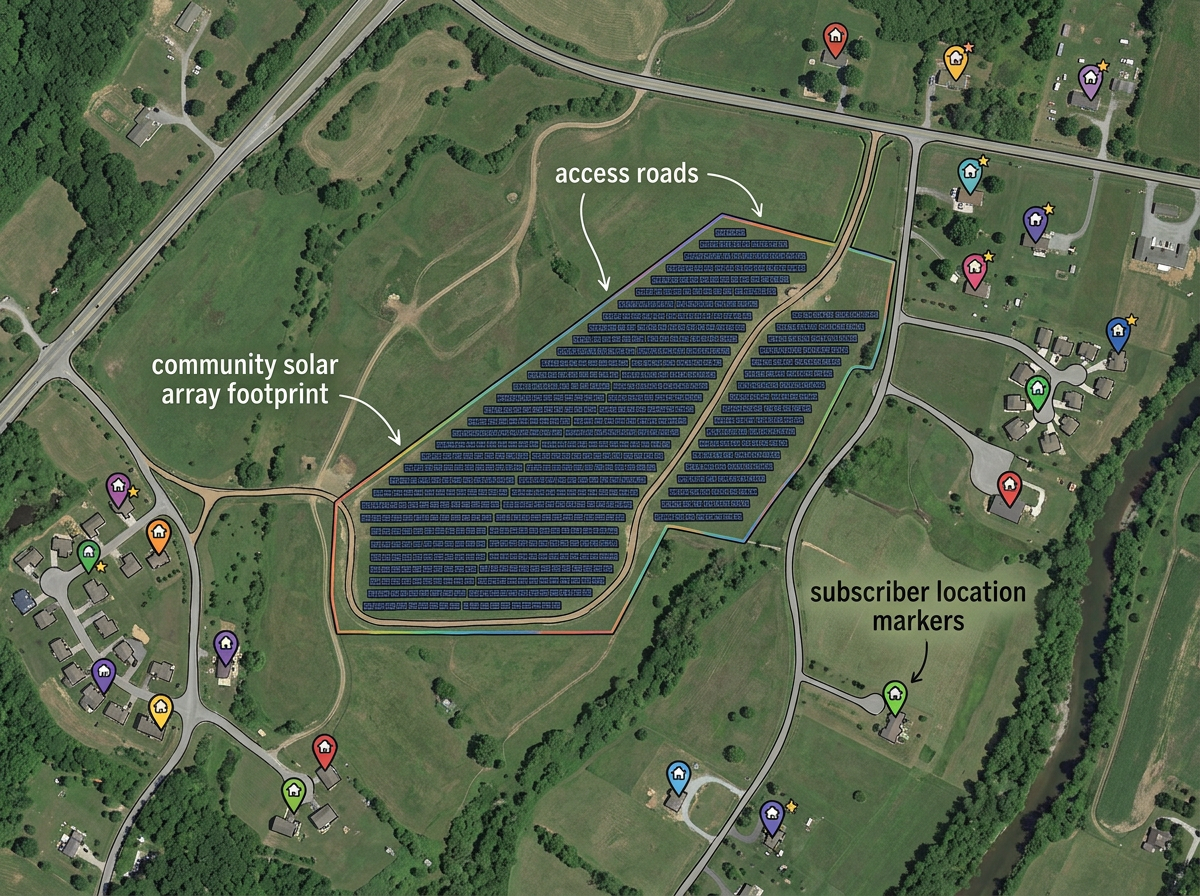
Draw the community-solar host parcel, lay out the array, mark access roads and share with subscribers and the utility.
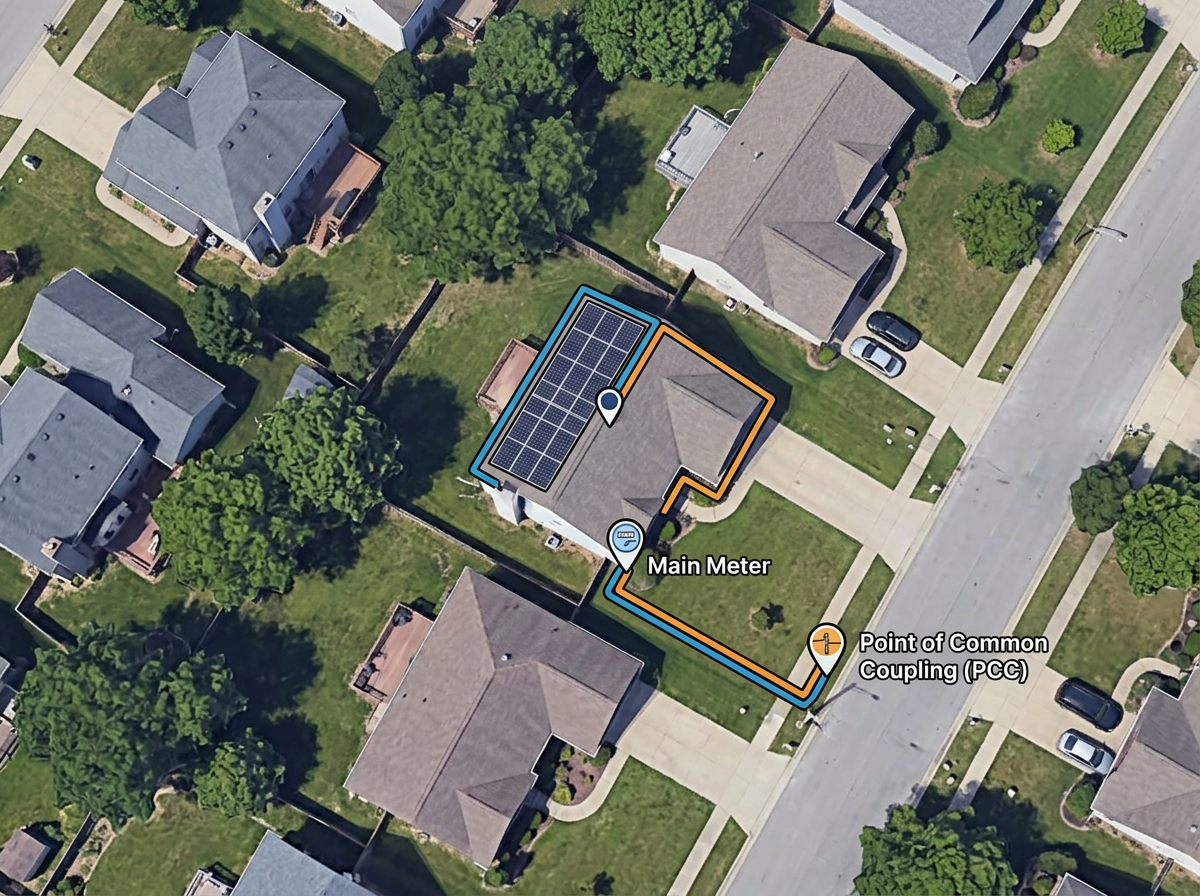
Sketch the interconnection path from the array to the meter and the point of common coupling for the utility application.
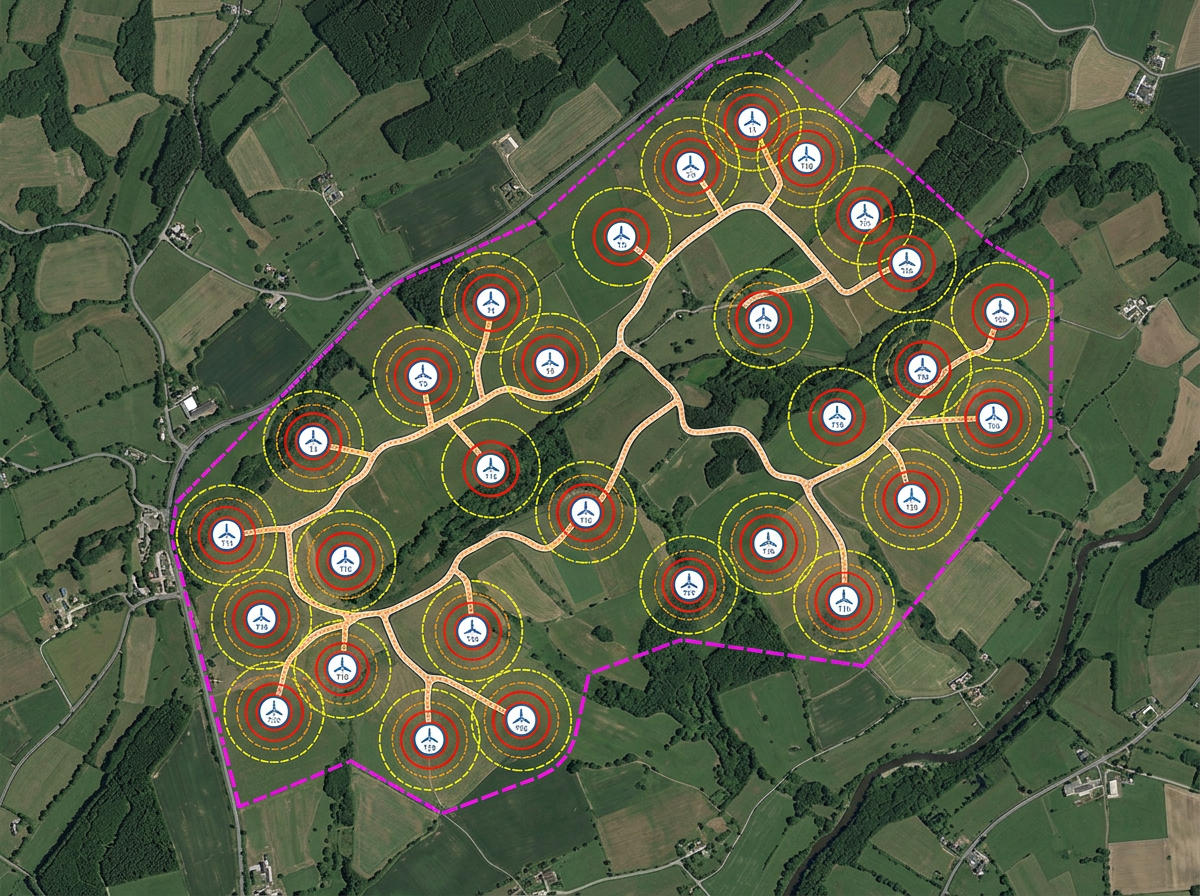
Sketch turbine layouts, micro-hydro intakes or other renewable site features and share with engineers and landowners.
Scribble AI
Tell Scribble AI what you need. Try “draw a 500m buffer around every site,” “import this CSV and color by status,” or “measure the route from the depot to each stop.” It does it in seconds. No GIS training needed, and your team gets the same map, ready to share.
Try Scribble AI →★ ★ ★ ★ ★“Easy to use to plan field layouts for planting new orchards on slopes.”
★ ★ ★ ★ ★“As a civil engineer Scribble maps helps me to reach more customers. It gave a wonderful output, it attracts more customers than previous and got lots of good comments for that map.”
Add the Solar Analysis kit from the Launch Pad or Maps & Data. Center the crosshairs on the house and click Get Report Here. The panels, the report and a cropped map view are added in one step.
Solar Analysis is part of Pro Business. You can still sketch arrays, setbacks and interconnection paths by hand on any plan.
Bill scenarios and savings come from Google Solar and are only available for US addresses. Energy, panels and roof details are available wherever Google has solar data.
Yes. Switch to satellite or hybrid view, zoom to the address and draw the array footprint as a polygon. Save and share with the customer in one click.
Yes. Click Share, copy the link and email it to the customer. They open it in any browser. No install, no account.
Yes. Import KML, Shapefile, GeoJSON or CSV. Layer parcels, easements and existing systems onto satellite imagery.
Yes. Export any map to PDF or PNG at any zoom level for the customer packet or installer file.