 English
 Español
 Français
 Deutsch
 Português
 日本語
日本語
 中文
中文
 العربية
 한국어
한국어
 Italiano
 Русский
 Türkçe
 Nederlands
 Polski
 हिन्दी
 Dansk
Dansk
 Čeština
 Română
 Ελληνικά
 Tiếng Việt
 Suomi
Suomi
 Українська
 Indonesia
 Svenska
 Norsk bokmål
 Hrvatski
 Magyar
 Български


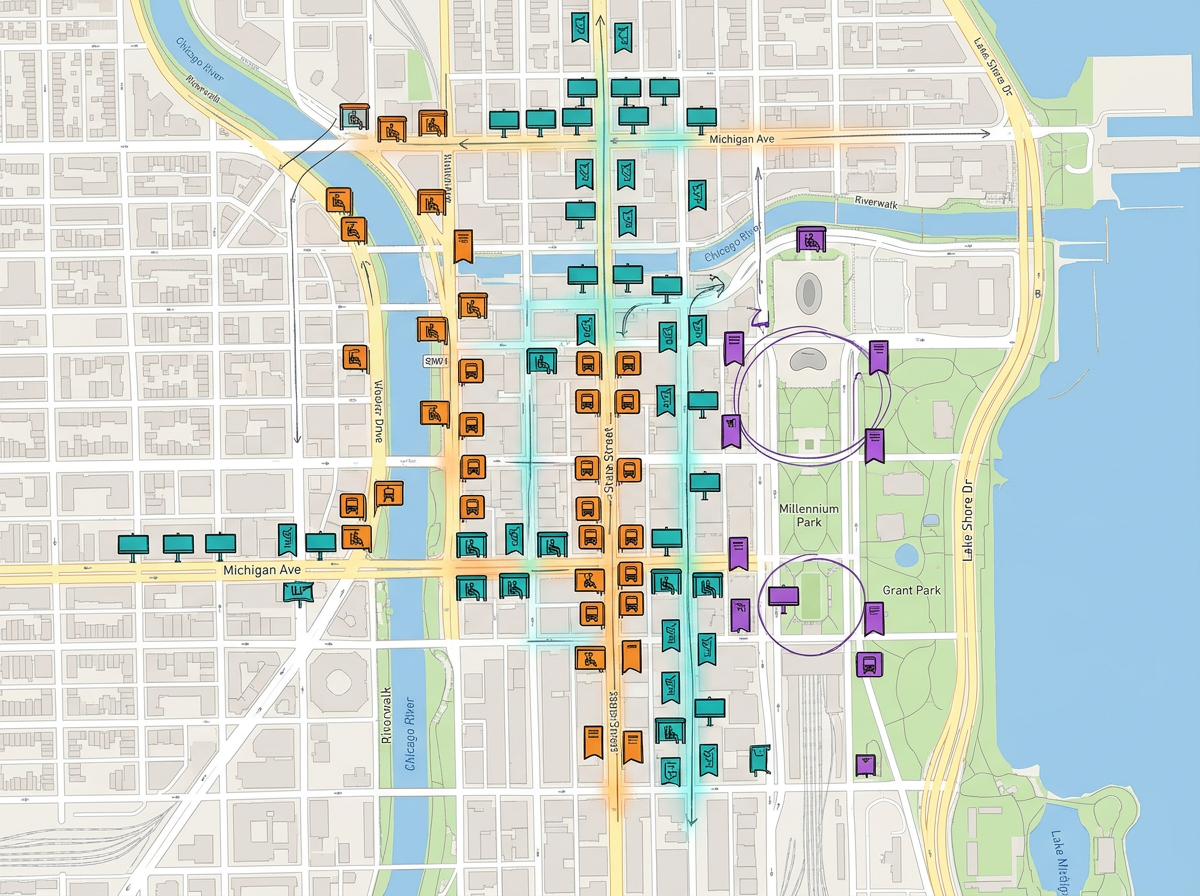
OOH and outdoor placements
Plot every billboard, transit shelter or wallscape. Color by creative, route the impressions and brief the planning team.

Plot placements, organize campaign zones and share a clear map with your client. Explore Pro plans for your workflow.
 4.7 / 5 · 200 reviews on G2
★ ★ ★ ★“They pay attention to details like being able to link pictures and videos to my map.”
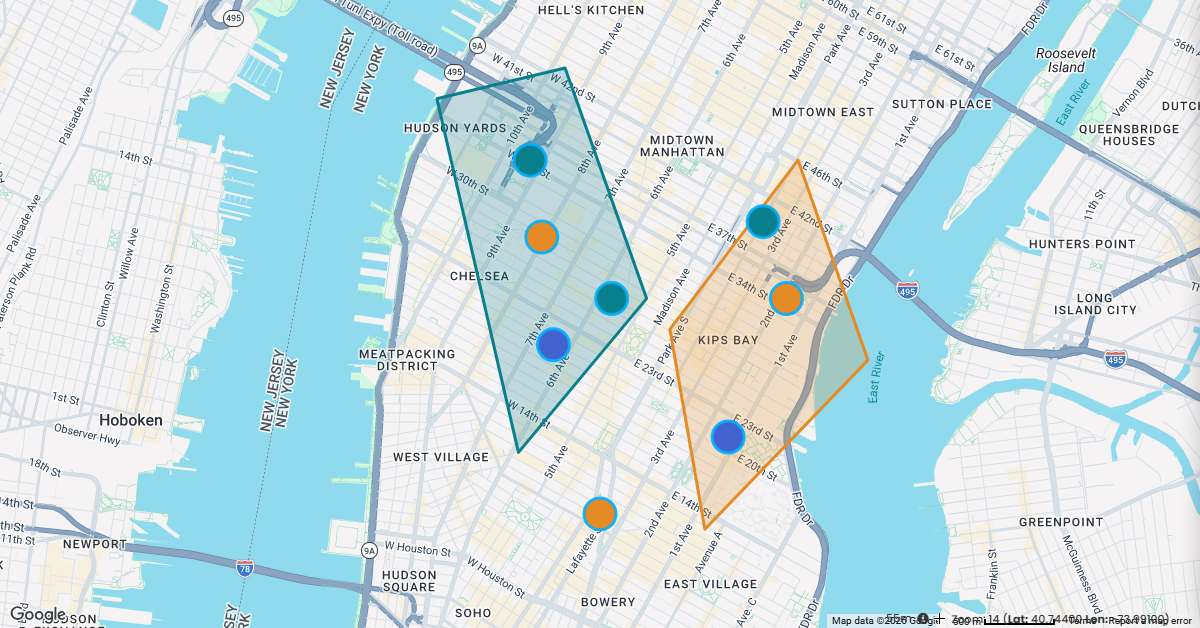
Plot OOH placements, draw geo-targeted zones and color by creative variant. No design tool, no GIS license.
Export to PNG or PDF for the pitch deck, or share by link with the client. They open it in any browser.
Map a CSV of OOH placements, store locations or audience data. Every row geocodes onto the map automatically.
Plot every billboard, transit shelter or wallscape. Color by creative, route the impressions and brief the planning team.
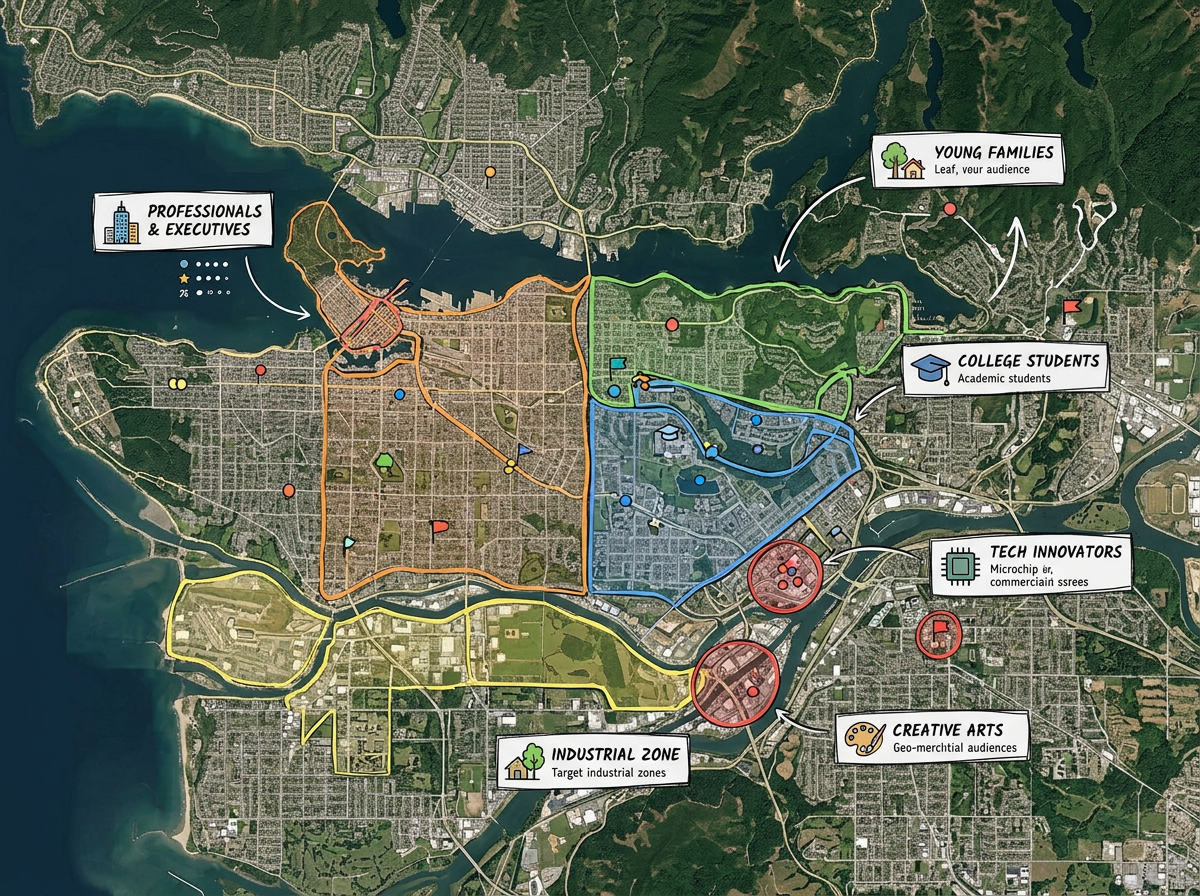
Draw the geo-targeted polygons for paid social, search radius or programmatic. Share with the buying team.
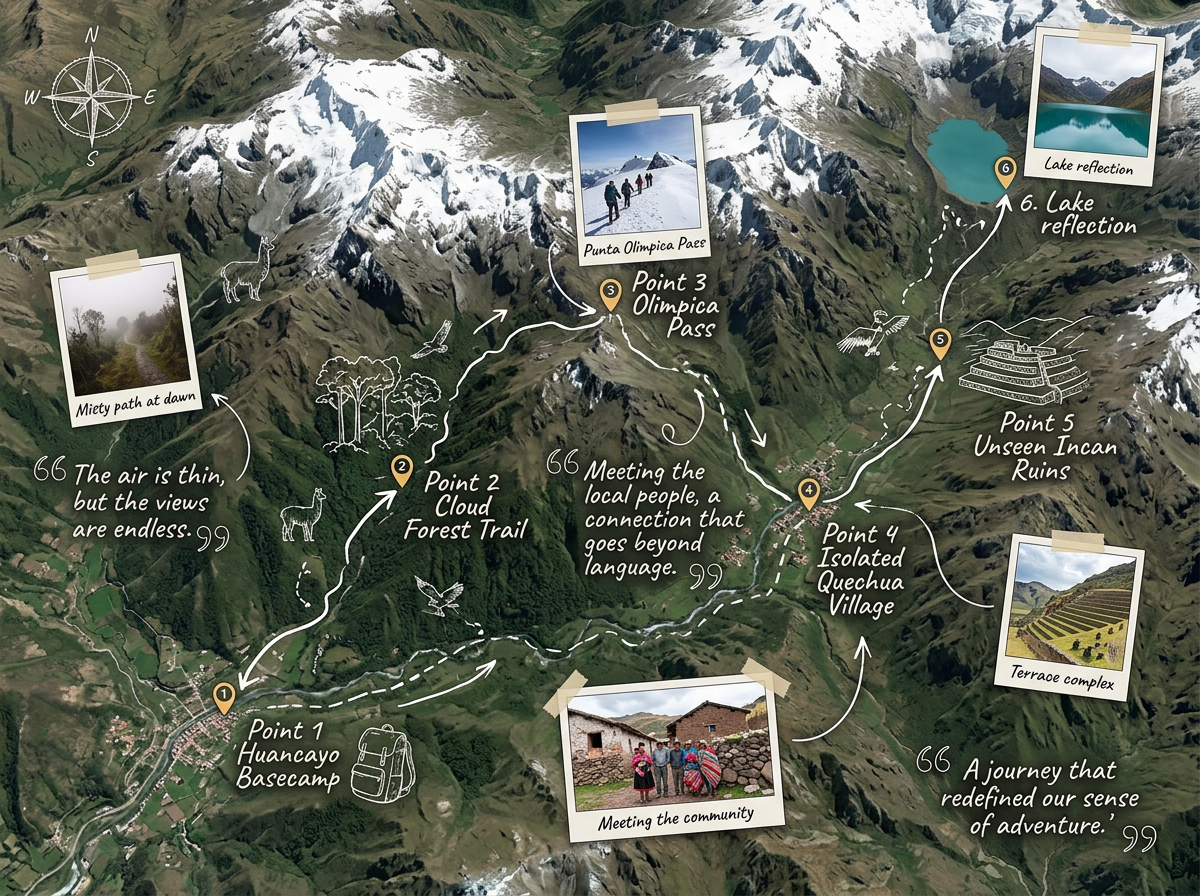
Build editorial story maps for journalism, data journalism and brand storytelling. Embed in any CMS.
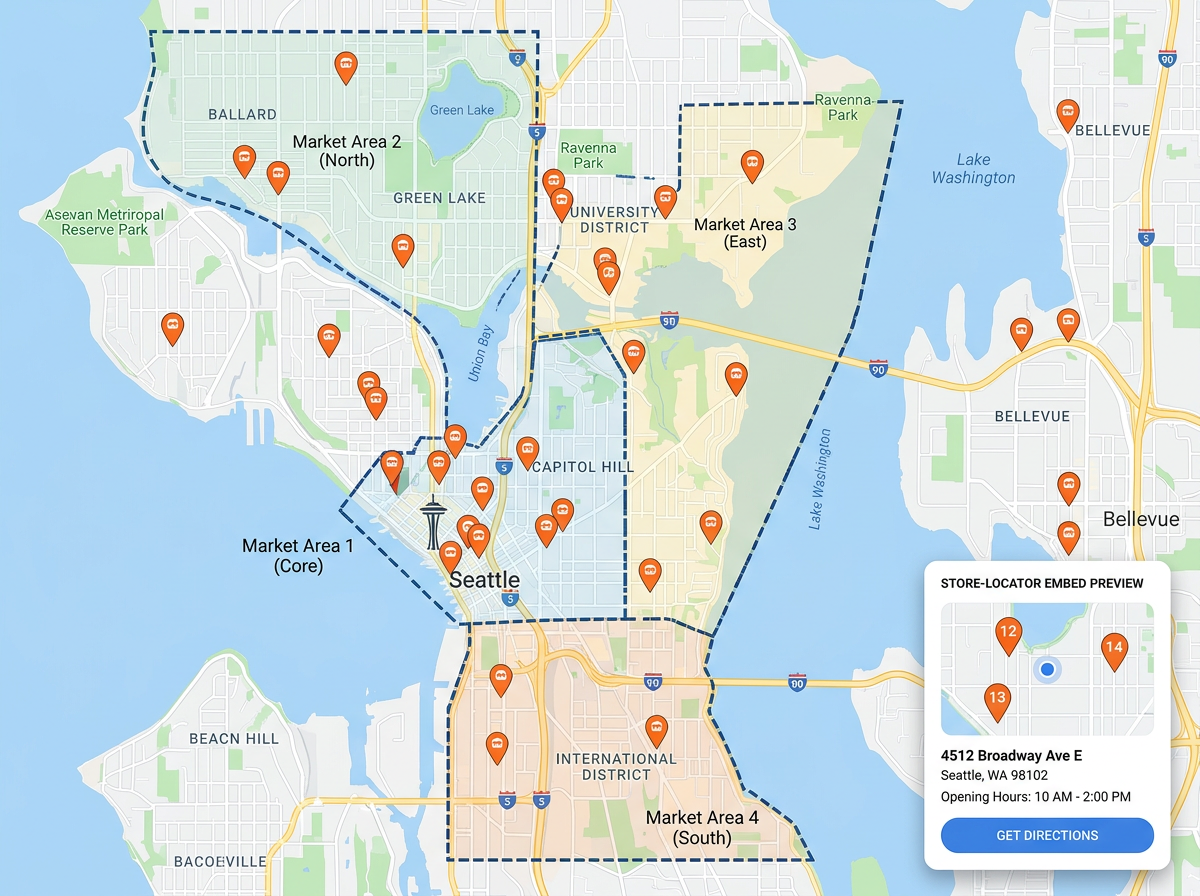
Plot retail locations, draw market boundaries and embed a store locator on the brand website.
Scribble AI
Tell Scribble AI what you need. Try “draw a 500m buffer around every site,” “import this CSV and color by status,” or “measure the route from the depot to each stop.” It does it in seconds. No GIS training needed, and your team gets the same map, ready to share.
Try Scribble AI →★ ★ ★ ★“They pay attention to details like being able to link pictures and videos to my map.”
★ ★ ★ ★“I like the robustness of all the features I have access to. I can do almost anything I need on it.”
Yes. Export any map at any zoom level to PNG or PDF for the pitch deck or client packet.
Yes. Custom markers can include photos, videos and links to creative assets.
Yes. Generate an embed code and paste it into any CMS or article.
Yes. Scribble Maps supports private maps and password protection. Click Share and send the link.
Yes. Turn on Traffic Intelligence and click the road in front of any billboard face to see its AADT, peak hour, and hourly traffic. Available on Pro Business for US roads, with no separate data contract.