
 English
 Español
 Français
 Deutsch
 Português
 日本語
日本語
 中文
中文
 العربية
 한국어
한국어
 Italiano
 Русский
 Türkçe
 Nederlands
 Polski
 हिन्दी


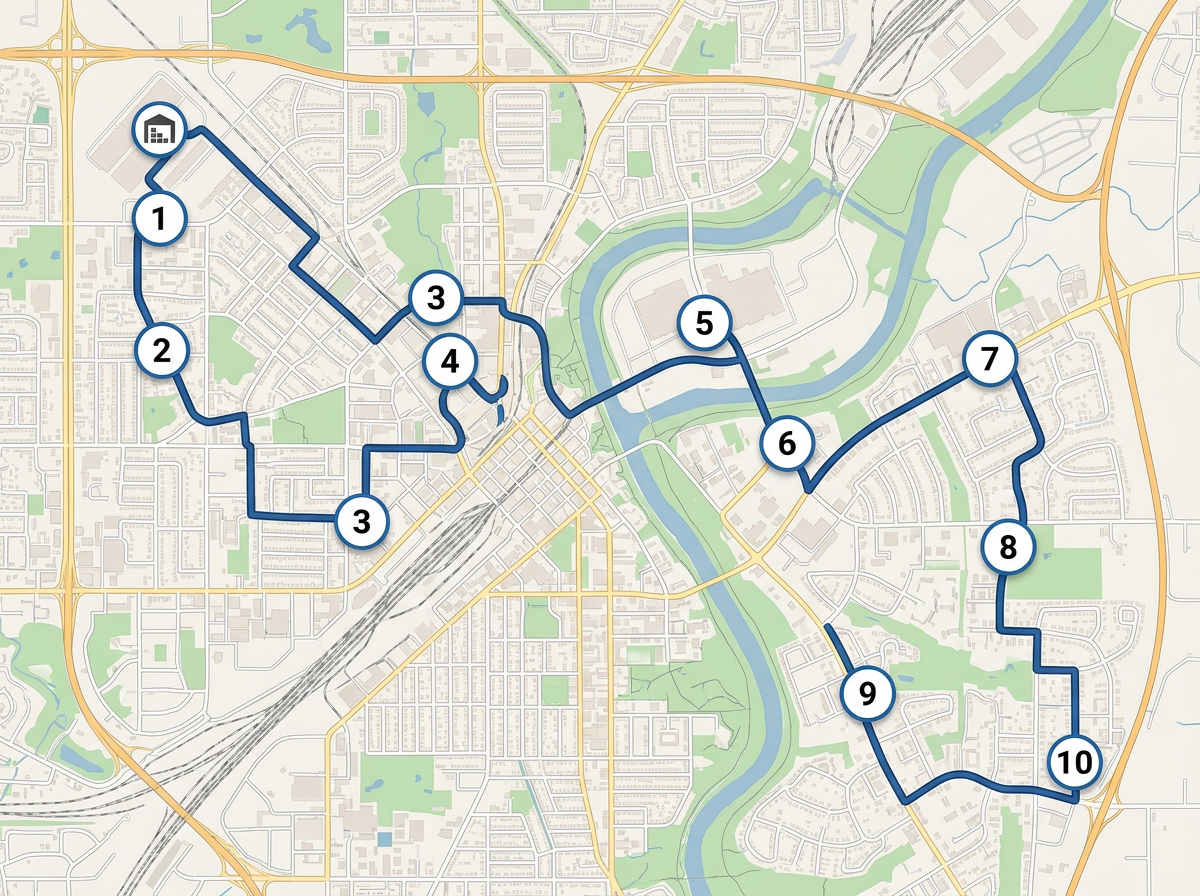
Daily route optimization
Drop the day's stops, run route optimization to order them and send a clickable map to the driver.
Map service areas, optimize daily stops and send a clickable route to every driver. Built for the carriers, 3PLs and dispatchers who don't need an enterprise TMS.
 4.7 / 5 · 200 reviews on G2
★ ★ ★ ★“We used Scribble Maps for route planning for our logistics requirement and the ease of use was fantastic. Also helped in saving time in creating presentations.”
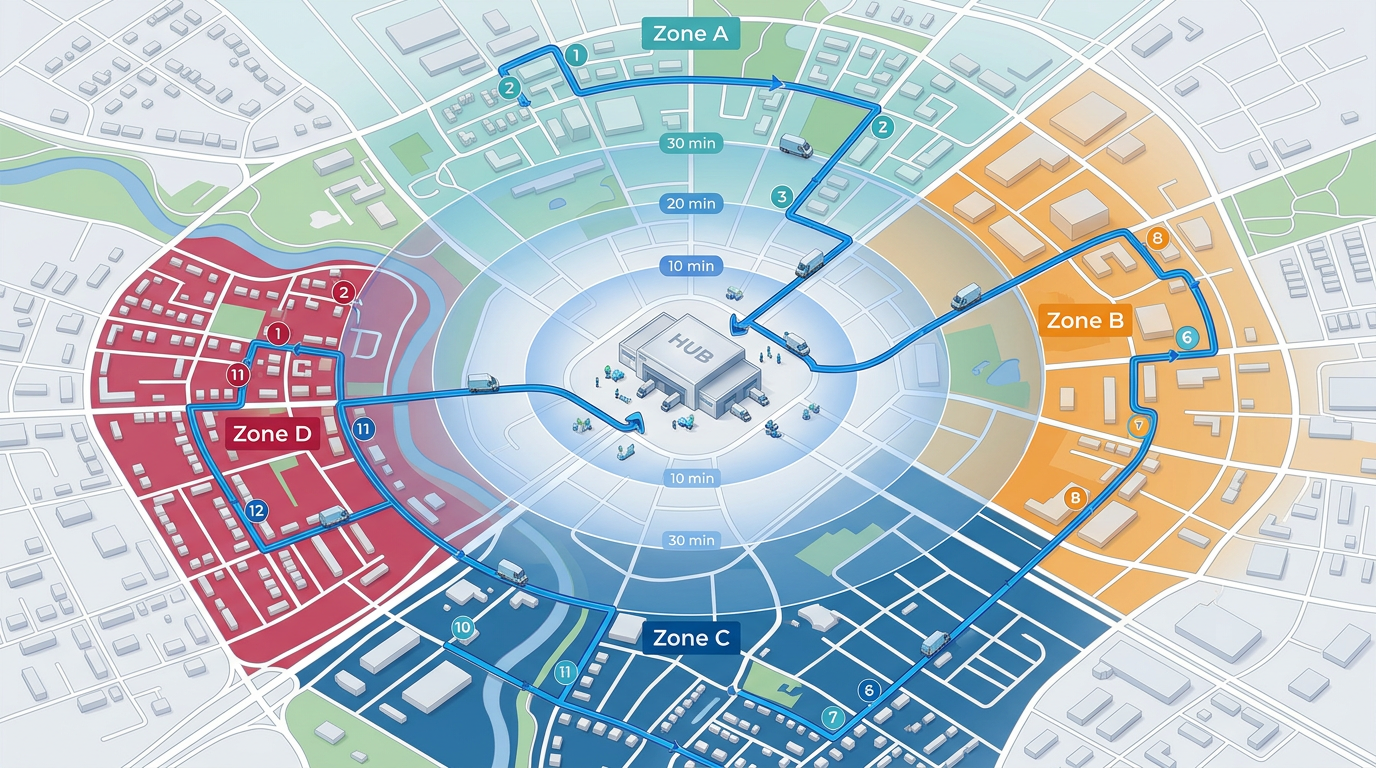
Draw your delivery footprint, mileage rings and driver territories on a satellite view. Color by zone, route or rate.
Click Share, copy the link and text it to the driver. They open it on their phone. No app, no install.
Paste a stop list from Excel or import a CSV. Every address geocodes onto the map and you can run route optimization in one click.
Drop the day's stops, run route optimization to order them and send a clickable map to the driver.
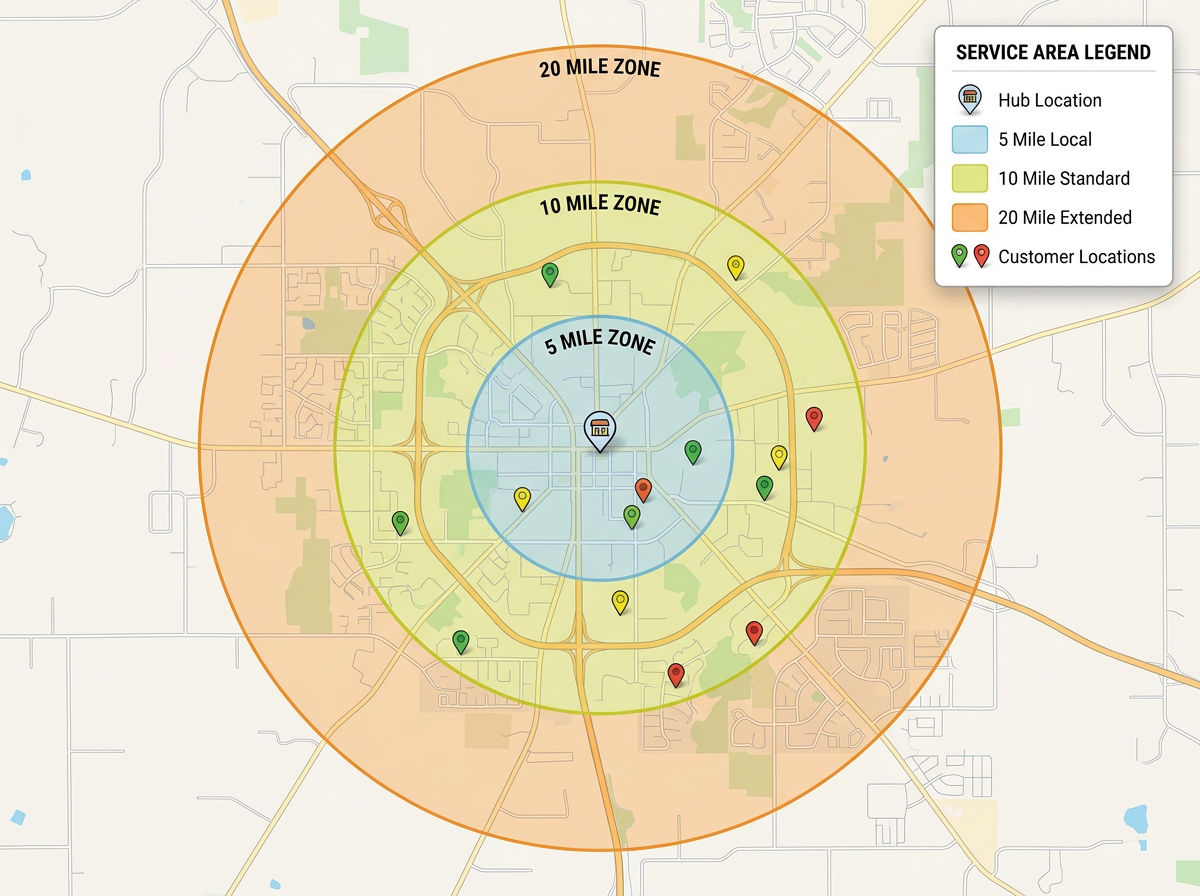
Draw your service area or mileage tiers and share with customers so they know what's in range and what's not.
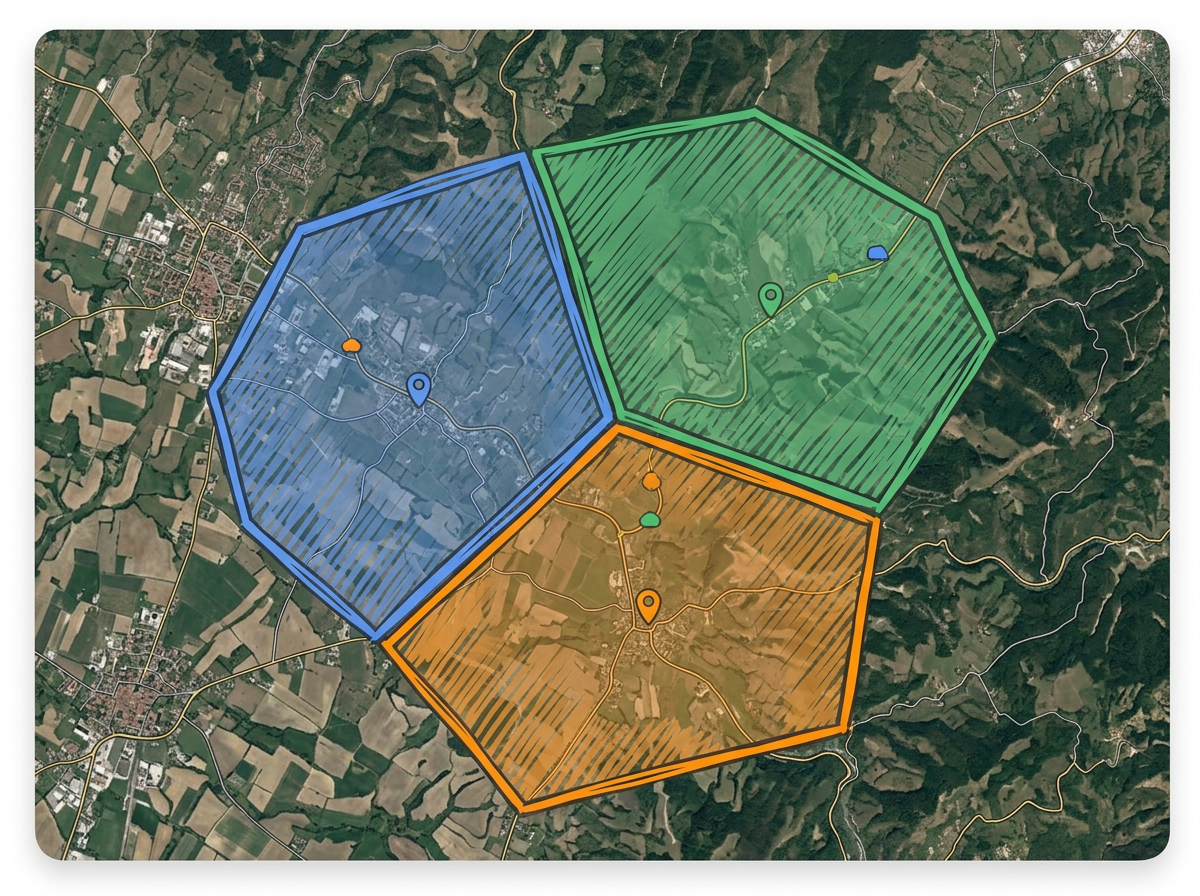
Color-code each driver's territory so dispatch never double-books a stop and drivers see only their assigned area.
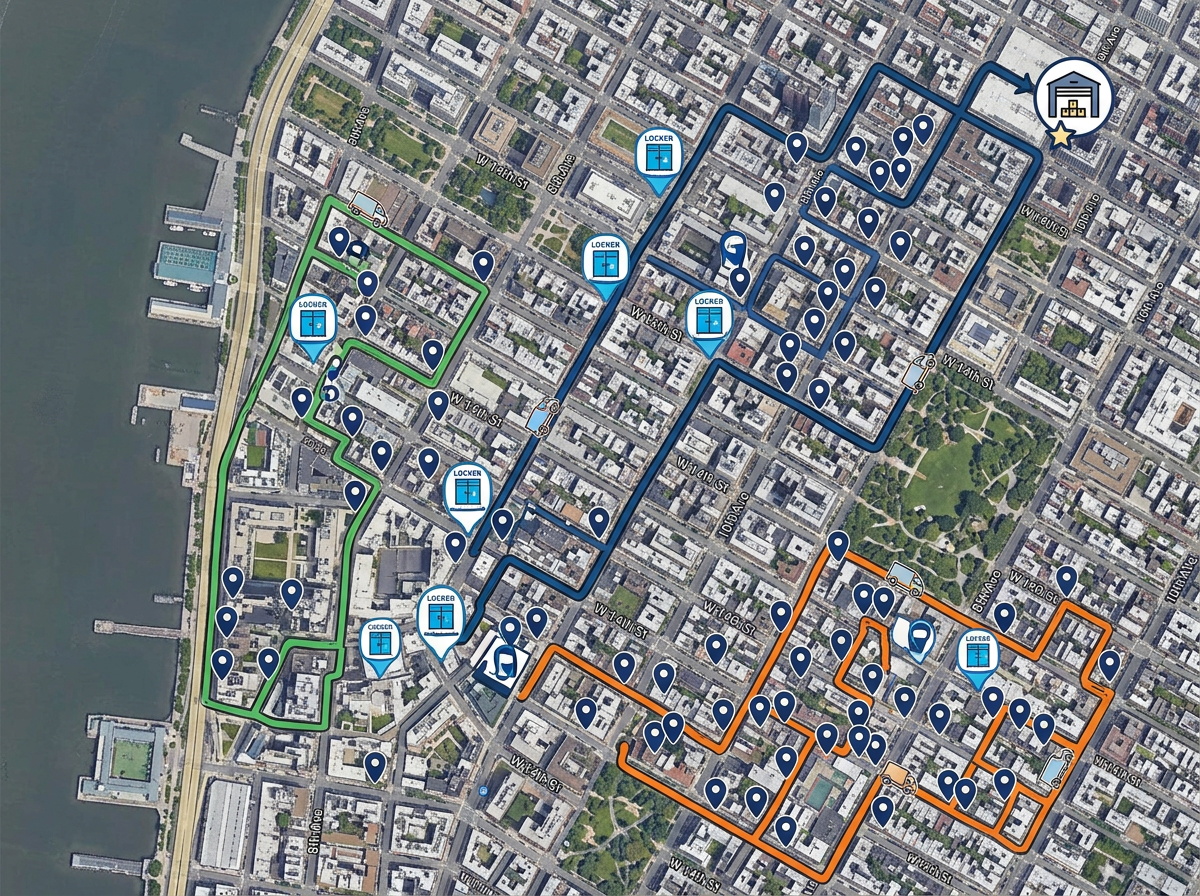
Map every drop-off point, pickup locker and customer location and share with the field team in one link.
Scribble AI
Tell Scribble AI what you need. Try “draw a 500m buffer around every site,” “import this CSV and color by status,” or “measure the route from the depot to each stop.” It does it in seconds. No GIS training needed, and your team gets the same map, ready to share.
Try Scribble AI →★ ★ ★ ★“We used Scribble Maps for route planning for our logistics requirement and the ease of use was fantastic. Also helped in saving time in creating presentations.”
★ ★ ★ ★ ★“Created travel maps for my guys very quick and with amazing details. I can print large sharp images of travel lines.”
Yes. Scribble Maps supports route optimization. Drop your stops on the map and click Optimize. Scribble Maps reorders them for the shortest drive.
Yes. Click Share, copy the link and text it to the driver. They open it in any mobile browser. No app required.
Yes. Paste from a spreadsheet or import a CSV. Every address geocodes onto the map automatically.
Free to start. Route optimization and BI tools are available on paid options. See the pricing page for details.